NETGEAR is aware of a growing number of phone and online scams. To learn how to stay safe click here.
Forum Discussion

CaraBethP
Apr 13, 2019Tutor
Multiple problems- RBR-50
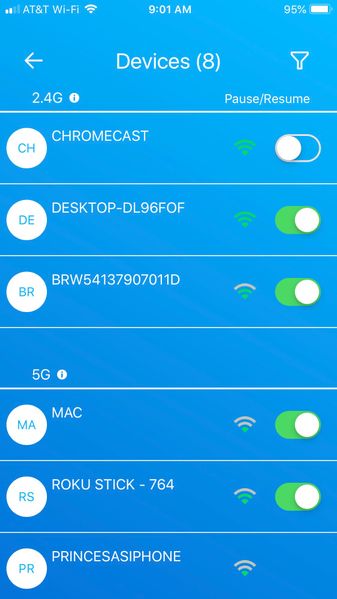
Good morning- My tech experience level is medium. I was a tech director of a school but never worked with wireless. I have several questions. Hope someone will have patience with my detailed explanat...
- Apr 16, 2019
I finally have my problem fixed. It was all Spectrum and they had to visit 5x to get stuff working. The final quality control guy told us that Orbi is the best technology to use on a home network.

FURRYe38
Apr 13, 2019Guru - Experienced User
What FW is currently loaded?
What is the Mfr and model# of the ISP modem the NG router is connected too? Built in router and wifi here by chance?
This would be a double NAT condition and additional WiFi signals which isn't recommended. Couple of options,
1. Configure the modem for transparent bridge mode. Then use the Orbi router in router mode. You'll need to contact the ISP for help and information in regards to the modem being bridged correctly.
2. If you can't bridge the modem, disable ALL wifi radios on the modem, configure the modems DMZ or IP Pass-Through for the IP address the Orbi router gets from the modem. Then you can use the Orbi router in Router mode.
3. Or disable all wifi radios on the modem and connect the Orbi router to the modem, configure AP mode on the Orbi router. https://kb.netgear.com/31218/How-do-I-configure-my-Orbi-router-to-act-as-an-access-point and https://www.youtube.com/watch?v=H7LOcJ8GdDo&app=desktop
Is the Orbi system operating in Router or AP mode?
What is the size of your home? Sq Ft?
What is the distance between the router and satellite(s)? 30 feet is recommended in between them to begin with depending upon building materials when wirelessly connected.
CaraBethP
Apr 13, 2019Tutor
FURRYe38 wrote:
What FW is currently loaded? 2.3.1.44
What is the Mfr and model# of the ISP modem the NG router is connected too? Built in router and wifi here by chance? Technicolor TC8717T / Yes, built in WIFI /
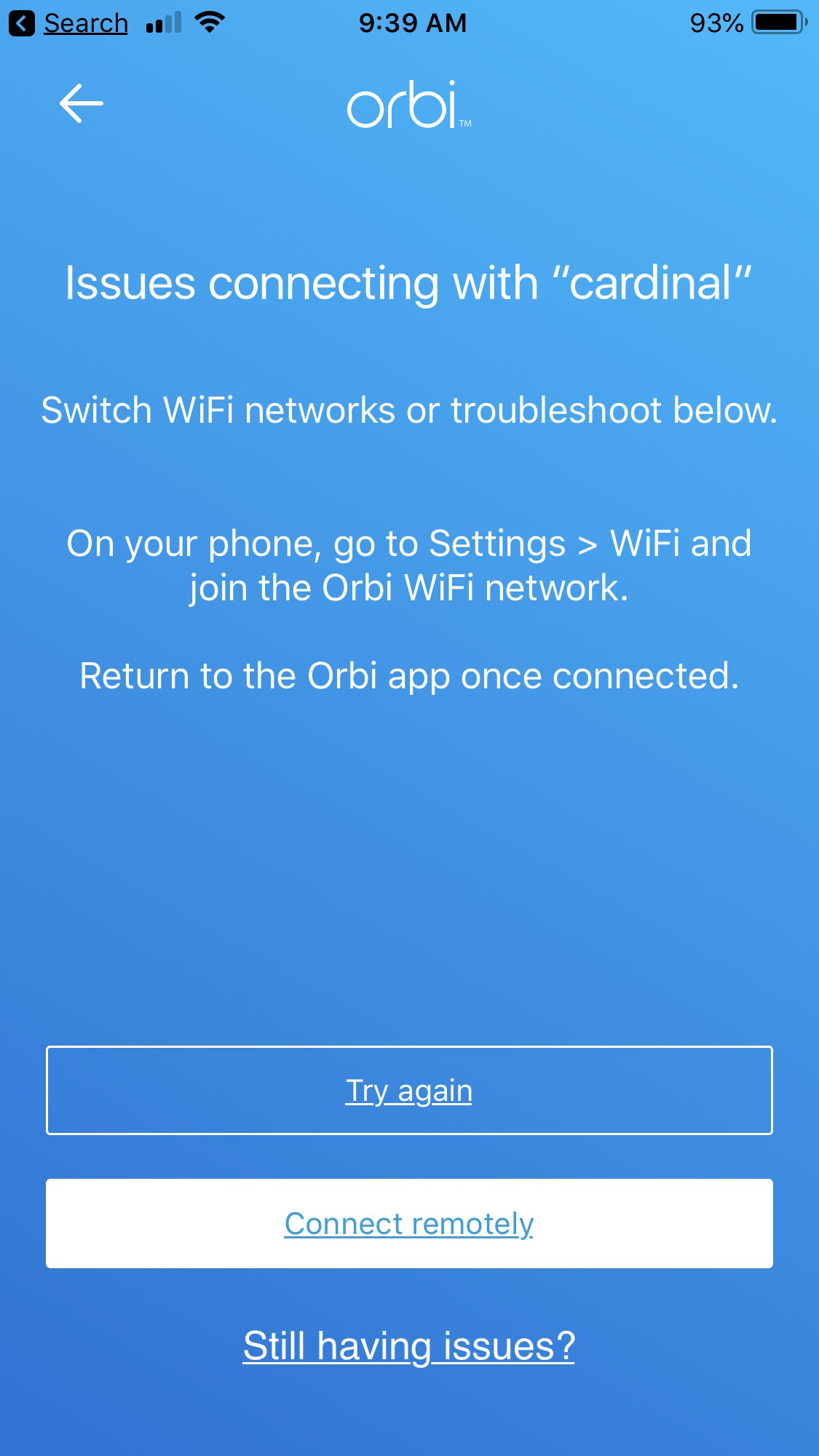
Ive seen your recommended advice (similar to below) on other posts. I want to try them. But I am unable to login to the Orbi via a web browser on my desktop even after clearning my web cache. I don't know about the router question.
I cannot try any of the below until I can login to the Orbi on my desktop.
Thank you!!!!!
This would be a double NAT condition and additional WiFi signals which isn't recommended. Couple of options,
1. Configure the modem for transparent bridge mode. Then use the Orbi router in router mode. You'll need to contact the ISP for help and information in regards to the modem being bridged correctly.
2. If you can't bridge the modem, disable ALL wifi radios on the modem, configure the modems DMZ or IP Pass-Through for the IP address the Orbi router gets from the modem. Then you can use the Orbi router in Router mode.
3. Or disable all wifi radios on the modem and connect the Orbi router to the modem, configure AP mode on the Orbi router. https://kb.netgear.com/31218/How-do-I-configure-my-Orbi-router-to-act-as-an-access-point and https://www.youtube.com/watch?v=H7LOcJ8GdDo&app=desktop
Is the Orbi system operating in Router or AP mode?
What is the size of your home? Sq Ft?
What is the distance between the router and satellite(s)? 30 feet is recommended in between them to begin with depending upon building materials when wirelessly connected.