NETGEAR is aware of a growing number of phone and online scams. To learn how to stay safe click here.
Forum Discussion

Samt2992
Mar 15, 2018Aspirant
Orbi50 to Desktop with TP-Link Wireless USB Adapter getting 2Mb/s (Slowest in network)
Hey, I have an Orbi router and 1 satelite set-up. My Satelite says it's getting 'blue' connectivity (3 storey terrace, router on ground floor and satelite on 2nd). My dekstop with the TP-Lin...

FURRYe38
Mar 16, 2018Guru - Experienced User
Try disabling the following and test:
Beamforming, MIMO, Daisy Chain and Fast Roaming.
Try setting manual channels and use WPA2 and AES only.
- Samt2992Mar 16, 2018Aspirant
Thanks for your reply.
Sadly, upon changing these settings I am getting exactly the same results. Nothing appears to have changed anything.
 RoamaboutMar 16, 2018Luminary
Are you sure you are connecting to the nearby Sat and not back to the more distant router ?. The wifi connection is tenatious and if your initial connection was to the router you may have to disconnect and reconnect the wifi when you are close to the Sat to be sure is is not still pining for the router..
USB 3 is faster than USB 2, the 5ghz channel is faster than the 2.4 etc so double check that you do have a 5ghz wifi connection to the local Satellite.
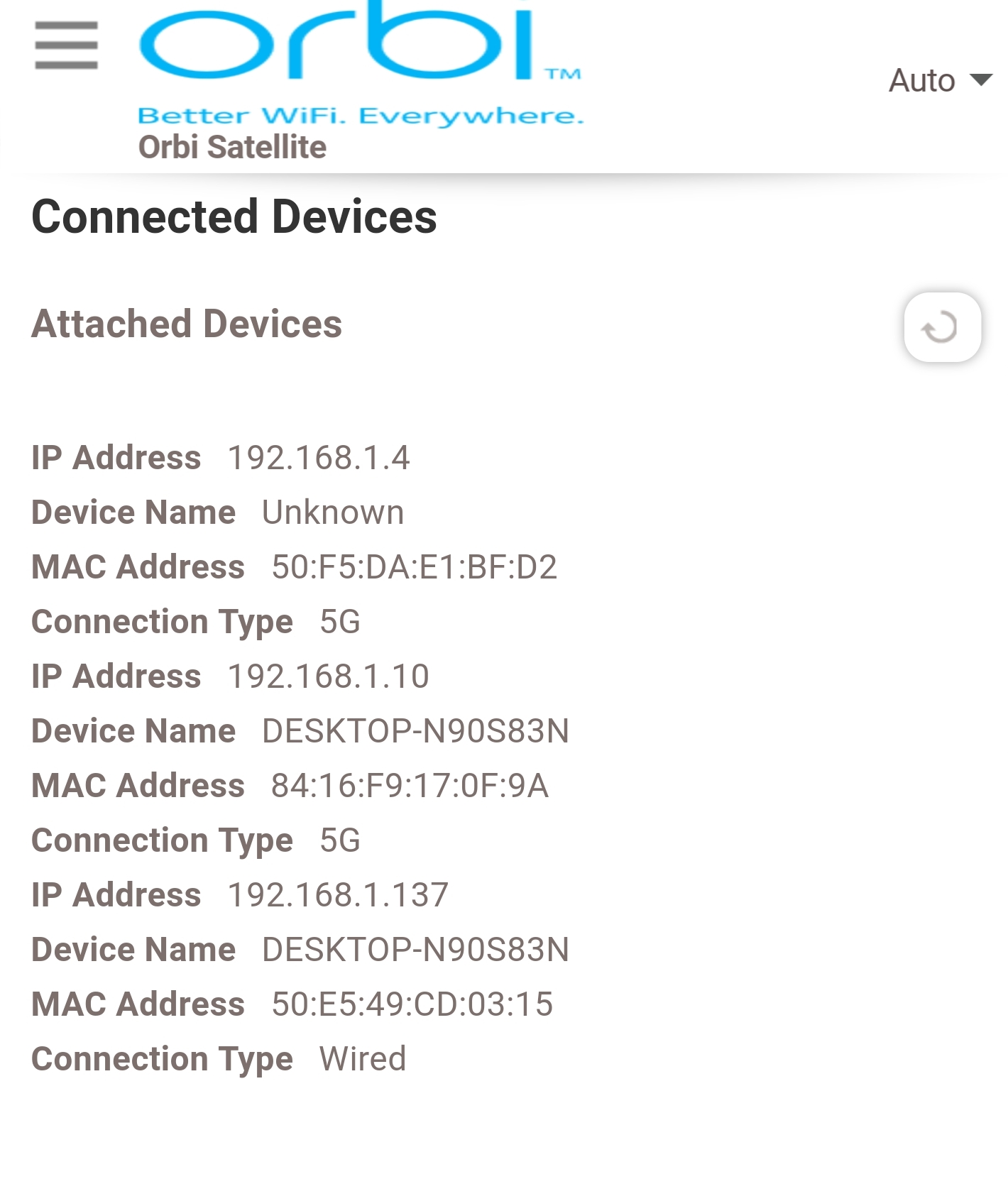
- Samt2992Mar 16, 2018AspirantYes, it's USB 3 and on the 5ghz band. Logging onto the satellite itself, I can see that the desktop is connected to it via wire and wireless.