NETGEAR is aware of a growing number of phone and online scams. To learn how to stay safe click here.
Forum Discussion

JeriD
Aug 01, 2022Star
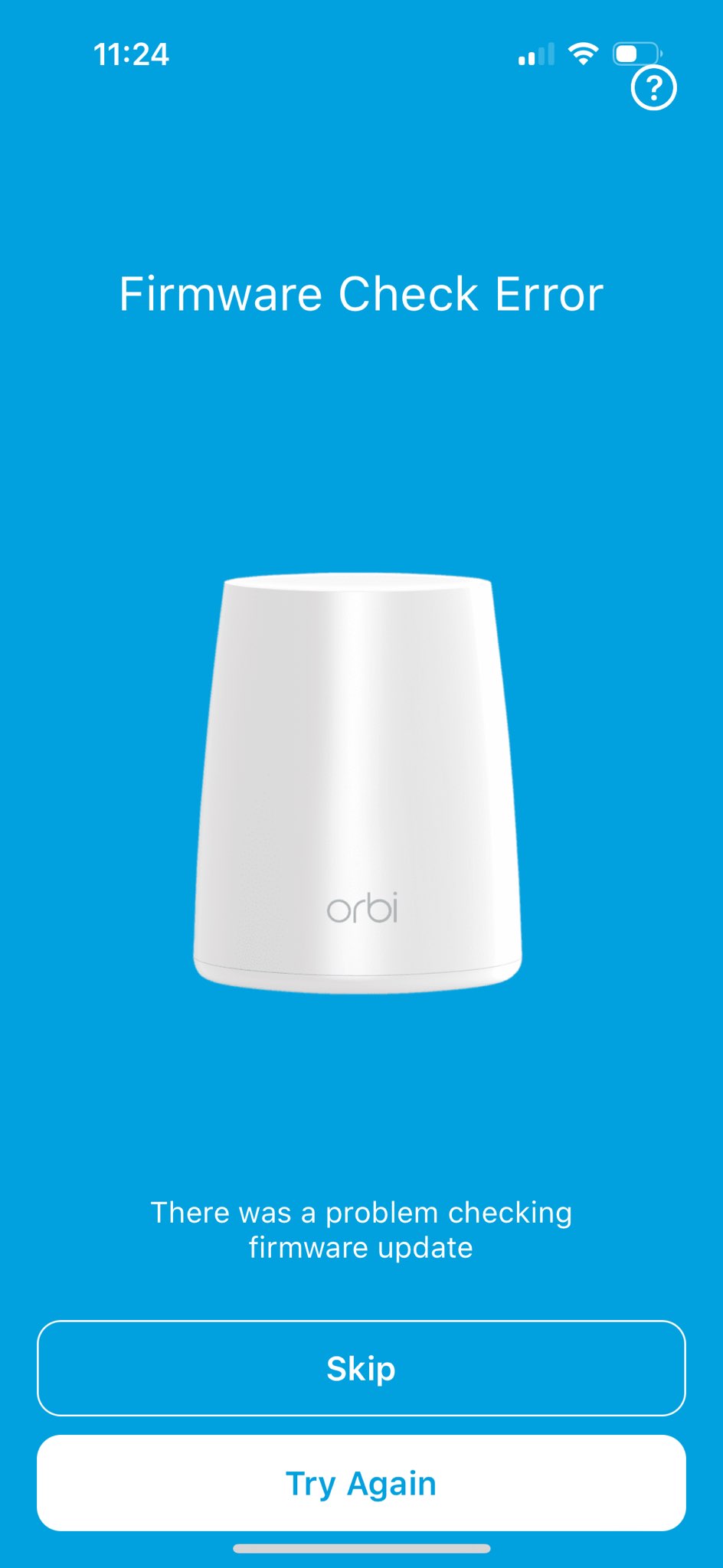
RBR40 with RBW30 satellites - Can't update firmware
Hi - I have a RBR40 router and two connected RBW30 satellites which work fine. Today, I checked to see if they need firmware updates. I did this by logging directly into the router and going to firmw...
- Aug 02, 2022
You can manually update.
when you're on the firmware update page, there's a tab at the top thats gray that says manual update, click that.
From that screen you can manually update. I recommend doing the satellites first if you're needing updates and then the router.

manavbanka
Jun 02, 2024Aspirant
My Device RBK 40 was working fine til last month. But recently I have started facing issue in my browsing. When I read this might be as issue with firmware. I check my device
current firware version is : v2.7.3.22
current firware version is : v2.7.3.22
Latest firmware version is : RBR 40 2.7.4.24
I have downloaded updated firmware in my PC via link https://www.netgear.com/support/product/rbk40
When I try to login router via laptop it gives message as below:
The webpage at https://www.orbilogin.com/ might be temporarily down or it may have moved permanently to a new web address.
How can I finally update firmware ?
- CrimpOnJun 02, 2024Guru - Experienced User
Yes, the RBK33 package support site shows that is the current firmware for the RBR40. There is a good chance that a manual firmware update is the only practical way to update the firmware version. Check this web page for instructions:
It is also correct that the Netgear router is supposed to intercept a web browser connection to http://orbilogin.net and direct it to the router itself. Often the IP address of the router is 192.168.1.1 if the URL method does not work.
Good Luck