NETGEAR is aware of a growing number of phone and online scams. To learn how to stay safe click here.
Forum Discussion

Loccs26
Jun 13, 2020Aspirant
RBR50 / RBS50 firmware update to V.2.5.1.16
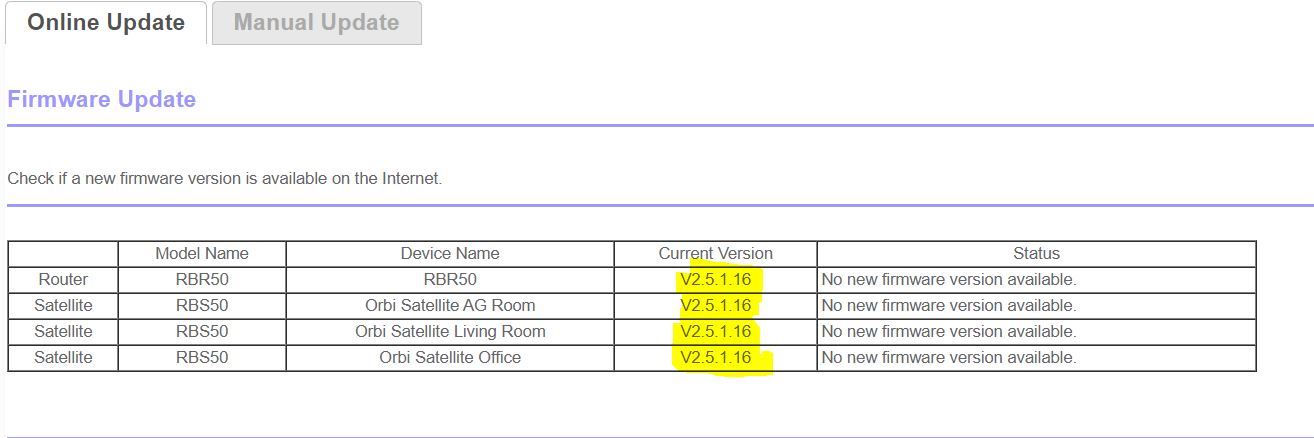
I recently updated the firmware as suggested by the GUI and phone app to 2.5.1.16. I was previously on the rock solid, 2.3.5.30. I treid 2.5.1.8 in the past and all of my attached devices failed to s...

FURRYe38
Jun 13, 2020Guru - Experienced User
Try a factory reset and setup from scratch.
Be sure to take out any spaces in any device naming and don't use any special characters.
Loccs26
Jun 13, 2020Aspirant
I know you are trying to help but WHY would I HAVE to do that for a firmware update? Seems like more of a pain than its worth.
- FURRYe38Jun 13, 2020Guru - Experienced User
Sometimes there maybe lingering older FW code or configurations on the RBR that needs to be cleared out after a FW update.
- Loccs26Jun 13, 2020Aspirant
UGH, ok thanks.
- FURRYe38Jun 14, 2020Guru - Experienced User
I recommend loading from scratch. Sometimes backup configs from older FW version can introduce same or new problems.
You can try it first and see. If the problem continues, then factory reset and setup from scratch with out the backup config file.
Let us know how it goes...
- Loccs26Jun 13, 2020Aspirant
If I save my config, factory reset and they upload the old config would that work? Or would I have to manually configure everything again?