NETGEAR is aware of a growing number of phone and online scams. To learn how to stay safe click here.
Forum Discussion

James_Wheelz
Dec 13, 2019Aspirant
Streaming issues on Xbox One X
So I'm confused as to which model I have so that's why I posted the image of the one I have and I got an additional satellite for this system. But for some reason on my xbox one x. Streaming gives poo...
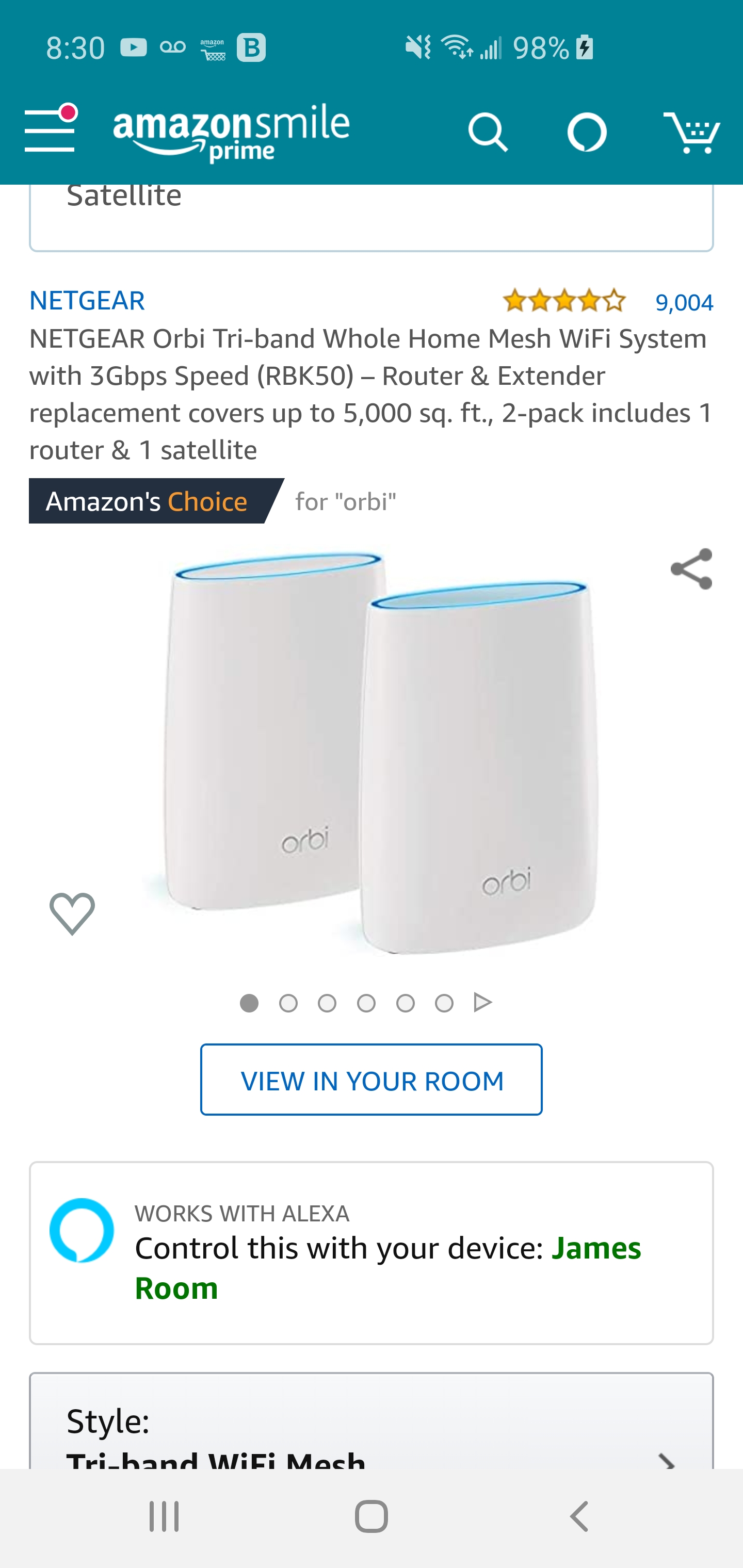
James_Wheelz
Dec 16, 2019Aspirant
CGM4140COM first 0 is a zero and second 0 is a Oh. It's the Cox Panoramic Gateway. My house is about 6000 square feet. The satellites are about 30 feet apart. And my xbox is about 20 feet away from the satellite. So hardwiring isn't possible for me.

FURRYe38
Dec 16, 2019Guru - Experienced User
If your ISP modem is a gateway, it probably already had built in wifi and a router.
This would be a double NAT condition which isn't recommended. https://kb.netgear.com/30186/What-is-Double-NAT
https://kb.netgear.com/30187/How-to-fix-issues-with-Double-NAT
Couple of options,
1. Configure the modem for transparent bridge or modem only mode. Then use the Orbi router in router mode. You'll need to contact the ISP for help and information in regards to the modem being bridged correctly.
2. If you can't bridge the modem, disable ALL wifi radios on the modem, configure the modems DMZ/ExposedHost or IP Pass-Through for the IP address the Orbi router gets from the modem. Then you can use the Orbi router in Router mode.
3. Or disable all wifi radios on the modem and connect the Orbi router to the modem, configure AP mode on the Orbi router. https://kb.netgear.com/31218/How-do-I-configure-my-Orbi-router-to-act-as-an-access-point and https://www.youtube.com/watch?v=H7LOcJ8GdDo&app=desktop
I would try option #2 first...