NETGEAR is aware of a growing number of phone and online scams. To learn how to stay safe click here.
Forum Discussion

seanebue
Jul 20, 2019Star
Netgear Nighthawk M1 MR1100 Telstra in Philippines
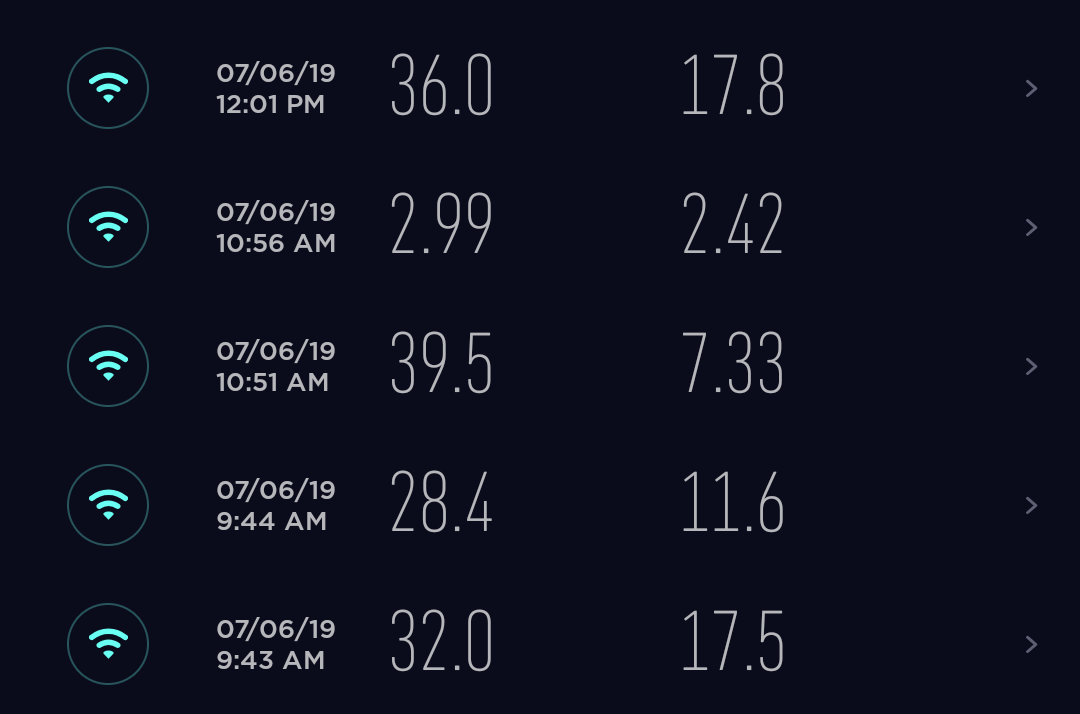
Purchased Date: July 2019 Model: Nighthawk M1 MR1100 Telco: Telstra Firmware Version: 10.?.?.? I forgot! Firmware Updated: 12.06.02 ISP: LTE SIM (Globe Philippines) The Nighthawk M1 I bought...

schumaku
Jul 20, 2019Guru - Experienced User
Is the APN (Acess Point Name) set correct for your WISP?
- seanebueJul 20, 2019StarYes, I had the Globe APN set correctly, I set it up manually.
- zaidoAug 24, 2019Tutor
Would you be able to share the APN settings? Or was it automatically setup upon inserting the Globe sim?
I'm also planning to travel in the PH and purchase an M1 online, I saw that M1 is compatible only with SmartBro so I'm choosing between the two carriers.
- seanebueAug 24, 2019StarWhen you insert your Globe sim it does not automatically add apn. APN is simply internet.globe.com.ph.
To add APN:
Just click add and named it Globe and type the APN.