NETGEAR is aware of a growing number of phone and online scams. To learn how to stay safe click here.
Forum Discussion

igorjrr
Jun 12, 2020Apprentice
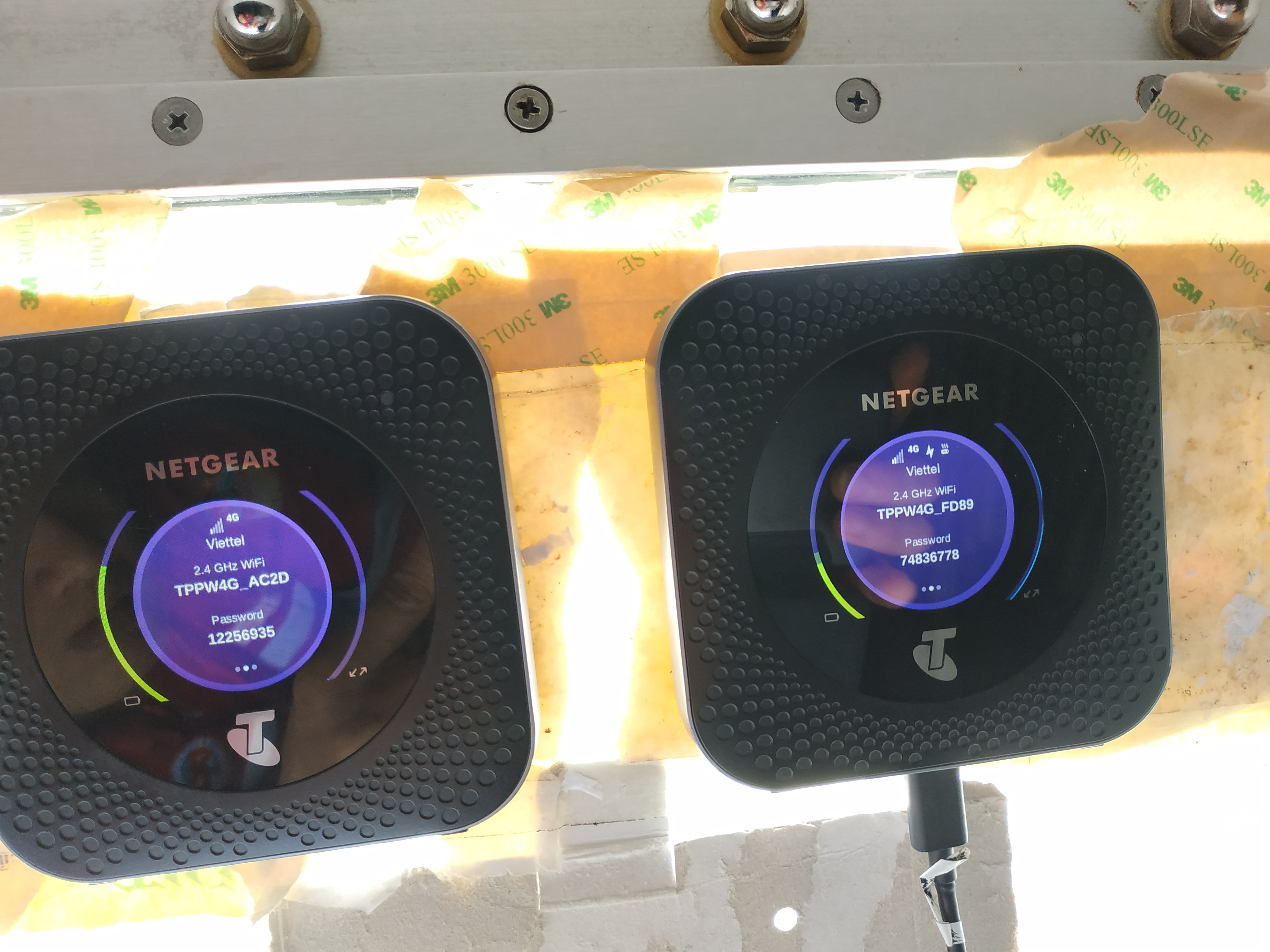
Netgear Nighthawk MR1100 unstable internet, hanging/stopping connection
Firmware: NTG9X50C_12.05.05.14 Model: MR1100-1A1NAS_04.01.70.06 PRI: 04.06 First a complaint: I can't copy text from router's GUI. It is disabled. Why!? It would help and avoid copy paste mista...
Rio_Moon
Jun 26, 2020Aspirant
I have same problem with you.. internet unstable as u say
after i reset factory, i hope can.fix bug.but not.. ping and jitter value always higher than other hot spot my friend have..
after i reset factory, i hope can.fix bug.but not.. ping and jitter value always higher than other hot spot my friend have..

icaruspony
Jun 26, 2020Luminary
This sounds a little different. For one thing, I don't do a factory reset to fix the problem. I only REBOOT.
After I reboot, my ping times are normal.
The behavior that I experience is that periodically, outbound connections to internet servers on ports 80 and 443 (the http/https connections to the web) are blocked. All other connections on ports other than those two continue to work normally.
Can you confirm when your connection goes down (BEFORE you fix it), are you NOT able to connect to servers on port 80 and 443... but you ARE DEFINITELY STILL ABLE TO CONNECT to servers on other ports (like port 21 FTP, port 23 telnet, etc)?