NETGEAR is aware of a growing number of phone and online scams. To learn how to stay safe click here.
Forum Discussion

Hawkeye4077
Apr 25, 2021Aspirant
poor upload speed
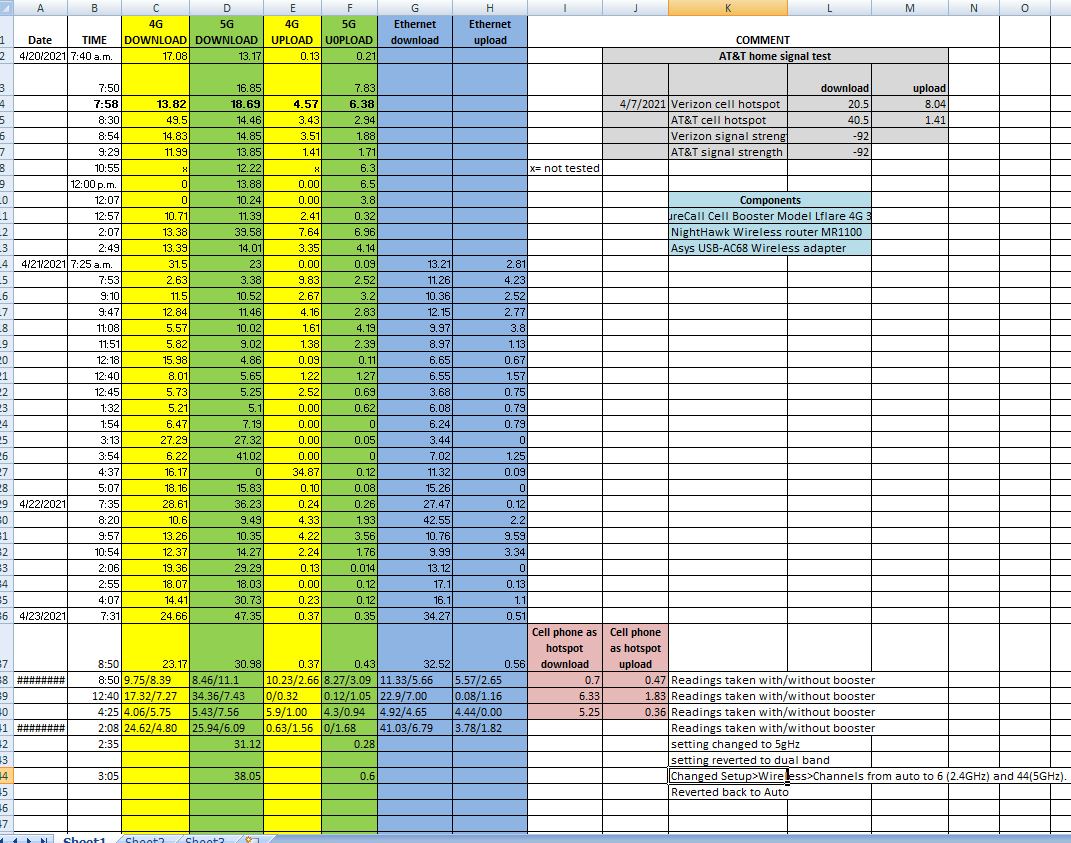
I just switched from Verizon to AT&T and purchased a Nighthawk MR1100 to replace the Verizon Jetpack. My upload speeds are terrible. The sales reps at the AT&T store are nice and want to help but I d...
Transfluxor
Apr 27, 2021Apprentice
Signal strength by itself does not mean anything, you also need to control the signal-to-noise ratio. In my MR2100, if you go through the Android software (or go to the browser at the address 192.168.1.1) in the settings - Network / Advanced info, you can see the RS-SINR parameter, it should be positive and I think at least 10-15 dBm. This is the only way to hope for a normal 4G speed.
The best option to test 4G is to go outside with a mobile router and a phone in a place with a high RS-SINR, connect the phone to the router via 5GHz Wi-Fi and test it on the Speedtest website.
- Hawkeye4077Apr 28, 2021Aspirant
Thanks, But I don't have any RS-SINR reading in my Settings/Network/Advanced... or anywhere else. In fact, when I log in I don't even have an Advanced option in Network. I've attached a screenshot.
If I followyoiur advice and take a router outside with my phone, isn't my Nighthawk a router? I don't have any other router.
I'm still stumped. I hate to return my Nighthawk and go back to a JetPack. But my return window is closing in 3 days.
- TransfluxorApr 28, 2021Apprentice
You can see it here:
https://kb.netgear.com/000061326/How-do-I-manually-update-firmware-on-my-MR1100-Nighthawk-M1-Mobile-Router
At step 3, you need to press the "Diagnostics" button on the right, there will be the RS-SINR parameter.- Hawkeye4077Apr 29, 2021Aspirant
That helps. Thanks. I'm getting readings of only 1-3 dBm on the RS-SINR. Is it hopeless?