NETGEAR is aware of a growing number of phone and online scams. To learn how to stay safe click here.
Forum Discussion

lightknightrr
Nov 22, 2016Tutor
Getting SRX5308 VPN IPSec to work with Android (when using DynDNS)
Greetings, It appears that I can achieve a IPSec VPN Connection (both the Android device and the SRX5308 (with the latest firmware) confirm it), but there appears to be no traffic flowing through...
- Jan 12, 2017
Questions, comments, difficulties?
lightknightrr
Jan 12, 2017Tutor
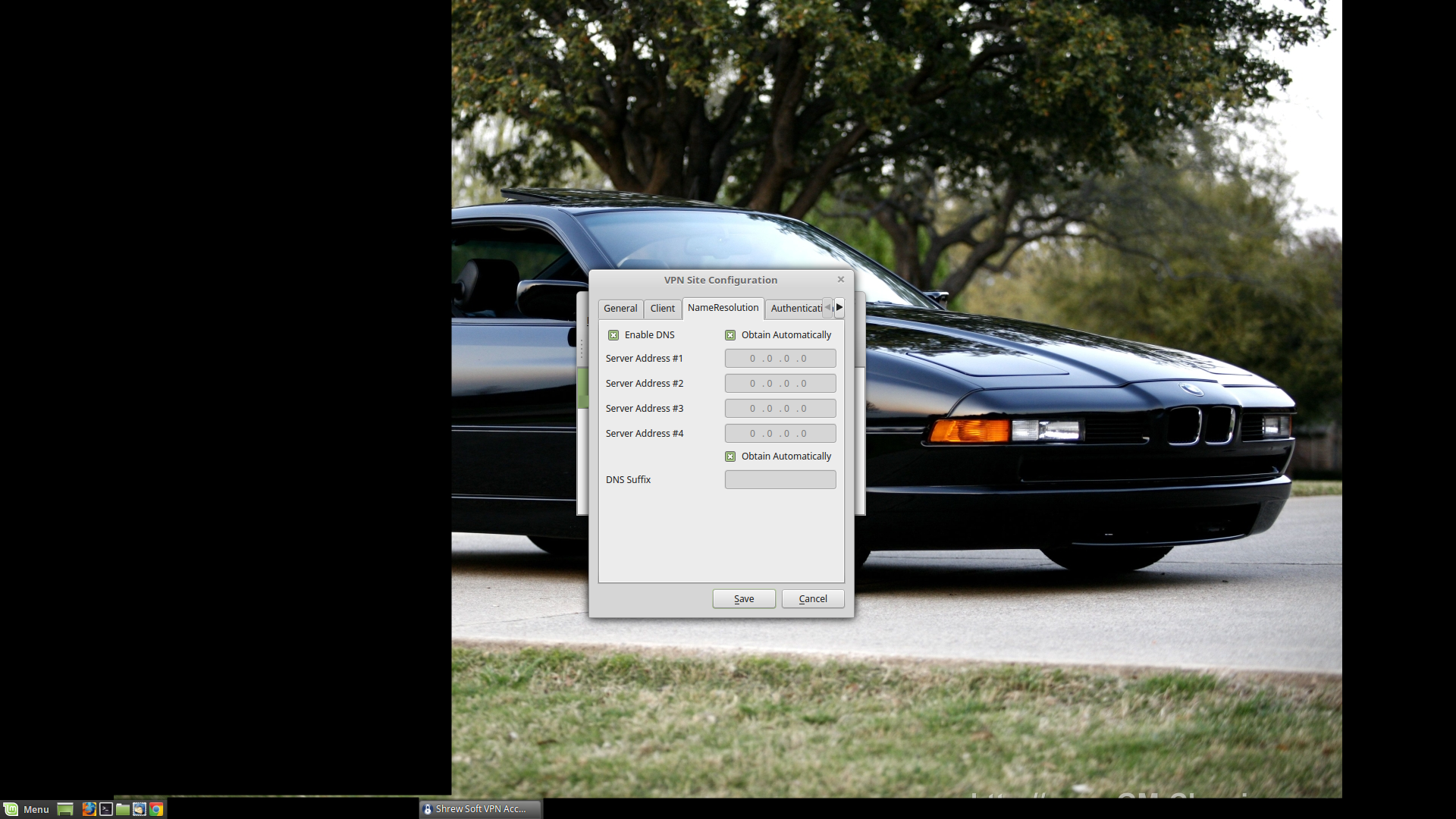
Name Resolution: I keep this as is.
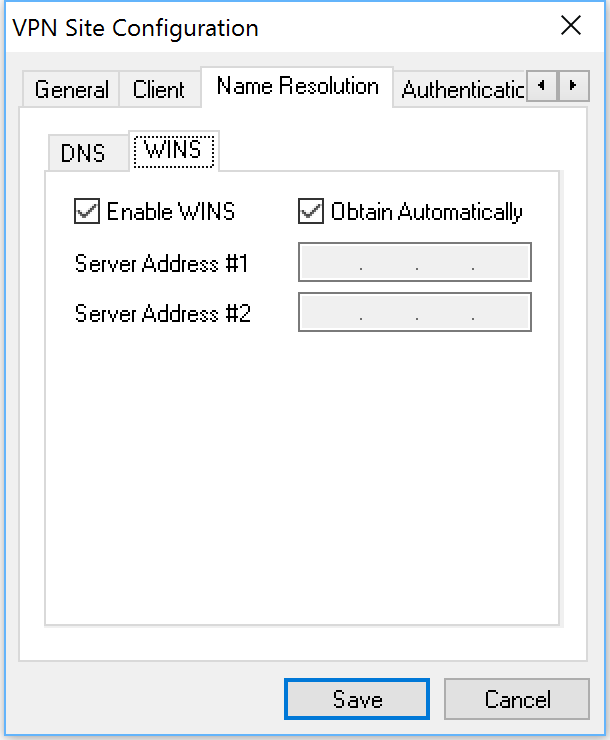
Just a side note: the Windows client has WINS settings in addition to DNS settings. I keep them as is.
lightknightrr
Jan 12, 2017Tutor
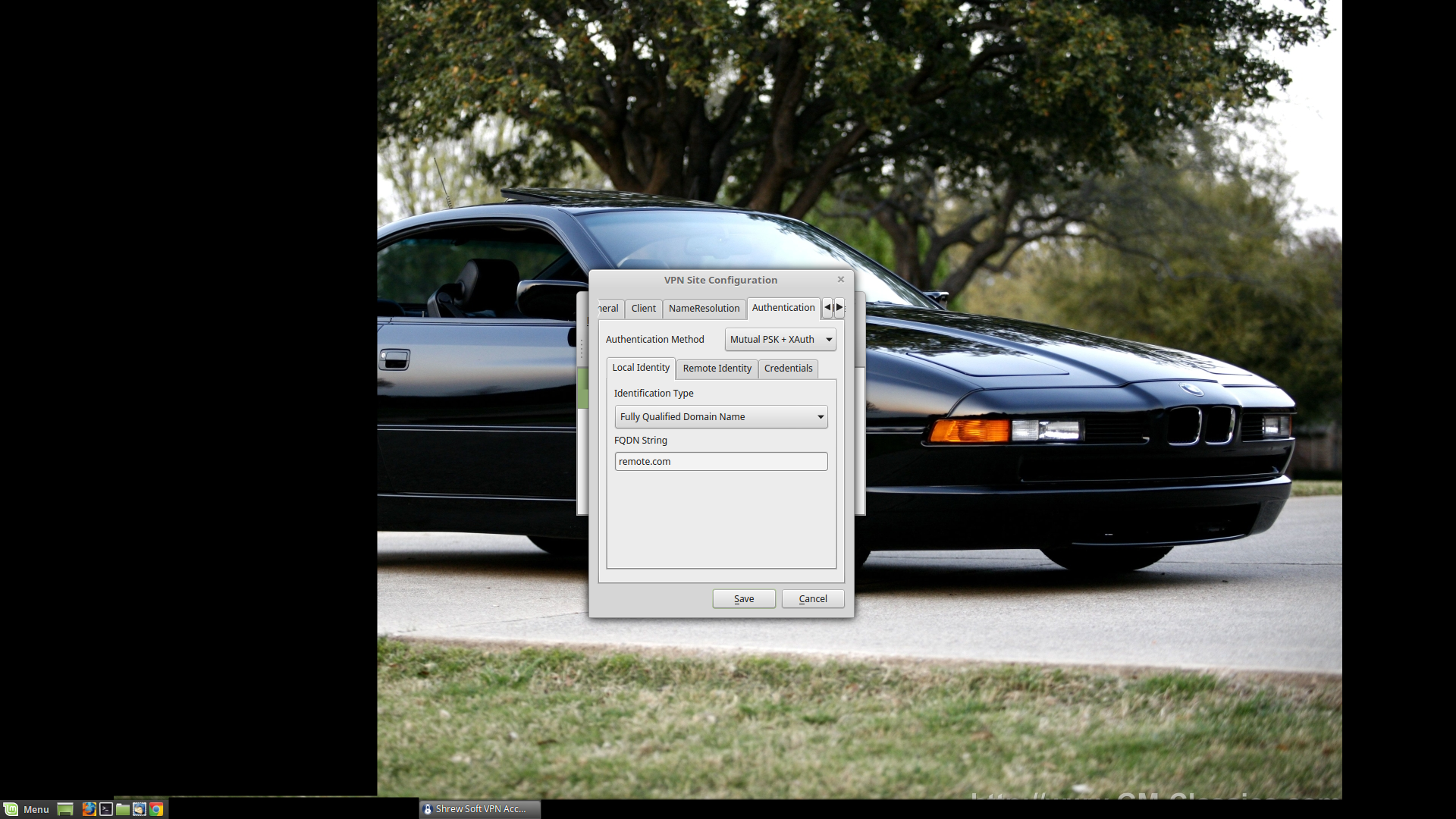
Authentication Method: What method are we using? X-Authentication with a Private Shared Key. Mutual PSK + XAuth in other words.
Local Identity: It's going to be a FQDN, and we've been using "remote.com" thus far, so "remote.com" it is.
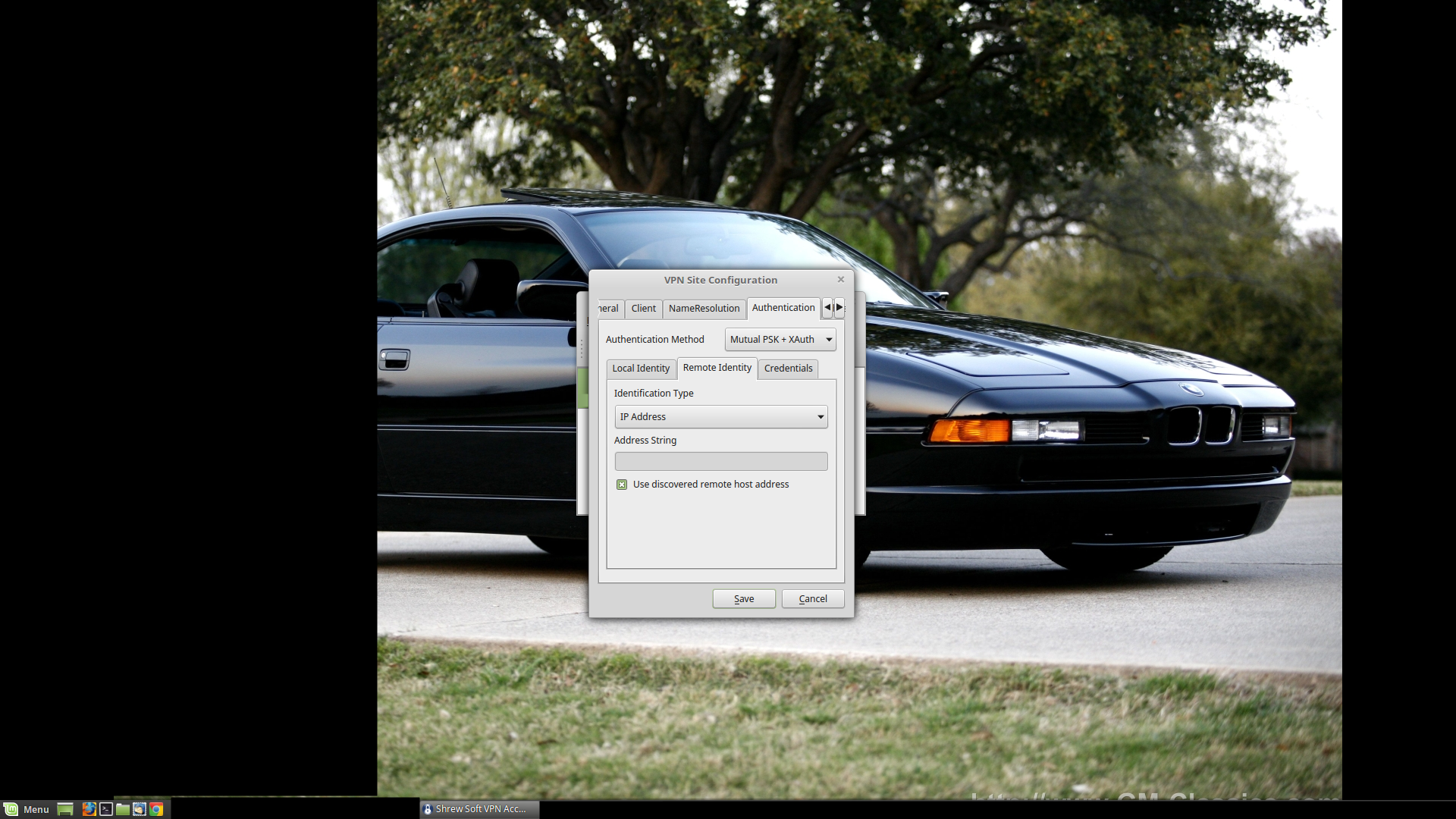
Remote Identity: IP Address. 'Use discovered remote host address' should be checked.
Once again, these settings should match the IKE Policy & friends settings from way earlier. No surprises.
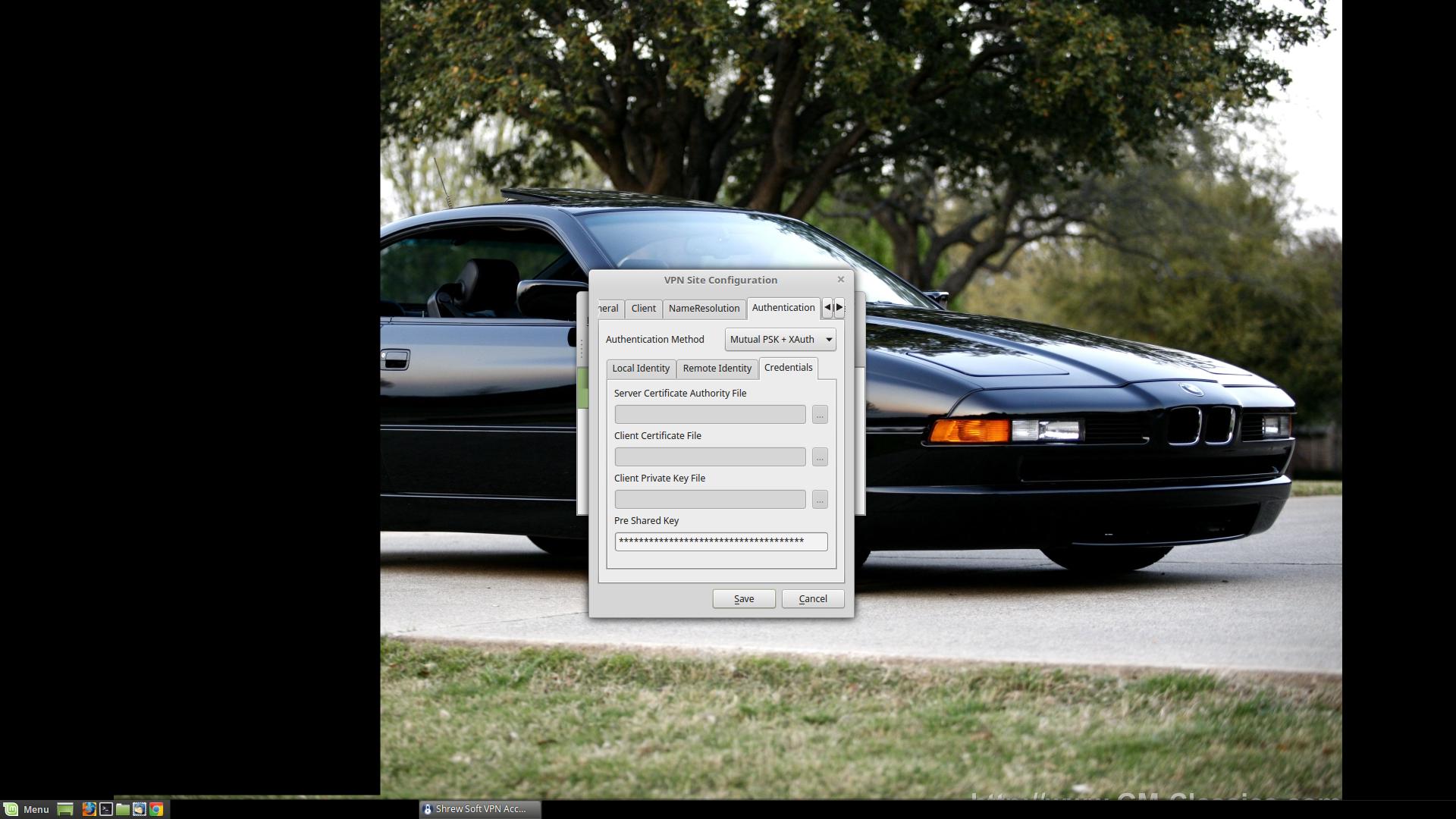
Pre-shared Key: It's going to be the same one you created earlier. Don't email it, text it, instant message it, or pass it in anyway over unencrypted electronic communications: it defeats the purpose of having a PSK.
- lightknightrrJan 12, 2017Tutor
Copy the PSK by hand. Input it by hand. Well, for anything important.
- lightknightrrJan 12, 2017Tutor
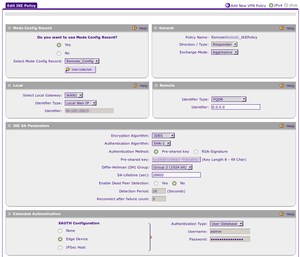
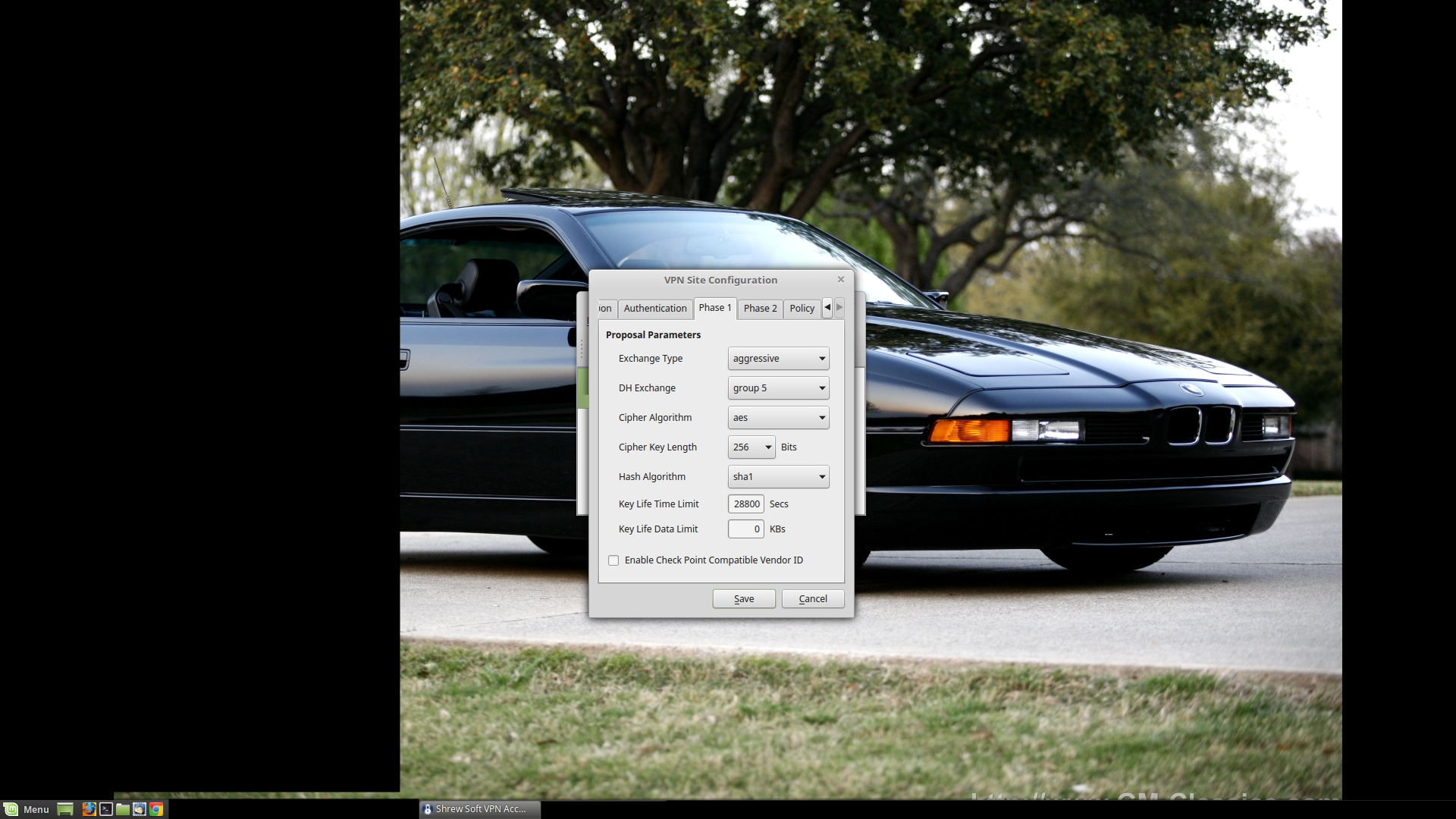
Exchange Type: Aggressive (should be the default)
DH Exchange: We are using 'Group 5', because we prefer our encrypted communications to stay that way.
Cipher Algorithm: AES (best choice, from earlier)
Cipher Key Length: 256 bits (longer is usually better, again this just reflects our settings from earlier)
Hash Algorithm: SHA1 (best choice, from earlier)
Key Life Time Limit: 28800 Secs (to match what we already have in place)
- lightknightrrJan 12, 2017Tutor
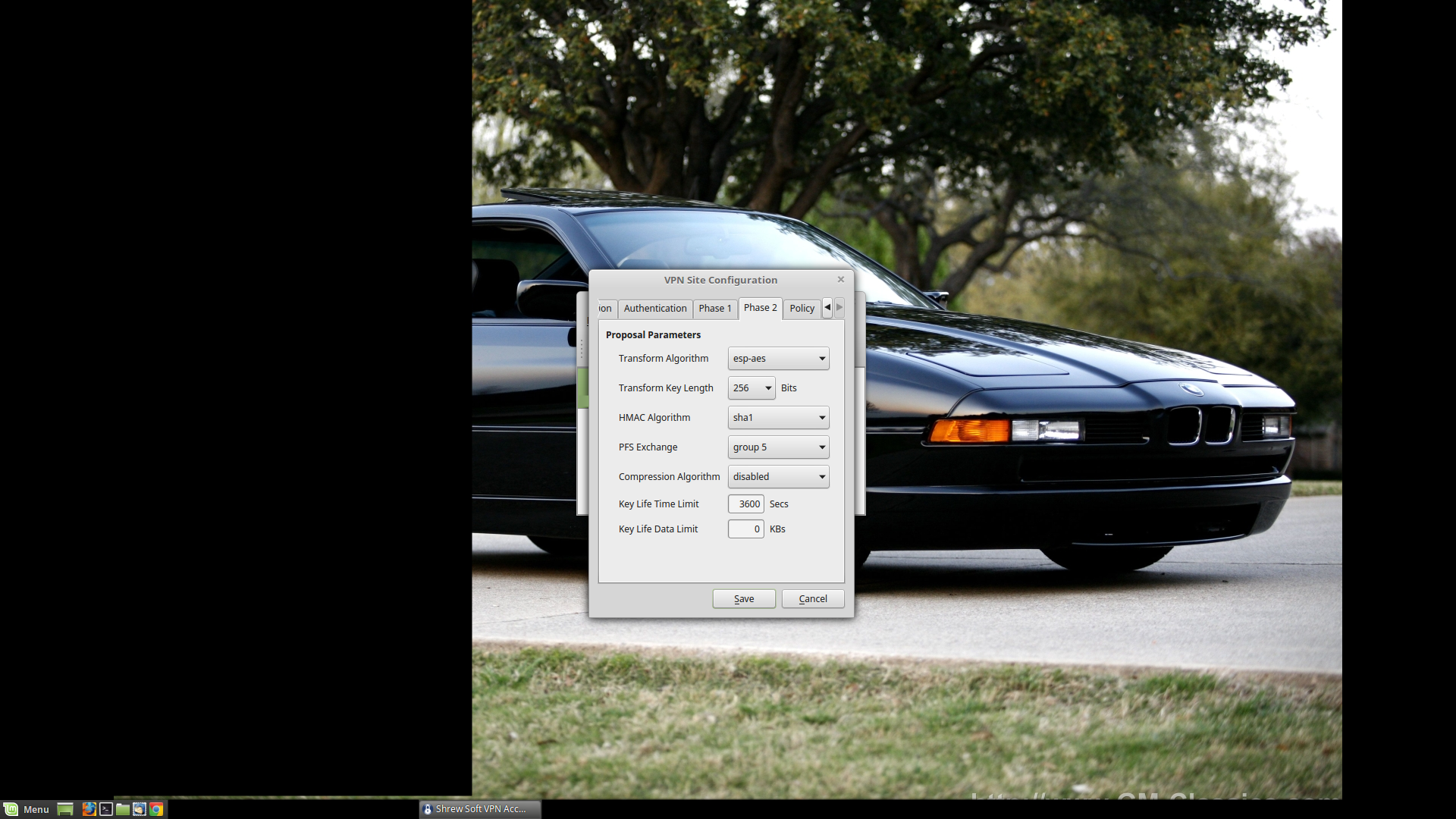
Transform Algorithm: ESP-AES
Transform Key Length: 256 Bits
HMAC Algorithm: SHA1
PFS Exchange: Group 5
Again, these settings just mirror the IKE Policy & friends.
- lightknightrrJan 12, 2017Tutor
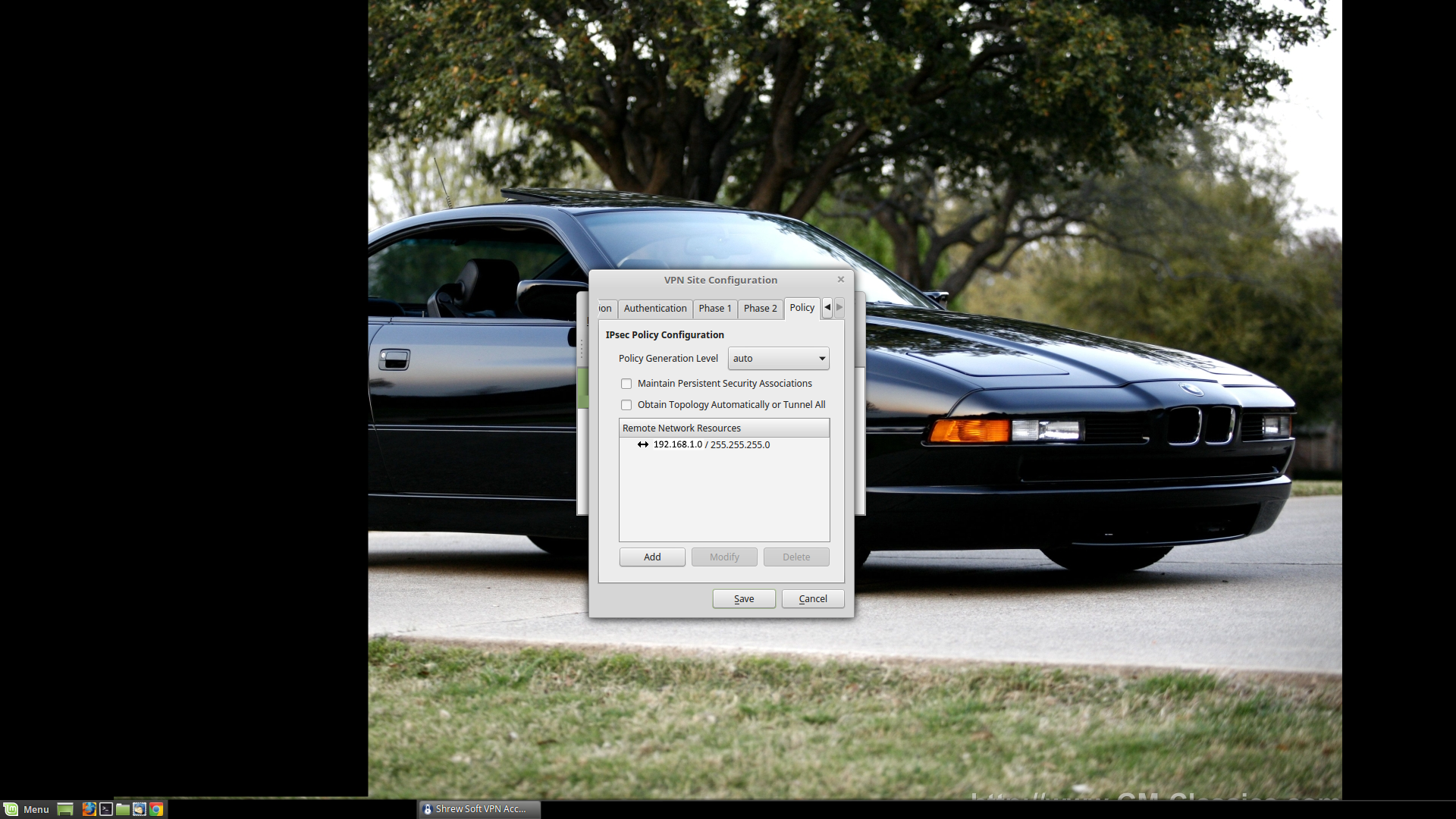
Policy:
I uncheck 'Obtain Topology Automatically or Tunnel All' (should allow creation of a split tunnel). Then I add the subnet (192.168.1.0) + subnet mask (255.255.255.0) for the network that I am interested in under Remote Network Resources.
- lightknightrrJan 12, 2017Tutor
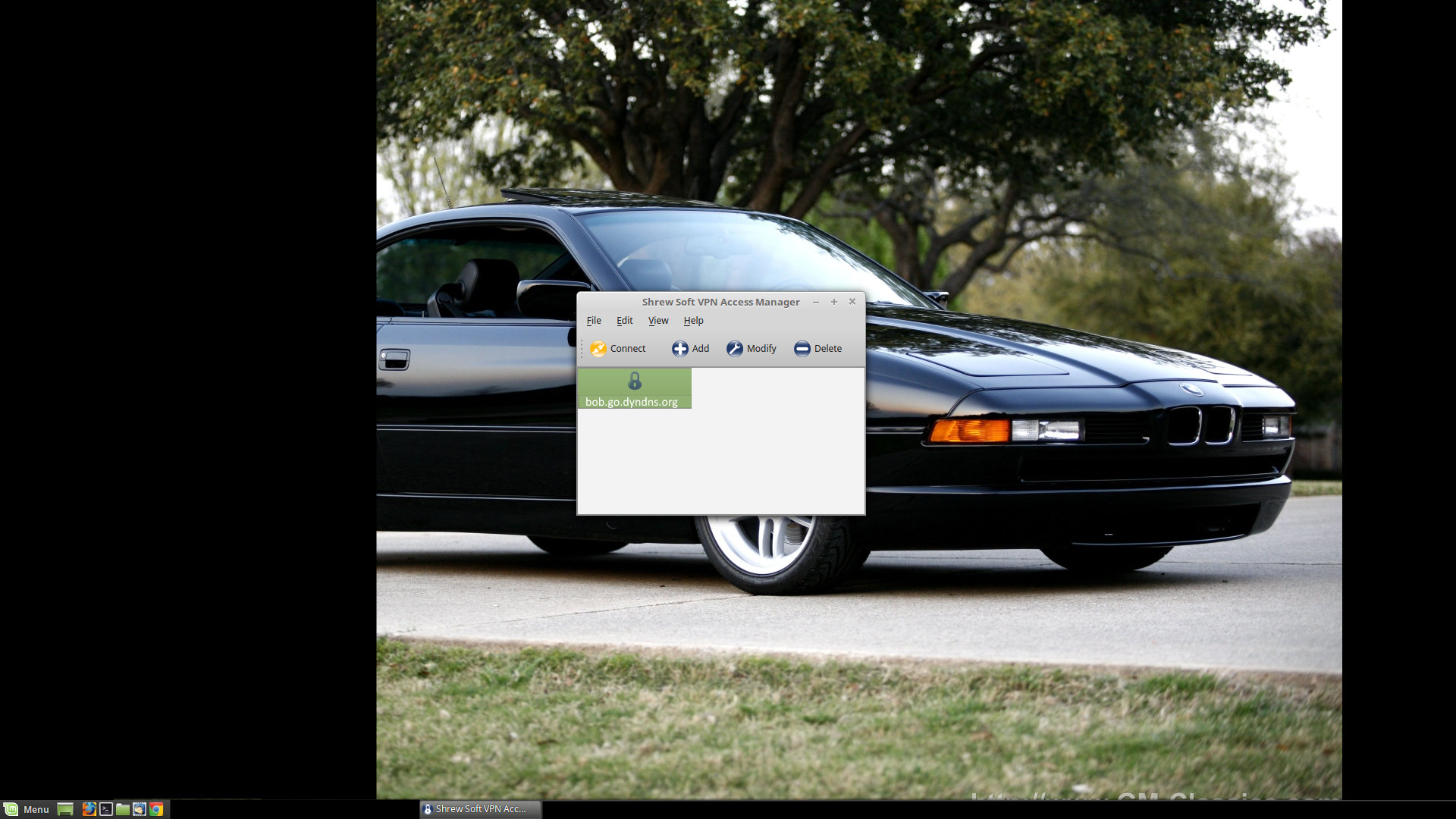
Click 'Save', and your configuration should appear in the Shrew Soft VPN Access Manager.
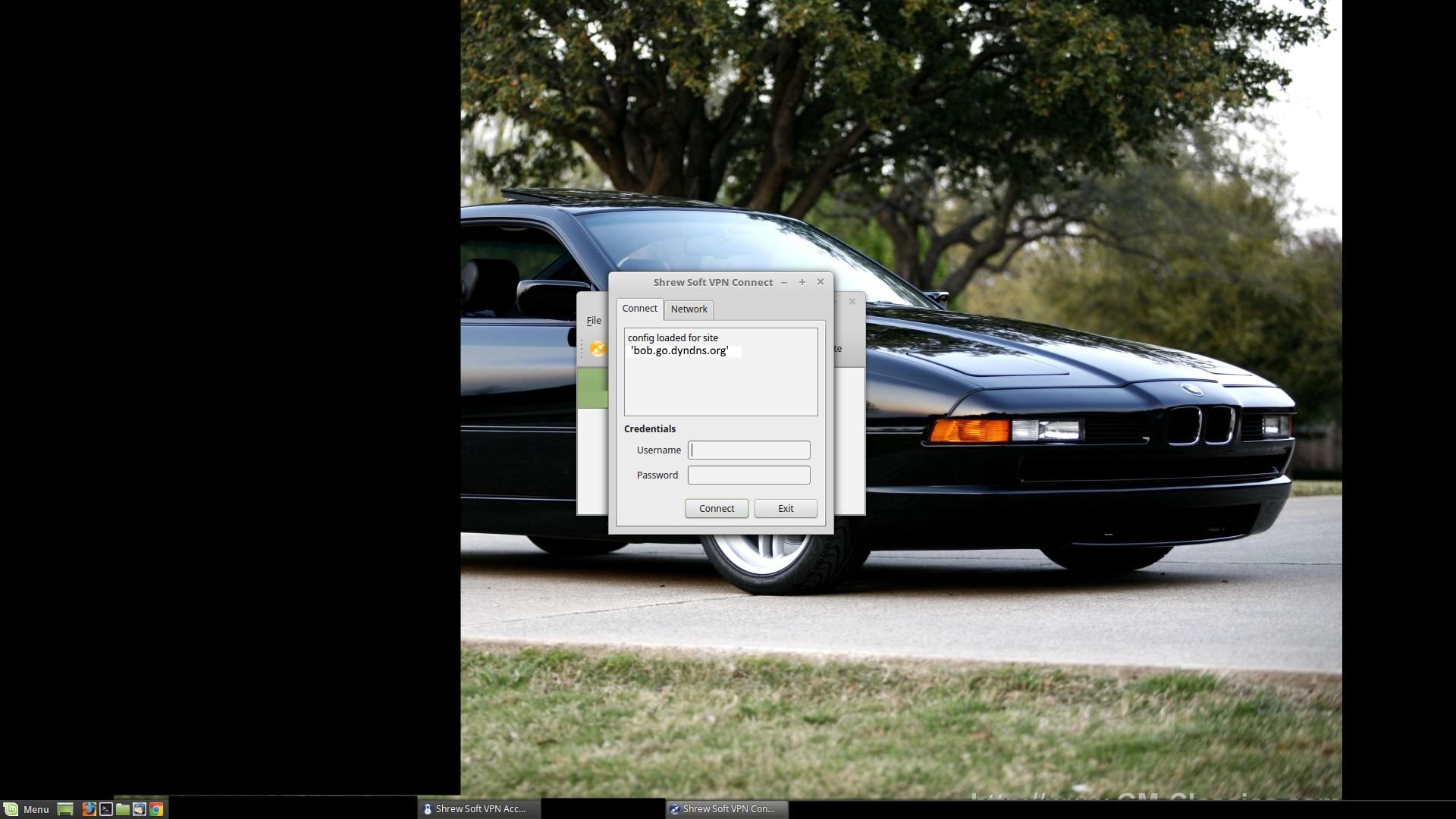
Click the 'Connect' button or double-click the lock icon, and you will be asked for your username and password. Put in the appropriate values (one of the IPSec VPN User accounts you created earlier). In a few moments, it should say something to the effect that the tunnel is established (in a little log window). If not, the information from its little log window can help you figure out what's causing the connection error.
- lightknightrrJan 12, 2017Tutor
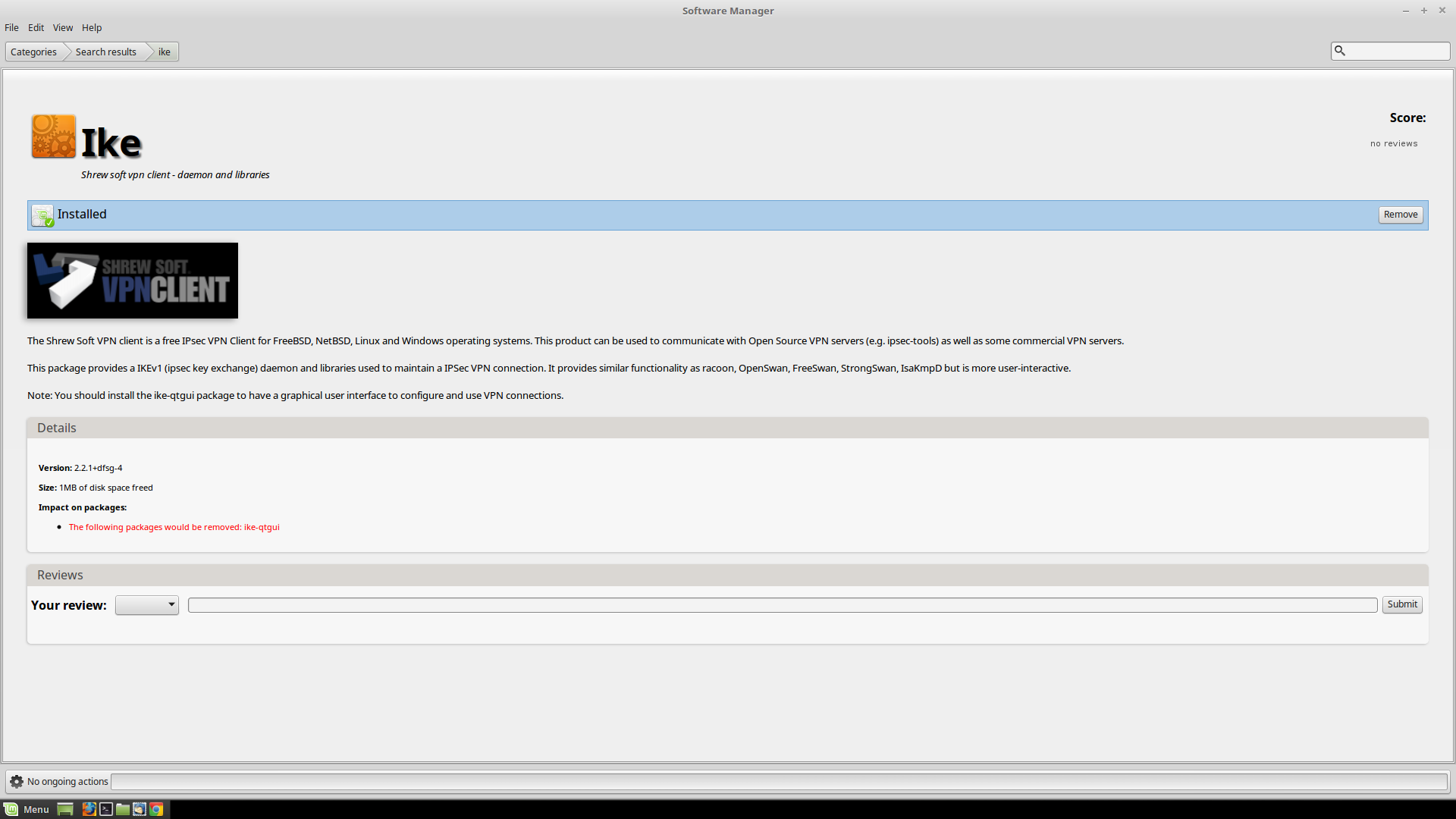
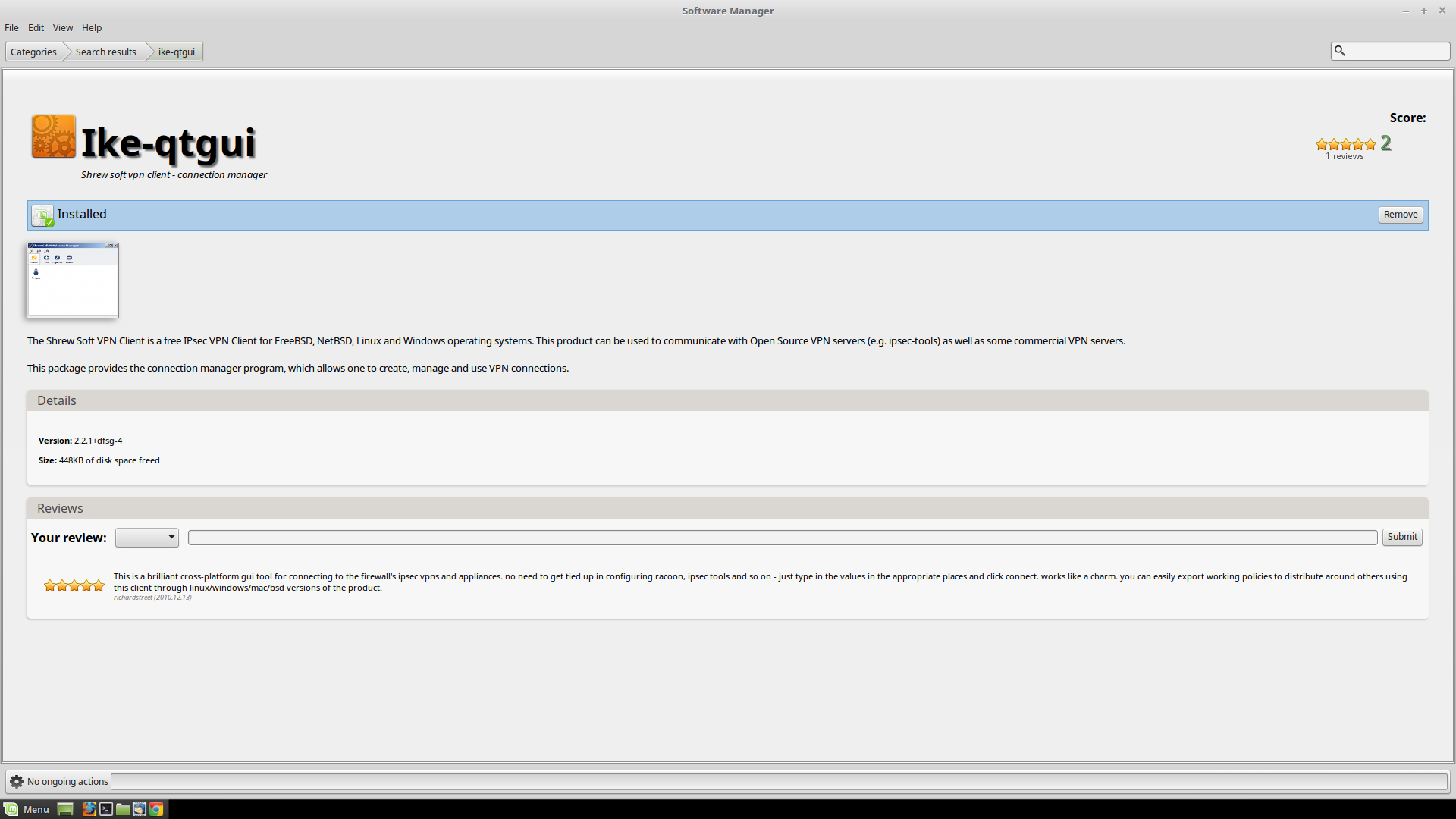
And if you are running Linux Mint / Ubuntu / Debian / any number or flavors of linux distros out there, install this (through your appropriate package manager...or compile it from a tarball if that's how you roll):
And this:
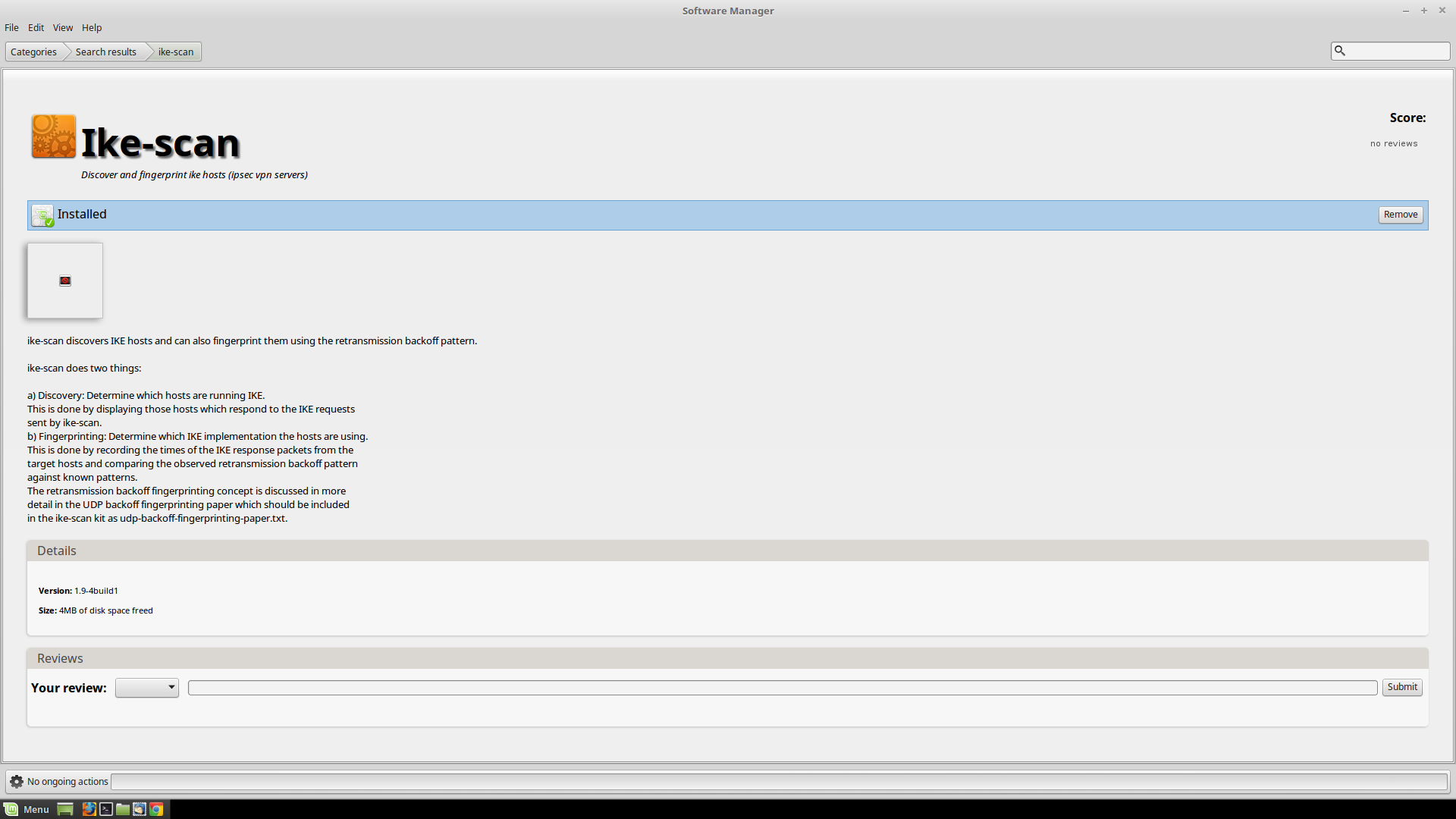
You don't need to install this, but you might want to if you are trying to track down some problems (this offer without warranty):
- lightknightrrJan 12, 2017Tutor
Questions, comments, difficulties?
Related Content
NETGEAR Academy

Boost your skills with the Netgear Academy - Get trained, certified and stay ahead with the latest Netgear technology!
Join Us!
