NETGEAR is aware of a growing number of phone and online scams. To learn how to stay safe click here.
Forum Discussion

Dustin_V
Apr 09, 2019NETGEAR Employee Retired
Advanced Cyber Threat Protection on Orbi WiFi System with Armor
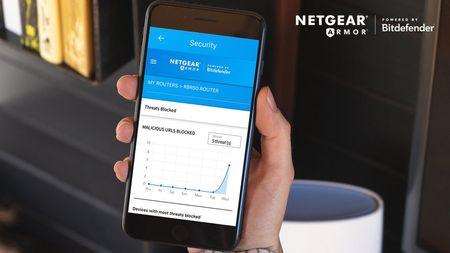
NETGEAR Armor, Powered by Bitdefender, is now available on Orbi! With Armor cyber threat protection on the Orbi RBK50 and the Orbi Voice RBK50V models, Orbi Mesh WiFi owners will be actively safe...

DexterJB
Apr 22, 2019NETGEAR Moderator
Hi mosherjf,
If your router is supported, please make sure to use the Nighthawk App or the Orbi App to enable Armor. The links below may help.
https://kb.netgear.com/000060582/How-do-I-activate-NETGEAR-Armor-using-the-Orbi-app
https://kb.netgear.com/000059442/How-do-I-activate-NETGEAR-Armor-using-the-Nighthawk-app
Dexter
mosherjf
Apr 22, 2019Aspirant
I had already activated/enabled Armor thru the app.
- DexterJBApr 23, 2019NETGEAR Moderator
Thanks for the update. Feel free to let us know what you think or if there is anything we can help you with.
Dexter
- mosherjfApr 25, 2019Aspirant
Just like to get my original question answered. After downloading bitdefender i opened dashboard on my iMac and it told me I should install TrafficLight on my browsers. When I tried to do that it took me to a Bitedefender website "https://www.bitdefender.ro/solutions/trafficlight.html".
This site is not in the english language, ".ro". I find this a little strange!
- DexterJBApr 25, 2019NETGEAR Moderator
Probably was linked incorrectly or if you have VPN enabled which may have routed to that. I believe the link below leads to the English version.
https://www.bitdefender.com/solutions/trafficlight.html