NETGEAR is aware of a growing number of phone and online scams. To learn how to stay safe click here.
Forum Discussion

asiegbucp
May 03, 2020Tutor
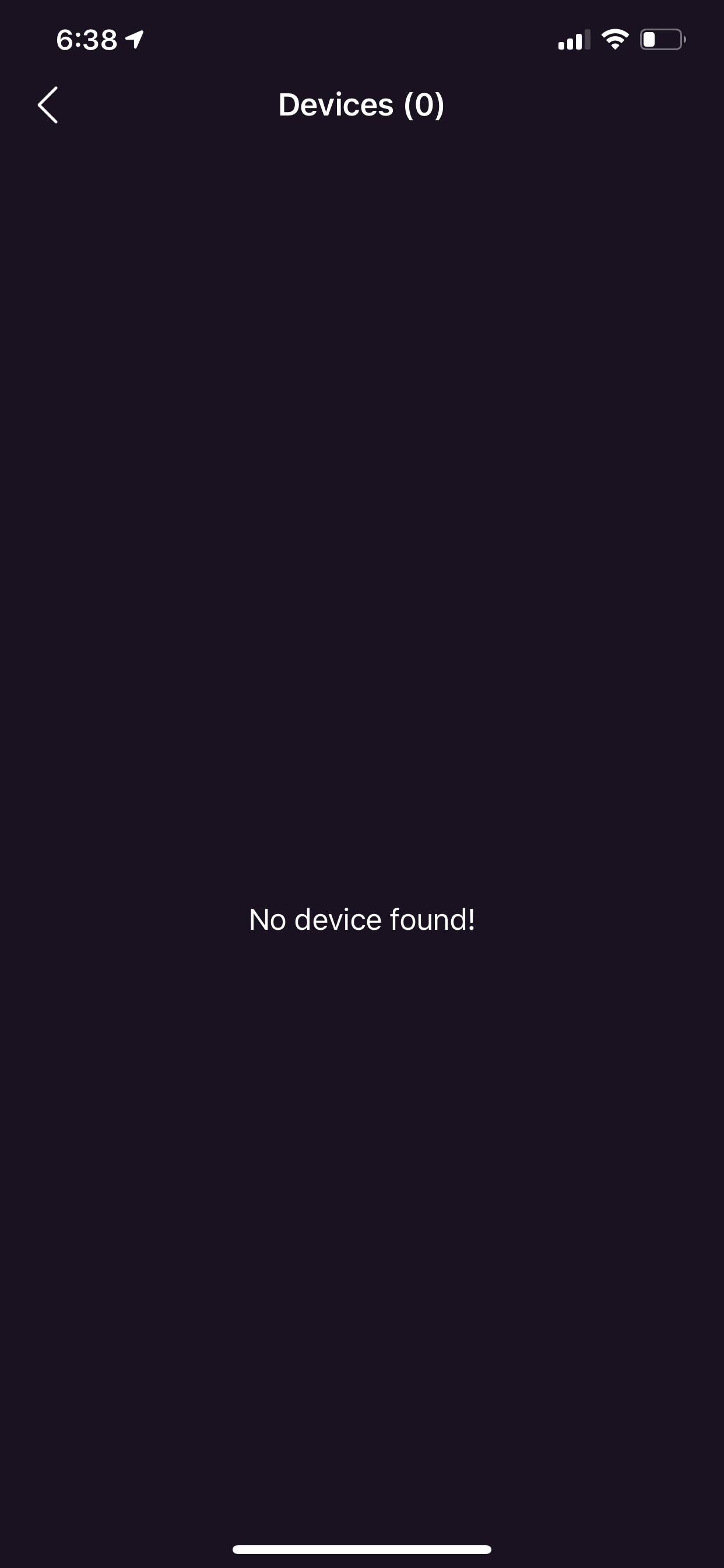
nighthawk app version 2.5.0.47 - no device found by device manager
After upgrading the nighthawk app on my iPhone to version 2.5.0.47; the device manager on the app cannot find none of my connected WiFi devices and yet I have about 7 devices connected to the Netgear ...
 May 08, 2020
Hello Community,
We recently released Nighthawk app version 2.5.1.10 on iOS. Please update or reinstall the Nighthawk app and let us know if your issue persists.
Thanks,
Christian
EBotto246
May 03, 2020Aspirant
Same troubles. Is there another way to access the manager? I turned off kids phones and tvs so they would go to sleep last night and now I have no way to turn back on. Guidance please.
Chickengutz
May 04, 2020Aspirant
You can use the link below for details on how to use a web browser. Once logged in click the Advanced tab->Security->Access Control.
https://kb.netgear.com/980/How-do-I-log-in-to-my-NETGEAR-home-router
- ThakkarMay 05, 2020Aspirant
Initially I thought it may be just my phone, so uninstalled the app, reinstalled and reconfigured the router. But that did not solve the issue. After reaching this page, I realize others are facing this too after the app upgrade. Anyone found the solution to resolve this on the app?
It works from web URL, but really need it on the app. So frustrating.