NETGEAR is aware of a growing number of phone and online scams. To learn how to stay safe click here.
Forum Discussion

asiegbucp
May 03, 2020Tutor
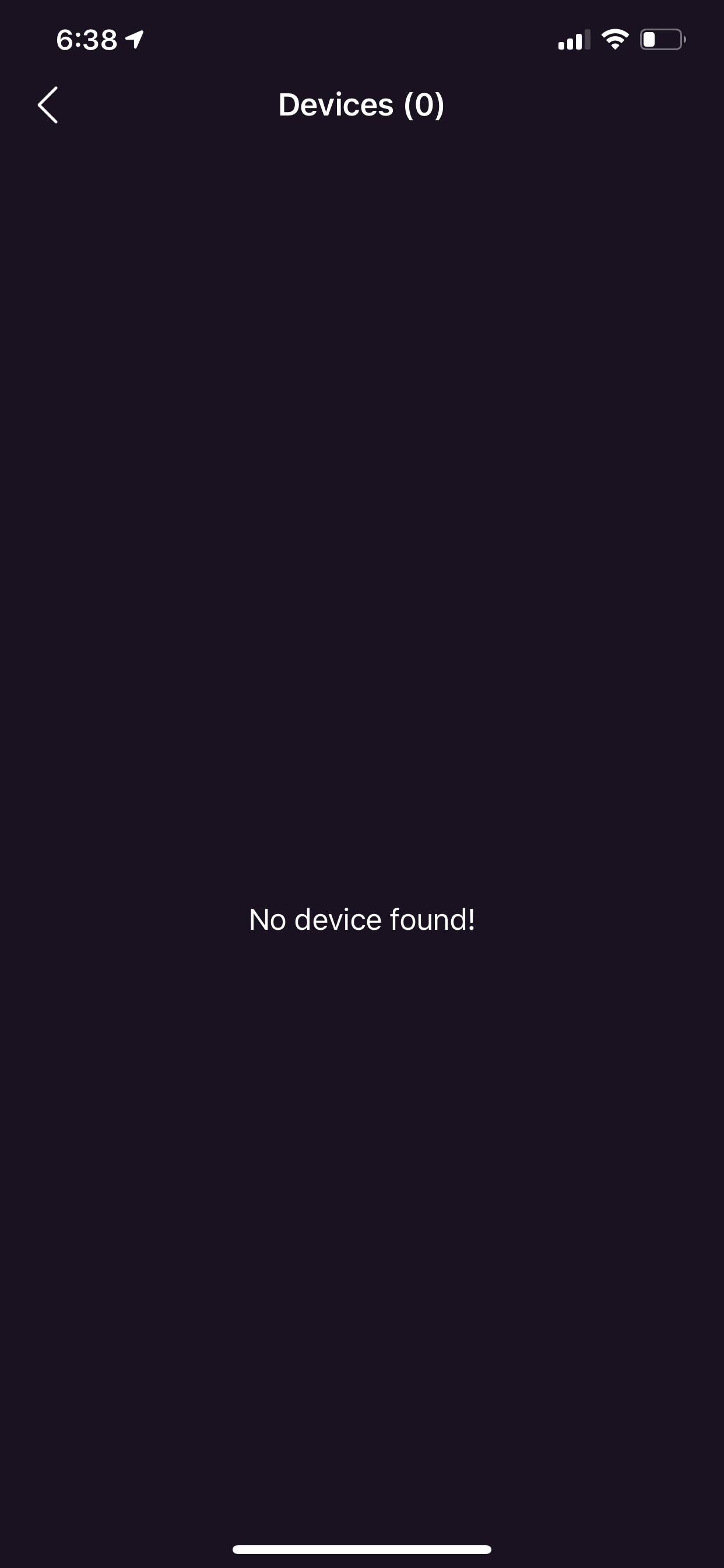
nighthawk app version 2.5.0.47 - no device found by device manager
After upgrading the nighthawk app on my iPhone to version 2.5.0.47; the device manager on the app cannot find none of my connected WiFi devices and yet I have about 7 devices connected to the Netgear ...
 May 08, 2020
Hello Community,
We recently released Nighthawk app version 2.5.1.10 on iOS. Please update or reinstall the Nighthawk app and let us know if your issue persists.
Thanks,
Christian
Christian_R
May 07, 2020NETGEAR Employee Retired
Hello Community,
Our engineering team is aware of an issue with the device manager feature not functioning properly on the Nighthawk app and they are currently investigating. In the meantime, please use the web browser to manage your devices.
Thank you for understanding,
Christian
asiegbucp
May 07, 2020Tutor
Maybe it will take Netgear engineering team ages to fix their mess. Maybe they fix their mess when most of us customers drop Netgear devices and switch to linksys devices. What an unnecessary frustration and very bad business mistake. Fix your mess Netgear NOW!
- Christian_RMay 08, 2020NETGEAR Employee Retired
Hello Community,
We recently released Nighthawk app version 2.5.1.10 on iOS. Please update or reinstall the Nighthawk app and let us know if your issue persists.
Thanks,
Christian
- Diss123May 08, 2020AspirantYour Nighthawk App update fixed my problem. Thanks!!!
- AlexDageMay 10, 2020Aspirant
Ok so the app update fixed one problem. Now, my problem is that I can manage my devices only by remote access. By the HOME access it says "no devices found" and I get an error : "Sorry the action was failed. Please try again." My wife have the same problem on her iPhone and iPad...
