NETGEAR is aware of a growing number of phone and online scams. To learn how to stay safe click here.
Forum Discussion

demarlio25
Oct 06, 2023Aspirant
MR60 Disconnecting
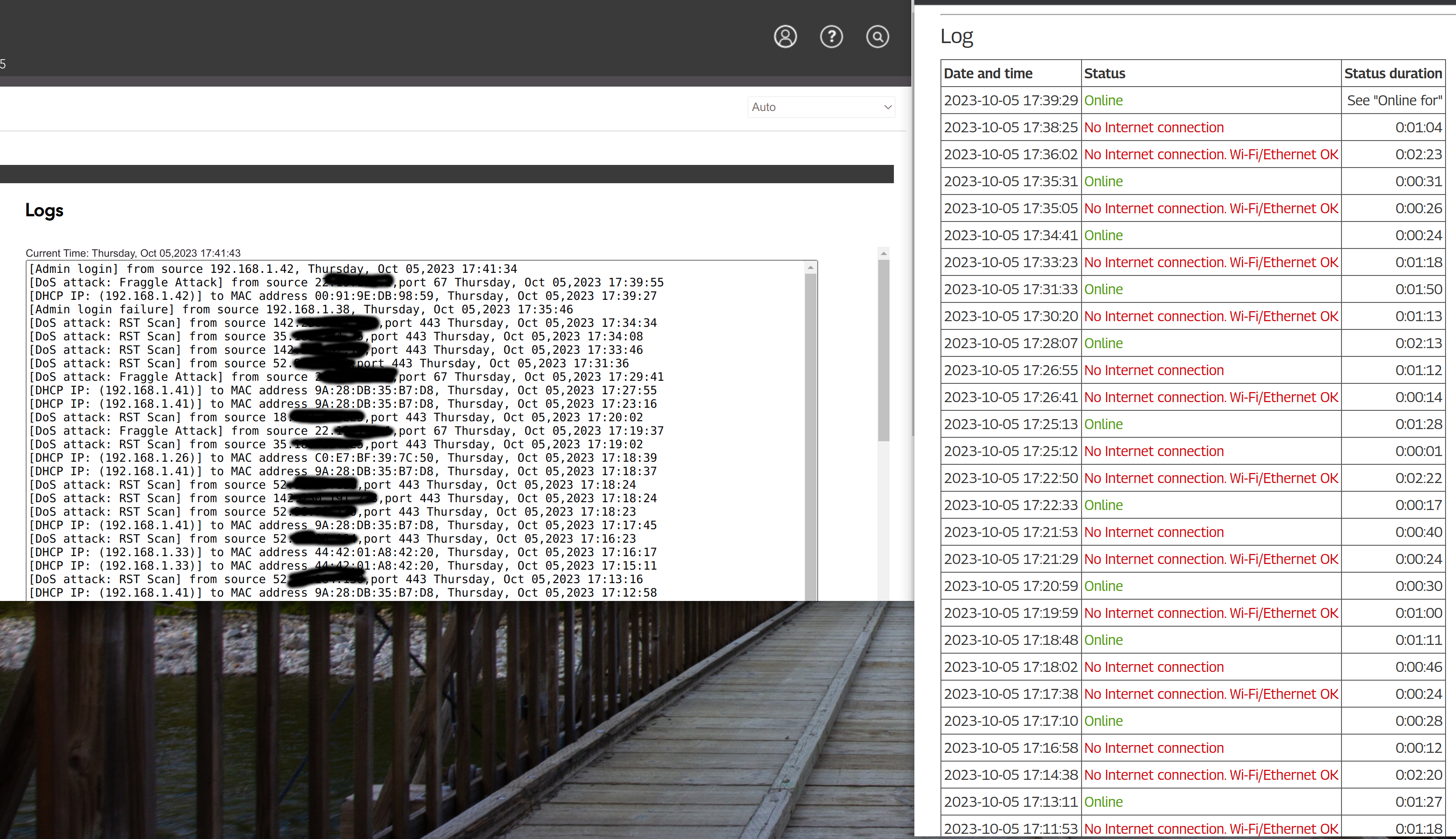
Hello, For some amount of time I've been having issues with my computing disconnecting from remote sessions though VNCSERVER or SSH. I had thought that maybe it was my VPN causing the issues but...
demarlio25
Oct 25, 2023Aspirant
I spoke too soon. Today I am getting significantly more disconnects. I mght need to try going back to a trusty router and checking the stability

FURRYe38
Oct 26, 2023Guru - Experienced User
Are the MS disconnecting or just the MR?
Does the front LED turn AMBER when this happens?
Be sure your using a good quality LAN cable between the modem and router. CAT6 is recommended.
Has a factory reset and setup from scratch been performed since last FW update? A complete pull of the power adapters for a period of time after the factory reset then walk thru the setup wizard and setup from scratch with a wired PC and web browser. https://kb.netgear.com/22697/How-do-I-install-my-NETGEAR-router-using-the-router-web-interface
Recommend setting the default DHCP IP address pool range to the following after applying and a factory reset: 192.168.#.100 to 192.168.#.200.
https://kb.netgear.com/24089/How-do-I-specify-the-pool-of-IP-addresses-assigned-by-my-Nighthawk-router
https://kb.netgear.com/25722/How-do-I-reserve-an-IP-address-on-my-NETGEAR-router
I would power OFF the ISP modem for 1 minute. Factory reset the router and power it off. Power ON the ISP modem and let it sync. Then power ON the router and walk thru the setup wizard again using a wired PC and a web browser.
Press the back reset button for 10 seconds then release.
https://kb.netgear.com/9665/How-do-I-perform-a-factory-reset-on-my-NETGEAR-router
https://kb.netgear.com/24233/How-do-I-erase-the-configuration-settings-on-my-Nighthawk-router