NETGEAR is aware of a growing number of phone and online scams. To learn how to stay safe click here.
Forum Discussion

Dustin_V
May 20, 2020NETGEAR Employee Retired
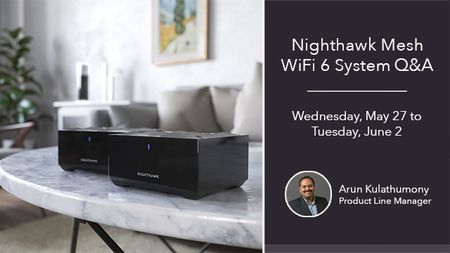
Nighthawk Mesh Q&A with Product Manager, Arun K. - May 27 to June 2
Update: The Nighthawk Mesh Q&A has been extended through Tuesday, June 2! Here is your chance to ask your Nighthawk Mesh WiFi 6 System questions to Arun, so don't miss out!
Join us on We...
Dustin_V
May 29, 2020NETGEAR Employee Retired
Originally asked by JHAnd:
I purchased two AX1800 MK63 sets from Costco. Can I use the second router as a satellite? Does it need to be set to bridge mode? How many satellites can I add in total? Can I hard wire one of the satellites or the second router to help boost signal across the house?
Original thread: https://community.netgear.com/t5/Nighthawk-Mesh-System/AX1800-MK63-how-many-satellites-can-I-add/m-p/1922015#M386
arunkmony
May 29, 2020NETGEAR Employee Retired
Dustin_V wrote:Originally asked by JHAnd:
I purchased two AX1800 MK63 sets from Costco. Can I use the second router as a satellite? Does it need to be set to bridge mode? How many satellites can I add in total? Can I hard wire one of the satellites or the second router to help boost signal across the house?
Original thread: https://community.netgear.com/t5/Nighthawk-Mesh-System/AX1800-MK63-how-many-satellites-can-I-add/m-p/1922015#M386
JHAnd , the router on MK63 cannot function as an additional satellite. You can use the satellites from the second kit to pair with the first kit using the sync/Add Satellite from the Nighthawk App using a wired or wireless connection. It's recommended to limit the number of satellites to 3 or less to get the best performance/coverage.