NETGEAR is aware of a growing number of phone and online scams. To learn how to stay safe click here.
Forum Discussion

Spydrjon
Feb 08, 2020Follower
Nighthawk mesh slow speed
I have installed a new nighthawk WiFi 6 mesh router with 1 satellite. I am getting great speed on speed test from the fiber, but the WiFi speeds SUCK. when I look at the network map, everything seems ...

Christian_R
Feb 11, 2020NETGEAR Employee Retired
Hello Spydrjon,
Welcome to the community! Ultimately the devices will decide which to connect to based off of the strongest WiFi signal. May you try moving the satellite to a further location and let us know if there are any improvements.
Christian
 Jamma00785Feb 24, 2020StarI have been having the exact same problem. Support can’t replicate it and had been no help.
I am getting 96Mbps for the router wired, but on 8-12 Mbps from the wireless. That’s with both the satellite wired and wireless. In testing my device was about 2 ft from the satellite with clear line of sight. Additionally I’m only getting 10-15Mbps from the router with the same 2ft line of site test.- RyanCrFeb 24, 2020InitiateI have the same issue. I have a FireTV stick ave Echo Show within 5 feet of the router yet they are connecting to the satellite that is 30 feet away. I have 2 cameras, 3 plugs, another FireTV stick, and a lightbulb 10-12 feet from the router that are also connecting to the satellite that is 30 feet across the house.
- Christian_RFeb 28, 2020NETGEAR Employee Retired
Hello Jamma00785 and RyanCr,
Please send me a message if you currently have a case with our support team. Please provide your case number and email address. I'd like to see if I can get your case escalated.
Thanks,
Christian
- Jamma00785Feb 28, 2020Star
Dont worry about me. After lack of any real help from customer service, and then being told the only option I had was to pay to return a device for warranty service after owning it for 2 weeks, I returned it to the store. I dont know that I will be back to netgear for a while.
This device is not ready for prime time which is very sad because I really wanted to love it.
- jjjjj666Jun 20, 2020Aspirant
I have the same problem of slow speed! It sucks given how much I spent on this device!!
- jjjjj666Jun 20, 2020Aspirant
I have tried everything possible to fix the problem, spending so much of my time. But the problem persists!! I will have to return the device, and let all my firends know my unsatisfactory experience with it!!!!
Meanwile, I would question why the stores, such as Costco and Bestbuy, are still carrying this defective product!!
- Sablagh61May 03, 2021Tutor
I have a gig service. When I test the ethernet wired speed, it is 655Mbps. When I speed test right next to it. I get 547 Mbps. But as I walk away, speed drops with every oot distance. I used to have an standard gig router from netgear when I had 300 Mbps speed and 20 feet away I use to get the same speed as next to the router.
- DoohickieMay 22, 2021Aspirant
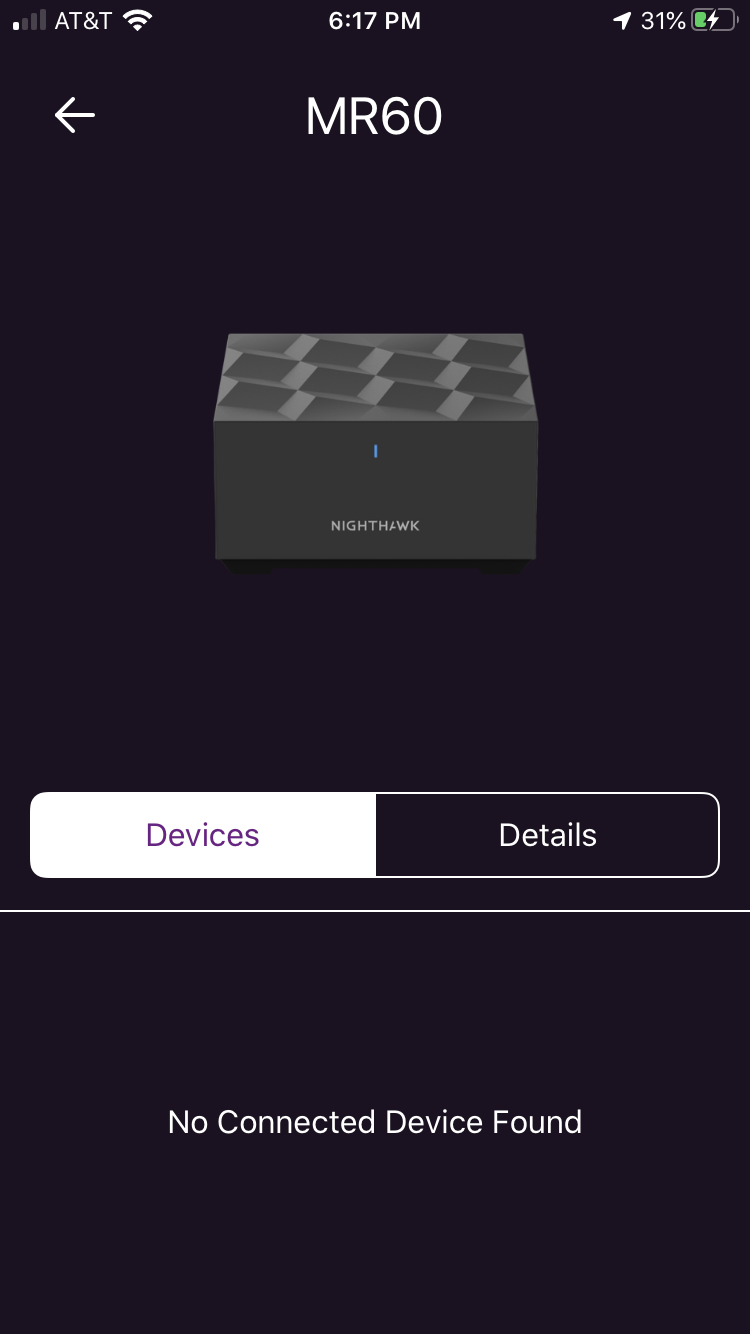
I tried to select my model in the pulldown but it's not in the list. Not a good start, Netgear. I have a Router & Satellite, the package is marked AX1800 MR62, and on the bottom of the box the sticker says *MK62-100NAS*. The router is an MR60, the satellite is an MS60.
For the devices in the back of my house near the satellite, I get slow speeds, excessive buffering during streaming, etc. When my phone is connected to the satellite, my internet speed as measured by the app is 226 Mbps download/12.06 Mbps upload. BUT if I measure using an internet browser speed test (speedtest.net) from my computer, I get only 12.0 Mbps download/11.1 Mbps upload.
I was having buffering issues this afternoon, so I unplugged the satellite and surprise! It started working better. (But I lost some smart switches in my garage because they're too far from the router.)
I bought this system last August. It's behaved like this on an off the whole time. I thought it was my Roku stick but apparently it's the Mesh.
Any ideas?