NETGEAR is aware of a growing number of phone and online scams. To learn how to stay safe click here.
Forum Discussion

Spydrjon
Feb 08, 2020Follower
Nighthawk mesh slow speed
I have installed a new nighthawk WiFi 6 mesh router with 1 satellite. I am getting great speed on speed test from the fiber, but the WiFi speeds SUCK. when I look at the network map, everything seems ...
Sablagh61
May 03, 2021Tutor
I have a gig service. When I test the ethernet wired speed, it is 655Mbps. When I speed test right next to it. I get 547 Mbps. But as I walk away, speed drops with every oot distance. I used to have an standard gig router from netgear when I had 300 Mbps speed and 20 feet away I use to get the same speed as next to the router.
Doohickie
May 22, 2021Aspirant
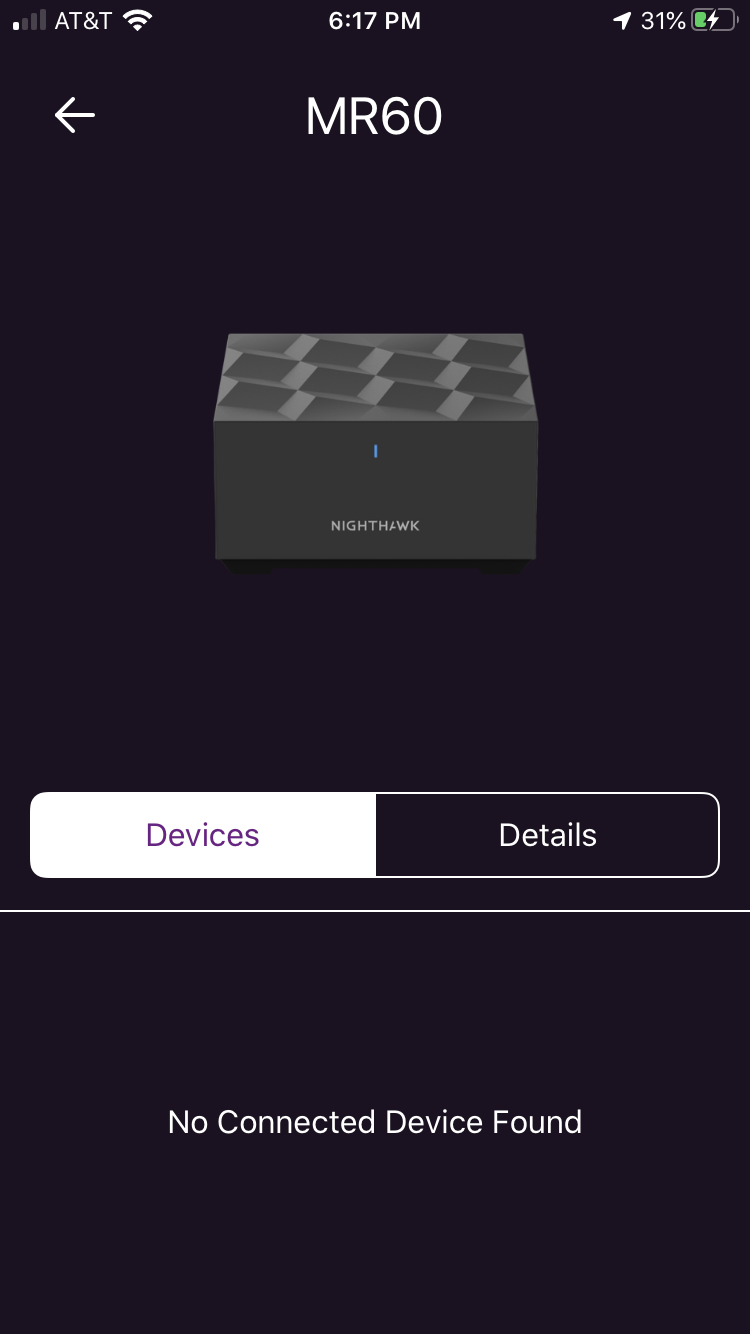
I tried to select my model in the pulldown but it's not in the list. Not a good start, Netgear. I have a Router & Satellite, the package is marked AX1800 MR62, and on the bottom of the box the sticker says *MK62-100NAS*. The router is an MR60, the satellite is an MS60.
For the devices in the back of my house near the satellite, I get slow speeds, excessive buffering during streaming, etc. When my phone is connected to the satellite, my internet speed as measured by the app is 226 Mbps download/12.06 Mbps upload. BUT if I measure using an internet browser speed test (speedtest.net) from my computer, I get only 12.0 Mbps download/11.1 Mbps upload.
I was having buffering issues this afternoon, so I unplugged the satellite and surprise! It started working better. (But I lost some smart switches in my garage because they're too far from the router.)
I bought this system last August. It's behaved like this on an off the whole time. I thought it was my Roku stick but apparently it's the Mesh.
Any ideas?