NETGEAR is aware of a growing number of phone and online scams. To learn how to stay safe click here.
Forum Discussion

Spydrjon
Feb 08, 2020Follower
Nighthawk mesh slow speed
I have installed a new nighthawk WiFi 6 mesh router with 1 satellite. I am getting great speed on speed test from the fiber, but the WiFi speeds SUCK. when I look at the network map, everything seems ...
AsitAgarwal
Sep 15, 2021Aspirant
markber I have the exact same issue with exact same model.. Netgear support is pathetic and there is no resolution even after 2 hours into a call
markber
Sep 15, 2021Tutor
Don't even get me started re support experience :(
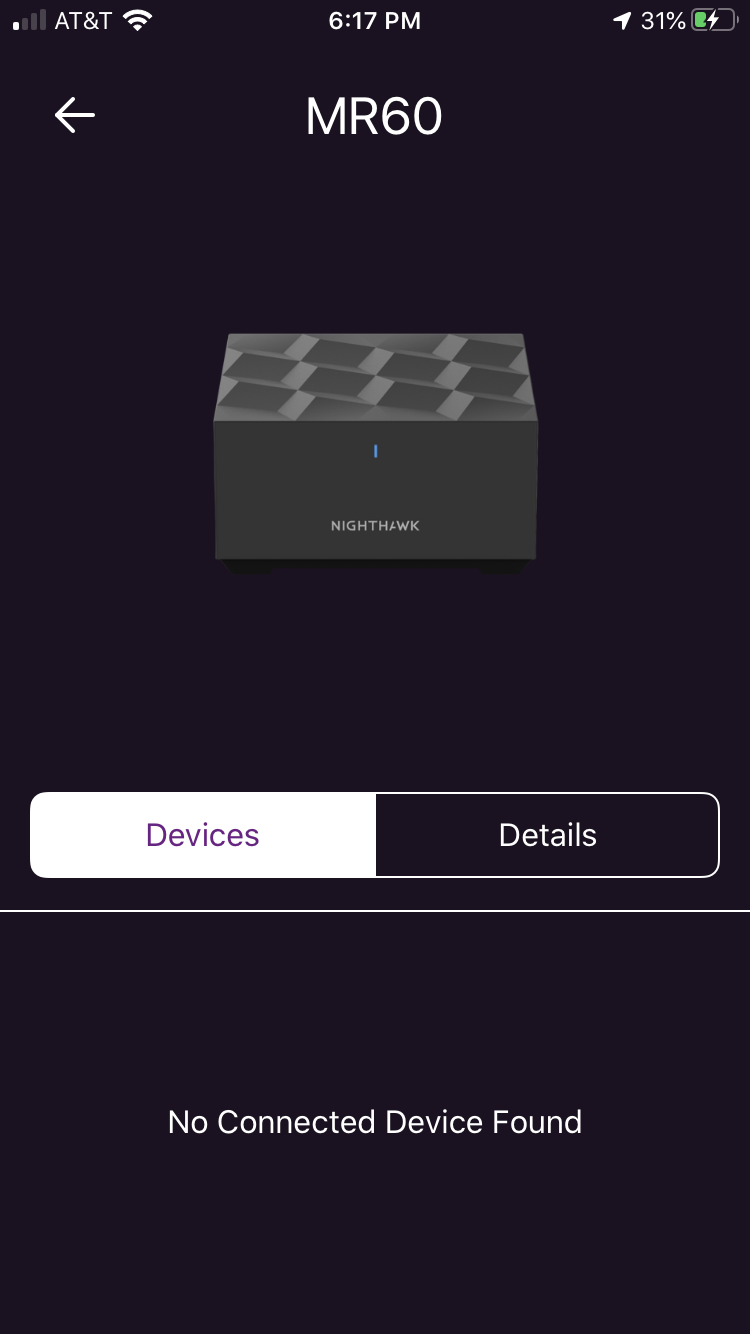
Assuming you're on wired backhaul, try remove the network cable to force WiFi backhaul, as there appears to be an issue with wired backhaul between the MR60 and MS60.
I was unable to get WiFi backhaul to work just by unplugging the network cable from the MS60 and rebooting (pulling the power cable), and ended up performing multiple factory resets, and 30:30:30 resets (using a paperclip, press the reset button and hold it for 30 secs, while still pressing the reset button with the paperclip, remove the power for 30 secs, while still holding the reset button with the paperclip plug the power back in and wait for 30 secs, then release paperclip) on the MR60 and MS60 to get them to connect via WiFi backhaul. Another bug.
This has resolved the MS60 device list not populating issue in the Nighthawk App.
All signs point to wired backhaul :(
Good luck getting Netgear to recognize this, let alone reproduce it on their own, let alone fix it. I've sent countless debug logs, each time I'm told the logs don't capture the info they're looking for. Another bug.