NETGEAR is aware of a growing number of phone and online scams. To learn how to stay safe click here.
Forum Discussion

OSRS
Jun 18, 2022Initiate
Nighthawk MK63 Mesh Trouble
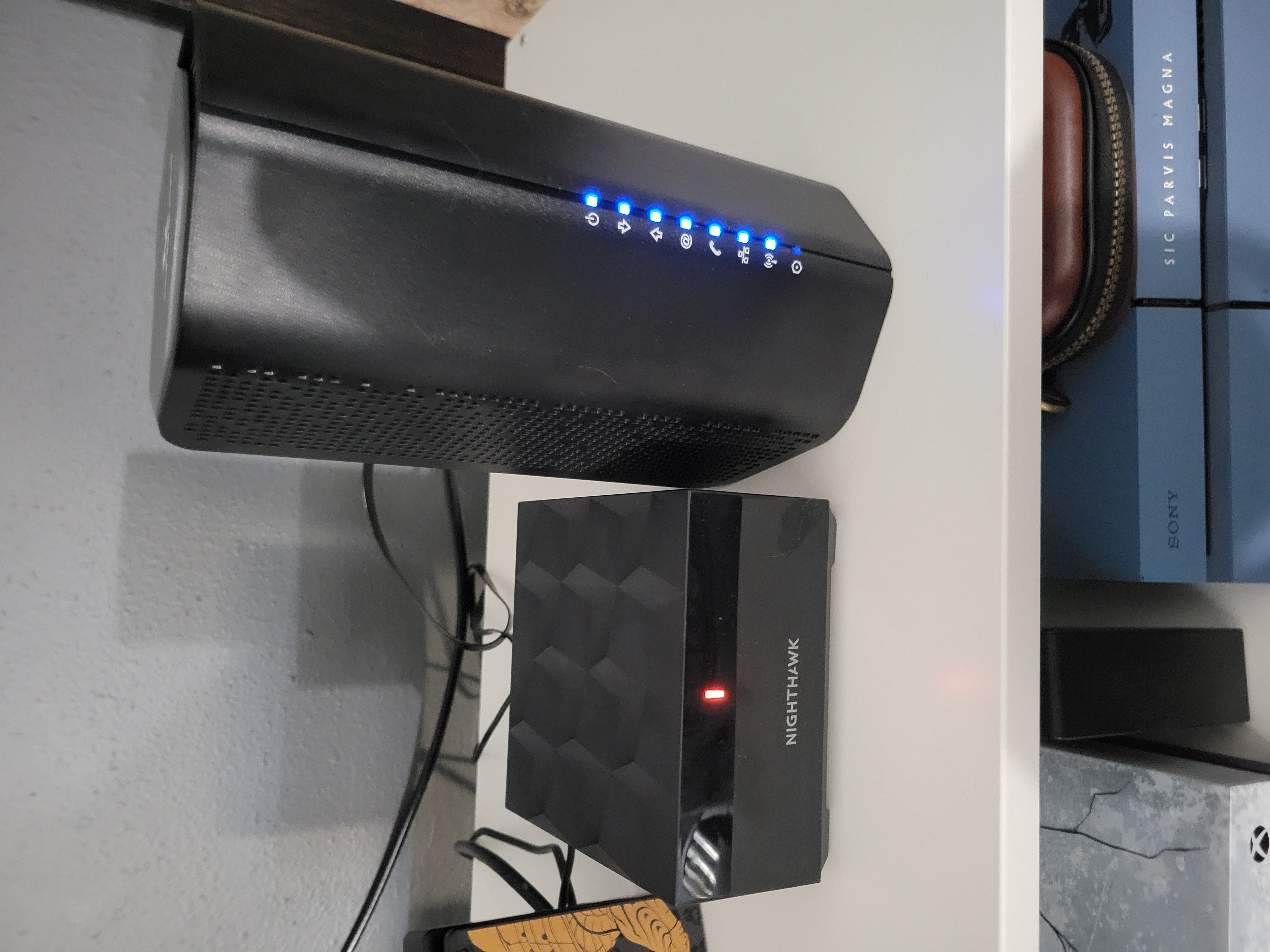
Hey, guys. I recently got a Nighthawk Mesh MK63 system for my home anout 3 or 4 weeks ago. I have read some threads on the site that have been my issue, but I feel like I need more information. I'm no...
EternalStudent
Jun 23, 2022Apprentice
plemens help will probably get you solved quickly (he's right it's best to simplify setups, and people don't always know how). But just in case...
My 2 cents would be to log in to the admin page of your router (192.168.1.1 in a browser), or use the Nighthawk app if that works for you (I hate it personally). Then you could see what is failing or what the logs say. Details help when diagnosing and fixing stuff.
My vague recollection when seeing amber on the router box was my cable modem wasn't giving it internet access. Be that no IP address, or whatever. Unplugging one device and plugging in a new one can trigger a lot of stuff that might fix your original issue (it might still be the ISP device's fault).
If you're not swapping devices (the mesh router and PC are always plugged in), then you can log in to the ISP device's admin page. On mine (Xfinity) it's 10.0.0.1 in a browser. Normally is whatever the IP range it gives out with .1 at the end. Both my XB6 and XB7 devices had a default "admin" user with "password" as the password, it made me change that on first login before it completed. Those devices can show any firewall issues or how well they're talking to your ISP (correctable vs. uncorrectable errors for instance). Maybe a built in security feature is disabling the mesh router for a bit? The ISP device should have a way to see that.