NETGEAR is aware of a growing number of phone and online scams. To learn how to stay safe click here.
Forum Discussion

Paul1111111
Jul 14, 2023Aspirant
cannot connect to interner
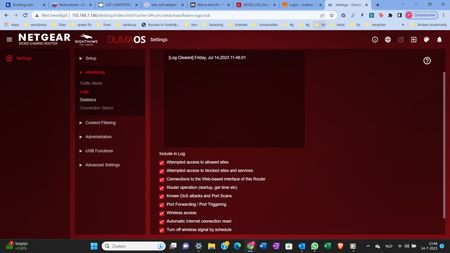
My XR300 router in AP mode is connected to the internet. I can connect to the router on the WIFI guest network to the internet. If i add a password to the guest network i cannot connect anymore beca...

Netduma-Fraser
Jul 14, 2023NetDuma Partner
As you've disabled DumaOS this area is not part of our expertise so it may be best to make a ticket with Netgear directly but we will help as much as we can. The Guest Network is one of the features that is disabled when in AP mode so that will be why that aspect doesn't work. I would suggest taking it out of AP mode so putting it back into router mode, setting up the WiFi how you want, save/apply, then reboot the router from the interface. Wait 2 minutes then access and switch it back to AP and see if you can connect then.
- Paul1111111Jul 14, 2023Aspirant
I did have it on normal mode, but it didn't work then also. I changed it at the shop for a new one, but the problem remains.
I could log on to the wifi, but when i changed the password it stoped connecting my PC to the router.
- plemansJul 14, 2023Guru - Experienced User
More than likely because you gateway has its own built in router.
When you setup the xr300 in router mode, you'd want to put its ip address into the livebox's dmz
- Netduma-FraserJul 14, 2023NetDuma PartnerJust to clarify, you change the WiFi password on the router, then on your PC you re-connect to the WiFi by entering the new password and it doesn't connect?
