NETGEAR is aware of a growing number of phone and online scams. To learn how to stay safe click here.
Forum Discussion

MrReeceNC
Dec 03, 2019Star
Having trouble configuring intial setup on XR500
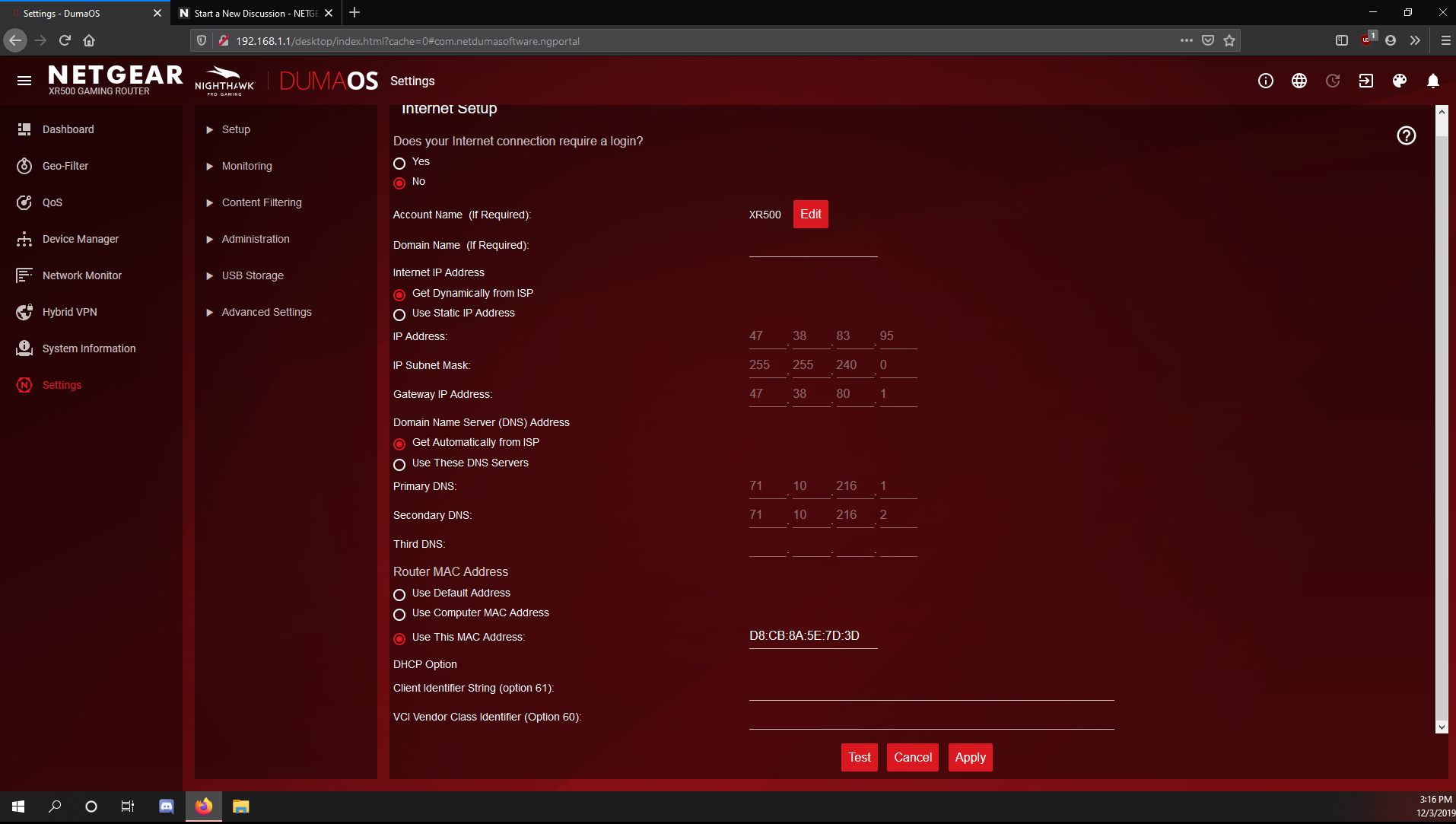
I just bought a Netgear XR500 and I seem to have a issue with the initial setup on netgear routers. Everytime I go to do initial setup it doesn't detect my internet connection. Yes I always power c...

Netduma-Fraser
Dec 03, 2019NetDuma Partner
If you change it now in Internet Setup to use the Default address and then apply what happens it can't get a connection? In the QoS page click on the 3 line icon for Anti-Bufferbloat and input your expected speeds, that should resolve that issue.
MrReeceNC
Dec 03, 2019Star
Yeah I just tried it and it killed the connection, had to reboot both modem and router at the same time like I used to with my old R6400v2. I mean the internet is working and all but I just wish I knew why these routers aren't picking up the connection on setup wizard. The speed issue was remedied after a firmware update and reboot though.
- Netduma-FraserDec 03, 2019NetDuma PartnerThat's very strange. What ISP are you with? Do you require PPPoE or VLAN at all? Whats your modem model?
- MrReeceNCDec 03, 2019Star
No it uses neither of those. my old linksys could just plug in and connect right away. My Arris Surfboard and this modem did the same thing with the other netgear router too. It may just be that my ISP has this weird issue with Netgear hardware.
- MrReeceNCDec 03, 2019Star
The current modem is a technicolor DPC3216