NETGEAR is aware of a growing number of phone and online scams. To learn how to stay safe click here.
Forum Discussion

Targetlockon
Apr 02, 2020Aspirant
XR500 Automatically resets itself and no internet
My XR500 router resets itself and i have do the auto config of setup again in order for the internet to work. Sometimes it is a loop until i get it to work.
I did not know it was set to automatic updates by default.
I had my internet down several times. The lights on the XR500 was orange, i thought it was my modem but it was not.
I never had issues until it automatically updated to the newest firmware.
The first time i got a power loss, the XR500 resetted itself and i had to do auto config again.
It was the same when i tried to manually power cycle it to turn off. I had to do auto config again.
I am not sure how to troubleshoot this to fix this problem.
Is there a way to download the logs?
I have tried to restore my old settings but awhile later they still had issues.
Please help thank you.
6 Replies
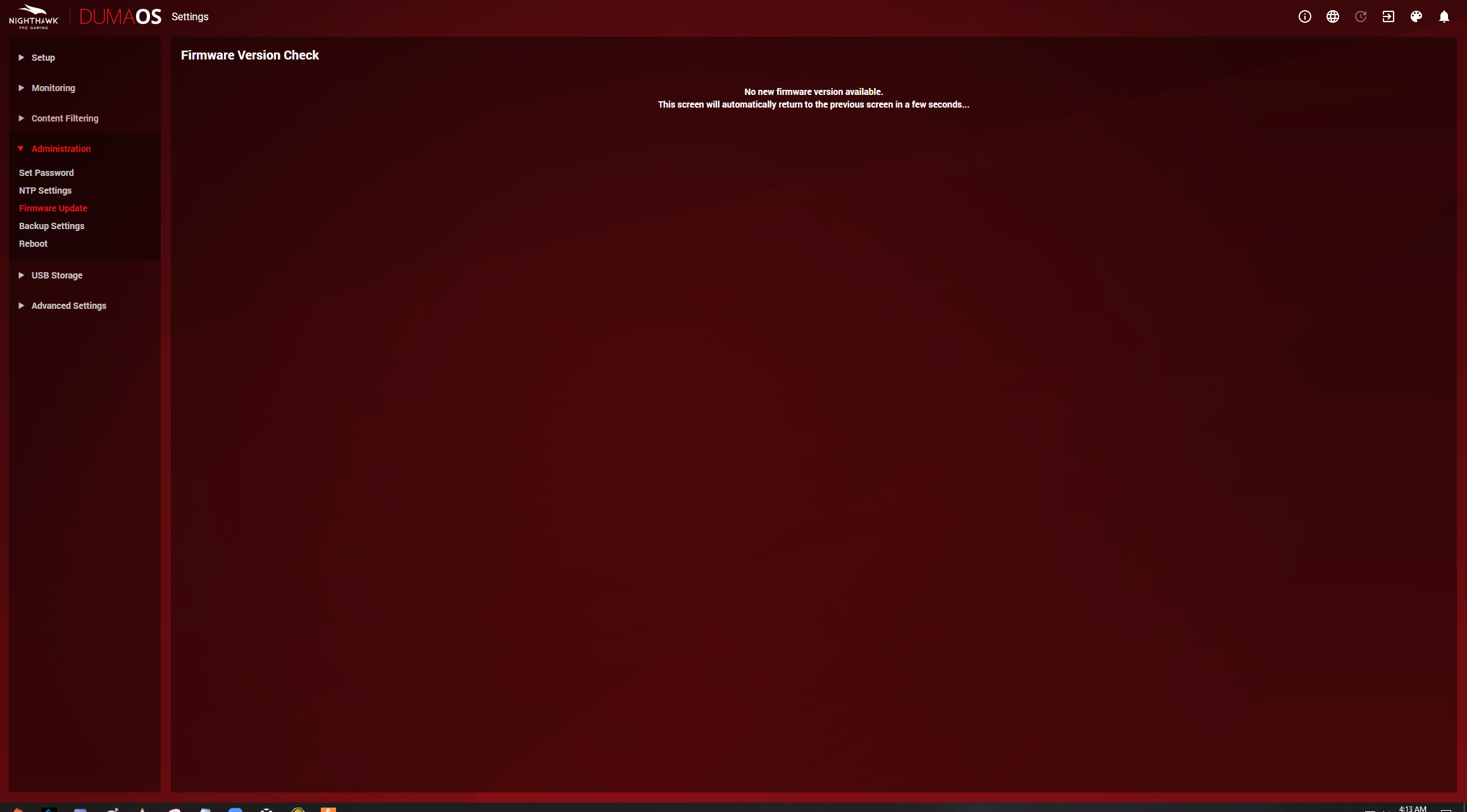
- Netduma-FraserNetDuma PartnerI don't know why upgrading would cause this to happen. Download a previous firmware from here: https://www.netgear.com/support/product/XR500.aspx then disable Auto Updates in the firmware section after downgrading. Does it continue to happen? Keep in mind you'll lose some security updates but this is just to see if it fixes it.
- TargetlockonAspirant
For some reason when i tried this time to reboot the router as power failure it did hold the information. The internet works and everything but whenever i need to use 192.168.1.1 to login i get the admin and password screen to reset my password. I usually press skip and it works.
Update as of today 4/18/2020 around 7-8AM PST, my XR500 router was giving no Wi-Fi internet connection. I restart my modem, checked if that was the issue (it wasn't) I plugged directly into the modem to test. I restarted my router XR500, i still have the same red light that shows my internet isn't working (all the other lights are white and normal). I tried resetting the router a few times using the reset button. After that, i tried downgrading it the previous verison "XR500 Firmware Version 2.3.2.40. I still had the same issue and used reset button that time too.
I noticed that whenever i restarted my router it takes awhile to load DumaOS (not as snappy still in circle loading) even though i waited for quite awhile.
It took me a several attempts and all this troubleshooting. The internet finally works. I have exhausted what i know to troubleshoot the router. Unless, there is something else. Please don't fail again XR500.
I had no issues until the new autoupdates?? Because my router would often restart to lose internet. (I had turned off auto firmware update after this issue.)
I am not sure why this is the case. I have spent a lot of money for quality router, but in the end i have more issues it being down than my modem internet connection.
Model / Version: XR500 Windows 10 Pro 64-bit
- Netduma-FraserNetDuma PartnerHave you had this issue again since then? If not don't change anything and let us know if it occurs again and we can try something else.
- TargetlockonAspirant