NETGEAR is aware of a growing number of phone and online scams. To learn how to stay safe click here.
Forum Discussion

DRU732
Oct 25, 2018Tutor
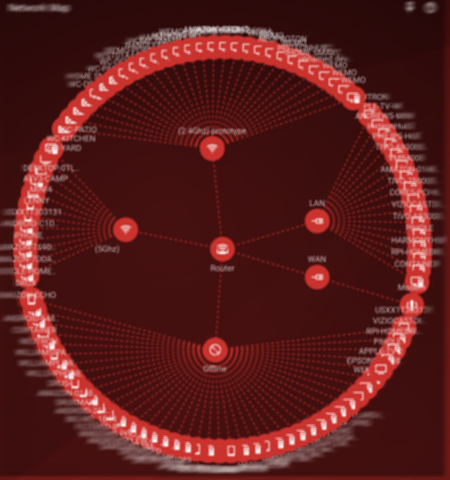
XR500 Device Manager is unusable.
It is really difficult to find, identify and manage the devices on my network with this router.
The standard tables normally used by Netgear are significantly more useful than this unreadable map o...
PamelaPatty
Dec 14, 2018Aspirant
Same here. The Device Manager panel is a mess and QoS is unmanageable. The router seems to multiply a single device in various clones, named as unamed device.
The firmware update V2.3.2.40 has not solved the issue. I'ts very frustrating.
Netduma_Jack
Dec 15, 2018NetDuma Partner
Hi Pamela - we’ve actually made a lot of improvements to this. Could you factory reset your router to clear the history. Then you should see better detection through switches, extenders etc.
We also now have a tabular view for the device manager. Click the three horizontal lines in the top left corner of the Network Map. You can then switch the view to table (and sort by different columns etc)
We also now have a tabular view for the device manager. Click the three horizontal lines in the top left corner of the Network Map. You can then switch the view to table (and sort by different columns etc)