NETGEAR is aware of a growing number of phone and online scams. To learn how to stay safe click here.
Forum Discussion

petrum
Mar 27, 2022Aspirant
the pause/resume functionality is not enabled in Orbi app with RBR750 router
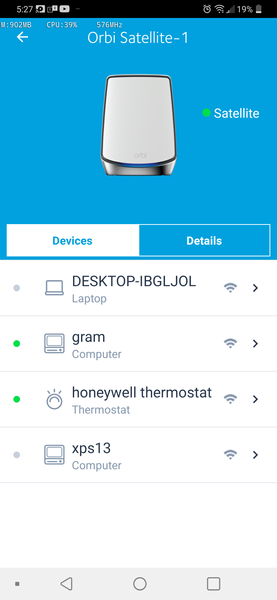
I use Orbi for +4 months, and I usually can see this form in the Orbi app: Today to my surprise I've seen briefly this instead: Unfortunately I'm now back to first si...

CrimpOn
Mar 27, 2022Guru - Experienced User
would probably help to specify the version number of the Orbi app, i.e. Android V2.15.1.2104 or iOS ????
petrum
Mar 27, 2022Aspirant
I use App version 2.15.1.2104 (I believe is latest on my Android LG G8 ThinQ)
I also have the latest firmware for Orbi v4.6.7.13
Thanks,
petrum
- CrimpOnMar 27, 2022Guru - Experienced User
Thanks for the information. Android V2.15.1.2104 shows the Pause sliders on my (old) RBR50 Orbi. A number of people watch this forum who may have the 750. Will be interesting to see their response.
- petrumMar 31, 2022Aspirant
I still didn't figure out what causes the issue described above.
The Netgear support also has no idea what the issue is. They've asked me to do the following (w/o any improvement):
1. reinstall Orbi app
2. factory reset Orbi Mesh system (it was using 10.0.0.1 before even in Router mode, so they thought that changing it to 192.168.1.1 will solve the issue; it didn't!)
3. reinstall the same firmrware on Orbi multiple times etc
I finally was able to figure out the following:
1. the android app can have 2 modes, where 10x buttons or 8x buttons are displayed on its main screen
2. when it only has 8x buttons the "Parent Control" + "Support" are the 2x buttons actually missing from the full 10x buttons configuration
3. when 10x buttons are displayed you see the first screenshot (no sliders)4. it is the 8x buttons screen when the sliders are displayed (second screenshot above)
I've also noticed you can get the 8x buttons screen mode for a short period of time after logging in to netgear account. You do the following:
1. go to Support/My cases => you always get a message about some timeout 😞
2. do this again, but now you are asked to login to existing account
3. while login in observe the 8x button screen is displayed. Then quickly go into "My devices" and see the sliders are there.I hope this helps,
petrum