NETGEAR is aware of a growing number of phone and online scams. To learn how to stay safe click here.
Forum Discussion

UnluckyTech
Dec 20, 2021Aspirant
RAX120 Terrible Wifi Speeds
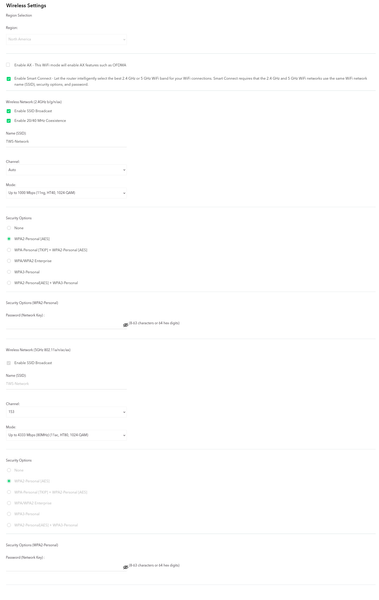
Ok I have been troubleshooting this for awhile now and is getting pretty annoying at this point since I essentially get no internet through wifi at this point. I am going to write out how my netwo...

UnluckyTech
Dec 20, 2021Aspirant
I have updated the router to the latest software and actually in doing so made it even worst. Downgraded to the previous version and still issue. Currently on V1.2.2.24

plemans
Dec 20, 2021Guru - Experienced User
A couple things I'd try.
1. I'd try putting the att gateway back in router mode and putting the netgears IP address into the DMZ.
2. If that doesn't work, put the att gateway back in router mode but put the netgear into AP mode.
Reason I say this Is we've seen a ton of issues with that gateway. Not sure if its not properly coded or if its just how the 2 interact but try those options