NETGEAR is aware of a growing number of phone and online scams. To learn how to stay safe click here.
Forum Discussion

derekcannady
Dec 23, 2021Guide
RAX120 V2 Constant Random Reboots
The router reboots frequently sometimes every 30 minutes. I have noticed that the router reboots under heavy system load of +50% on the processor. The only way I have been able to drastically lesse...
- Jun 11, 2022Installed beta firmware 1.2.3.33 on it and then turn fan on in debug.htm. Just check mark it , don’t click on apply.
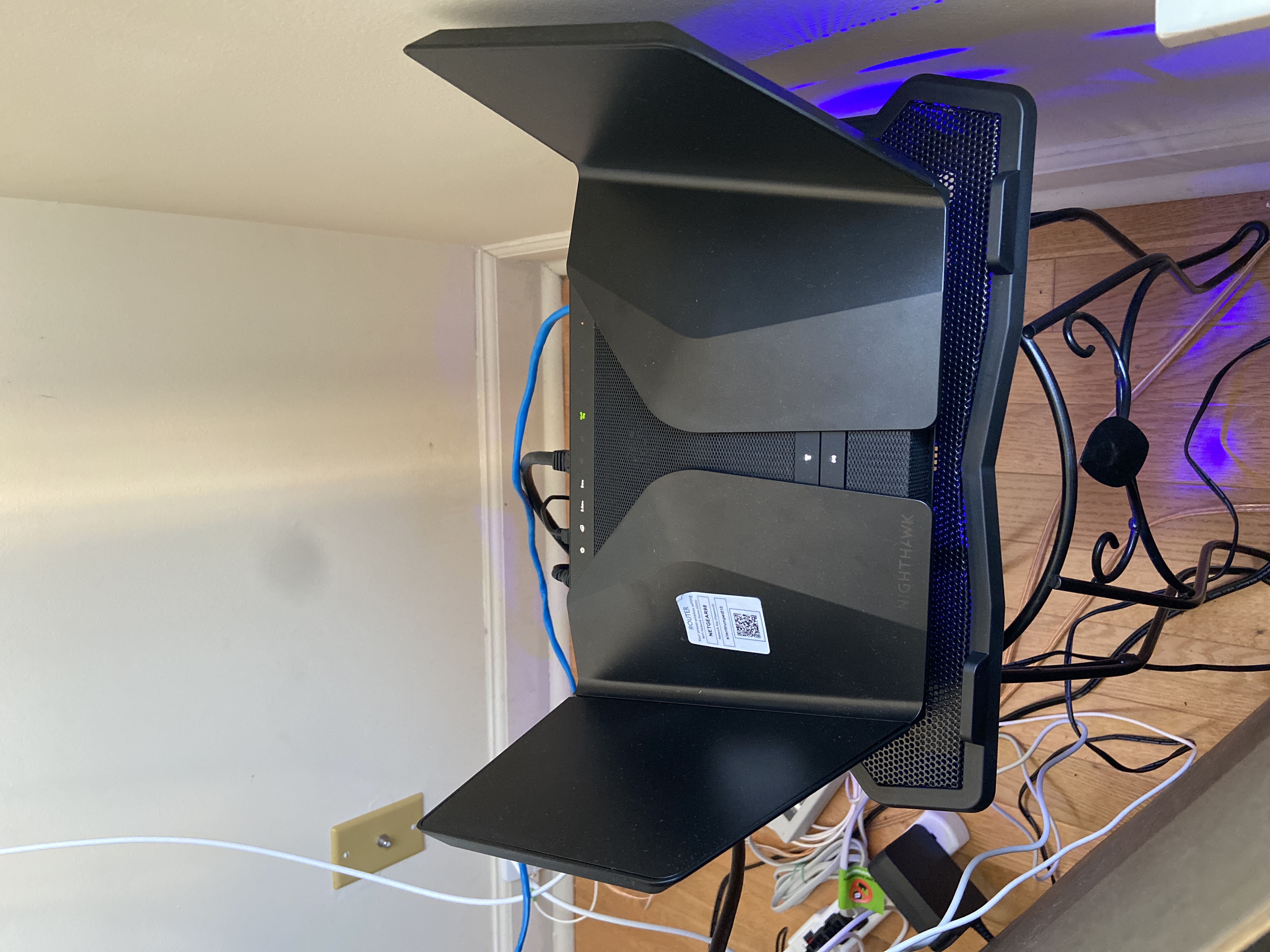
And bought a cool pad from amazon $10 . 4 days in a row no restart and router works perfect.
Laptop Cooling Pad,ESGAMING Laptop Cooling Stand Laptop Cooler 10-15.6 Inch 2 USB Ports 2 Fans with Blue LEDs https://a.co/d/dXVVnxw
SkippyNL
May 22, 2022Guide
Please see their page: RAX120 / RAX120v2 Firmware Version 1.2.3.28 | Answer | NETGEAR Support
For this link: https://www.downloads.netgear.com/files/GDC/RAX120/RAX120v2v1-V1.2.3.28.zip?_ga=2.229055964.1316210812.1653181724-31167254.1649530607
tr4sh80
May 22, 2022Apprentice
Not looking for this firmware. Am looking for the latest *Beta" firmware to see if it improves the constant random rebooting issue.
- SkippyNLMay 22, 2022Guide
Ah, I see. Well, i thought this was the latest, based on the beta, but ofc. i'm expecting they're still busy working on the fix and thus a new beta release.
Please let me know if you do find it