NETGEAR is aware of a growing number of phone and online scams. To learn how to stay safe click here.
Forum Discussion

phoyte
Sep 19, 2019Star
RAX80 - slow speeds
Model RAX80 - Firmware - 1.0.1.60 Purchased August 2,2019 I bought this router a few weeks ago and noticed that I wasnt getting the speeds. This morning I had our ISP out to the house to confirm tha...
mayeen12
Apr 15, 2020Star
Stupid me - I intailly blamed by ISP .. didn't return in within the 30 day period.
NOW --- I'm stuck with the god dam router.. I can't return to best buy
Going through this forum, there is MANY MANY router reporting the same issues WAN limited to 500 MBPS
majeremiah
Apr 15, 2020Tutor
I am way past 30 days, wasting to much time hoping for a solution.
Got mine at Costco, I will see if they will take this one back. I already sent the first one back, so they should understand this product is garbage.
- mayeen12Apr 17, 2020Star
I finally fixed my problem :)
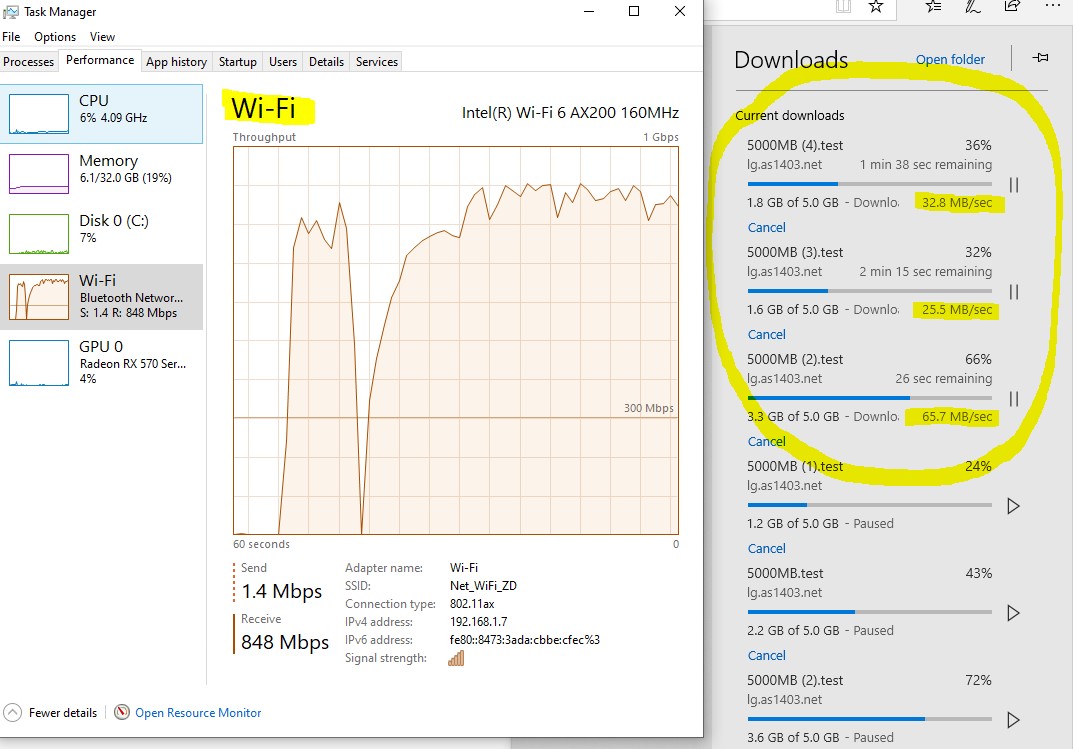
Final Results, I'm getting FULL 940 to 985 MBPS download (From Internet & Internal NAS Drive) - both in wired and wifi mode.
PLEASE NOTE** All my clients are wired or AC or AX devices.
Step 1 - Get the latestest firmware
Step 2 - Turn OFF QOS
Step 3 - Turn OFF Traffic Meter
Step 4 - Turn OFF Access Control
Step 5 - Test you MTU from a wired connection > https://kb.netgear.com/19863/Ping-Test-to-determine-Optimal-MTU-Size-on-Router
Step 6 - Adjust your MTU settings >> https://kb.netgear.com/24015/How-do-I-change-the-MTU-size-on-my-Nighthawk-router
Step 7 - Use WiFI Analizer - FIND THE BEST CH for WiFI - I put AUTO for 2.4 and CH36 for 5ghz
Step 8 - ENABLE BEAMFORMING > DISABLE MUMIMO > ENABLE AX
- So there is couple of other things i did, like use non netgear NTP server.. not sure if that even matters