NETGEAR is aware of a growing number of phone and online scams. To learn how to stay safe click here.
Forum Discussion

BretD
Jul 19, 2017Administrator
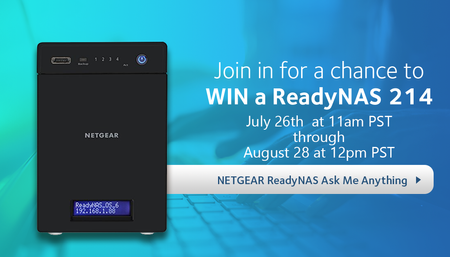
AMA - Ask Us Anything About ReadyNAS and You Could Win a ReadyNAS 214!
We are hosting an extended 4 week Ask Me Anything AMA for the NETGEAR ReadyNAS line of products and we would love to answer your ReadyNAS questions. Best of all, posting your question below enter...

David-YKS
Aug 17, 2017Tutor
If one has a 4 bay ReadyNAS system and has two bays with 6TB HDDs in these two bays and the other two are empty, can one install the 10TB HDDs in them at a later date and the 6TB and 10TB HDDs will function together in the the ReadyNAS? As the size of NAS HDDs increase, will the ReadyNAS systems be able to accept the larger HDDs?

aks
Aug 17, 2017Virtuoso
David-YKS wrote:If one has a 4 bay ReadyNAS system and has two bays with 6TB HDDs in these two bays and the other two are empty, can one install the 10TB HDDs in them at a later date and the 6TB and 10TB HDDs will function together in the the ReadyNAS? As the size of NAS HDDs increase, will the ReadyNAS systems be able to accept the larger HDDs?
Generally, inserting larger driver later on in to empty slots automatically expands an x-raid configured system. The capacity can be considered using the online sizing tool. Make sure you check the drive compatibility, but basically several 6TB and 10TB drives are supported.