NETGEAR is aware of a growing number of phone and online scams. To learn how to stay safe click here.
Forum Discussion

stevebr
Jan 24, 2021Follower
EAX20 setup with password, now won't let me connect, and not sure how to even restart!
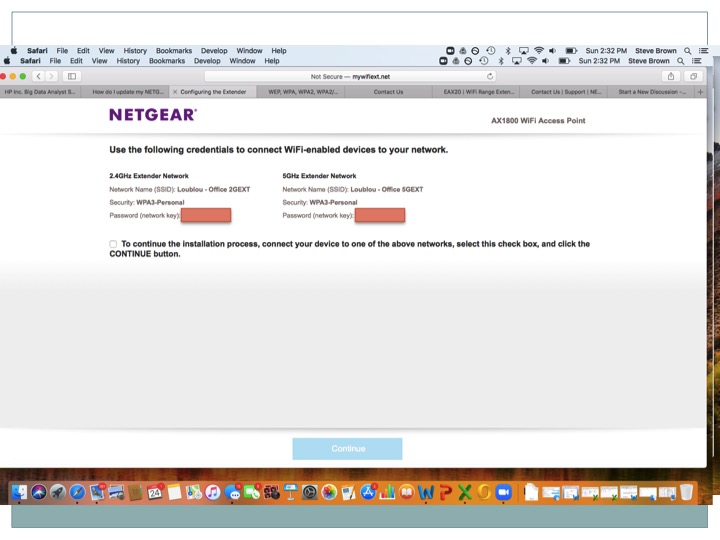
Trying to setup my EAX20 for the first time. Connected it by wire to my Comcast modem, and connected my laptop to the EAX20 wifi SSID. Started the setup process, set the new names for 2GHz and 5GHz. And defined the passwords. The page then says to login, but the EAX20 says the password is not correct. Even though it matches what is shown on their page. Then i notice it says WPA3. But my Mac is asking for WPA2 password. Doing some searching, i see a lot of discussion about updating firmware (various models, etc. But then i realilzed i'm not at all connected to the device because of the password! So i don't know how to start over, or update firmware. No discussions on forum seem to cover this situation. Help!
1 Reply
- plemansGuru - Experienced User
So you have it connected by wire to the comcast modem/router?
What router is it?did you set it up in access point mode (since its hardwired in) or extender mode?
what you can try doing is log into the comcast router to check what IP address it assigned to the extender and use that to access the extender.
And you do have the option of disabling wpa3 if you think that's an issue.