NETGEAR is aware of a growing number of phone and online scams. To learn how to stay safe click here.
Forum Discussion

TristanW
Sep 30, 2021Aspirant
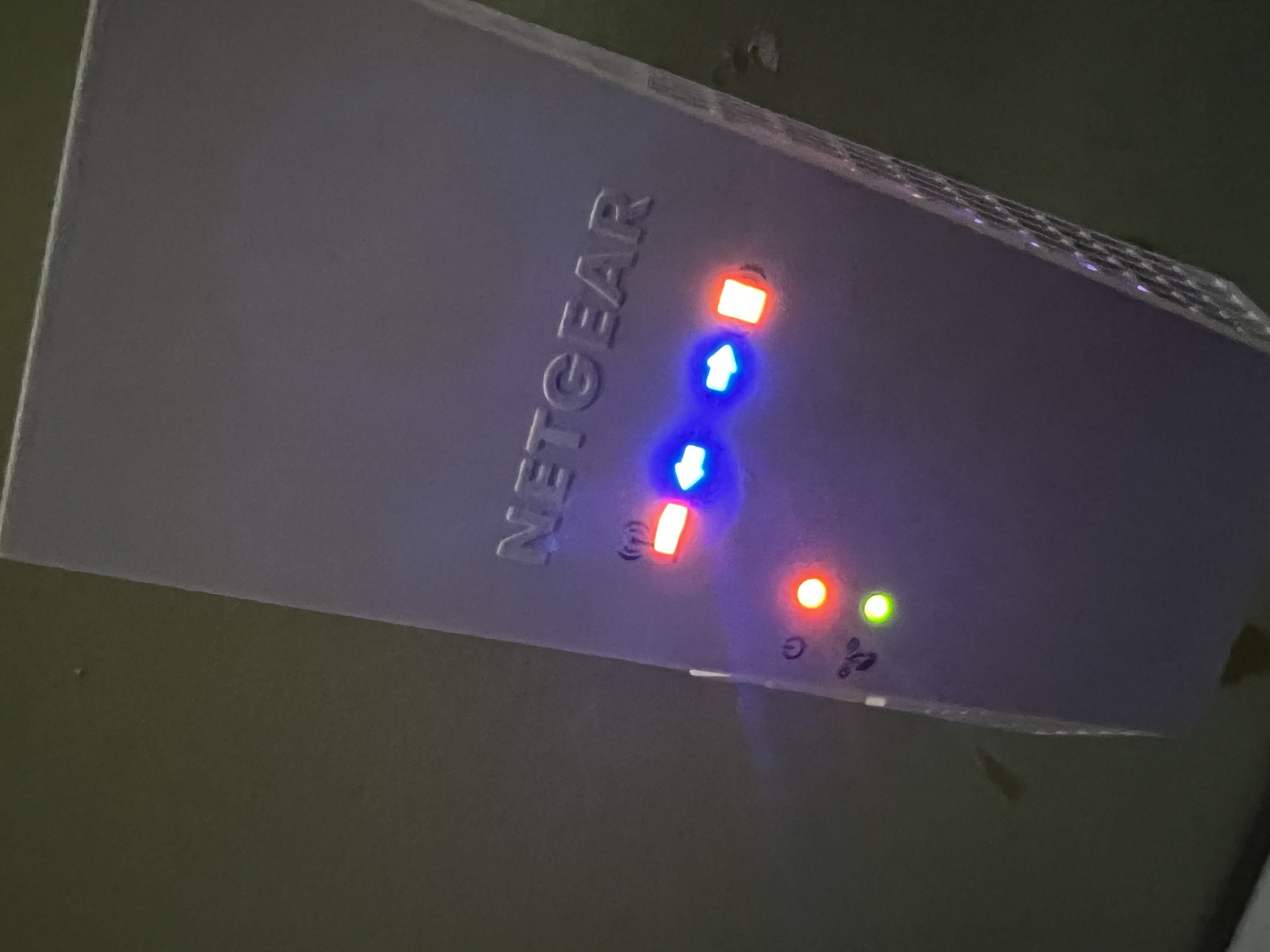
EX6250 Extender all lights are on when plugged in can't factory reset
Plugged extender out of wall before going on vacation, came back a week later, plugged it back in and now all the led lights are on & solid. Factory reset button doesn't work either. Anyone has sugge...
TristanW
Oct 12, 2021Aspirant
Yes. I pressed and hold for 30 seconds. Called Netgear and went through the troubleshooting but all they did was place me on hold and transfer me around until the phone got disconnected. I have yet any solid answers on how to get a replacement from them unfortunetly. I only had the mesh extender for little under a month now.

plemans
Oct 13, 2021Guru - Experienced User
You can try recoving it with tftp or nmrpflash.
are you on windows? if so, follow this guide
https://kb.netgear.com/000059634/How-to-upload-firmware-to-a-NETGEAR-router-using-Windows-TFTP
just make sure you enable tftp
https://www.thewindowsclub.com/enable-tftp-windows-10
and here's a video walk through using a tftp client. Use the built in one for windows 10 though. the video is more of an example of how its done.
https://www.youtube.com/watch?v=R9DLrLQrpaw
and if that doesn't work, you can try using nmrpflash
https://github.com/jclehner/nmrpflash