NETGEAR is aware of a growing number of phone and online scams. To learn how to stay safe click here.
Forum Discussion

SuperChargedPT
Mar 07, 2022Follower
Complete Router Freeze on R6120
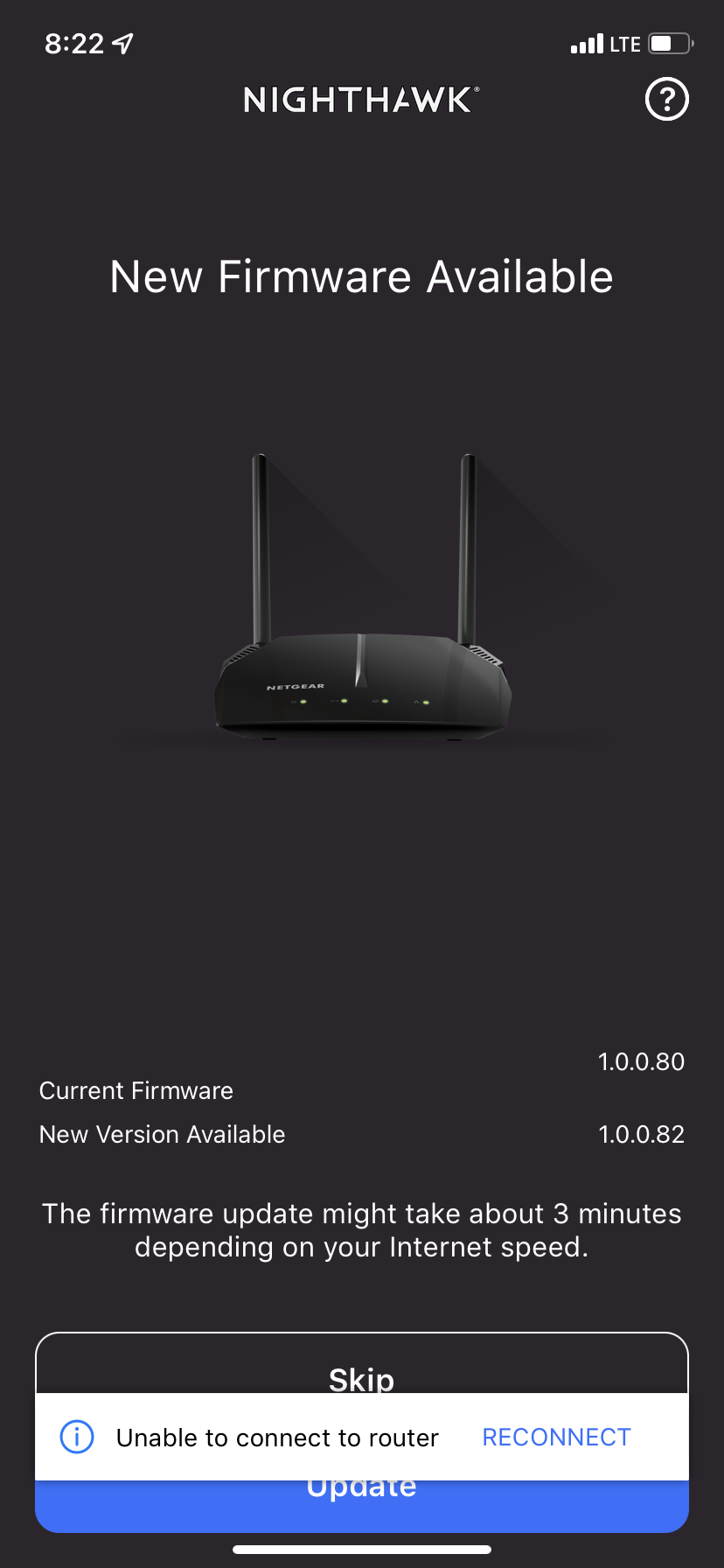
So within the past 2 hours I have attempted to update the firmware on my R6120 after I saw in supplied photo that an update was available through my Nighthawk app on my iPhone XR. However, when attemp...

plemans
Mar 08, 2022Guru - Experienced User
If it failed during a firmware update, you might have corrupted the firmware.
You can try recoving it with tftp or nmrpflash.
are you on windows? if so, follow this guide
https://kb.netgear.com/000059634/How-to-upload-firmware-to-a-NETGEAR-router-using-Windows-TFTP
just make sure you enable tftp
https://www.thewindowsclub.com/enable-tftp-windows-10
and here's a video walk through using a tftp client. Use the built in one for windows 10 though. the video is more of an example of how its done.
https://www.youtube.com/watch?v=R9DLrLQrpaw
and if that doesn't work, you can try using nmrpflash
https://github.com/jclehner/nmrpflash