NETGEAR is aware of a growing number of phone and online scams. To learn how to stay safe click here.
Forum Discussion

kagetora13
Dec 19, 2015Aspirant
Unable to upgrade firmware on WNR2000V5 from V1.0.0.20 to V1.0.0.34
I've read through the forms on the on going issues people are facing trying to upgrade their firmware on WNR2000V5 to V1.0.0.34. Presently I am trying to upgrade WNR2000V5 via the "WNR2000v5-V1.0...
- Jan 12, 2016
I would suggest for you to contact support.

kagetora13
Dec 22, 2015Aspirant
Thank you for your response. I took a screenshot after logging into the router.


TheEther
Dec 22, 2015Guru
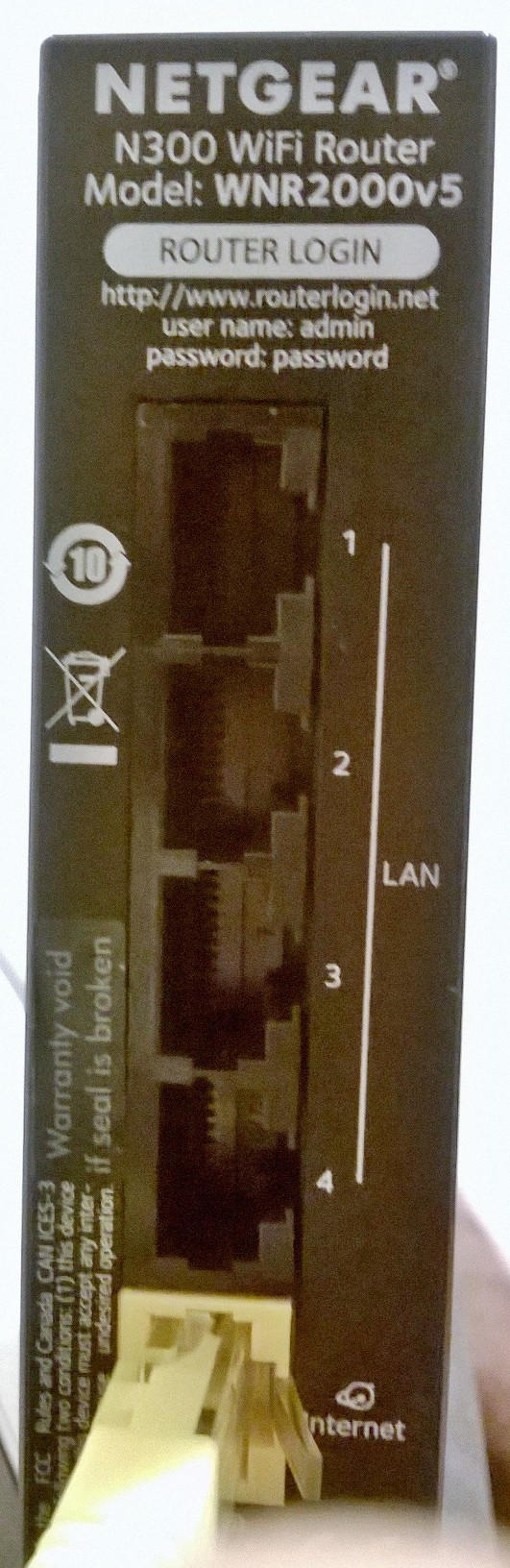
Well, that's quite interesting. Did you take a look at the sticker? Does it also say WNR2000V5?
- kagetora13Dec 23, 2015Aspirant
The bottom has the MAC address and serial number which I believe i provided in the original post
- TheEtherDec 23, 2015Guru
Thanks for obliging. You definitely have a WNR2000V5. :smileyhappy:
It's a puzzle as to why you can't upgrade the firmware. What are you using to unzip the download? Perhaps you can try a different unzipper?
- kagetora13Dec 23, 2015Aspirant
Hi,
I tried using both Windows 10 built in unzipping utility and 7ZIP. If you want to eliminate this from the equation then Netgear can provide me with a self extracting ZIP file?
Also what puzzles me is why the router does not recognize it needs to upgrade its firmware when doing it from trying to download over the internet via the bios screen? Is this a known bug?
Finally, is there not a way to run this upgrade in debug mode? If we want to know what is happening we need a log of why it does not like the file. I doubt it is user error as the automated update from the bios setup screen is failing. I've never had this kind of issue on my previous netgear or linksys routers.