NETGEAR is aware of a growing number of phone and online scams. To learn how to stay safe click here.
Forum Discussion

togatoga
May 22, 2018Guide
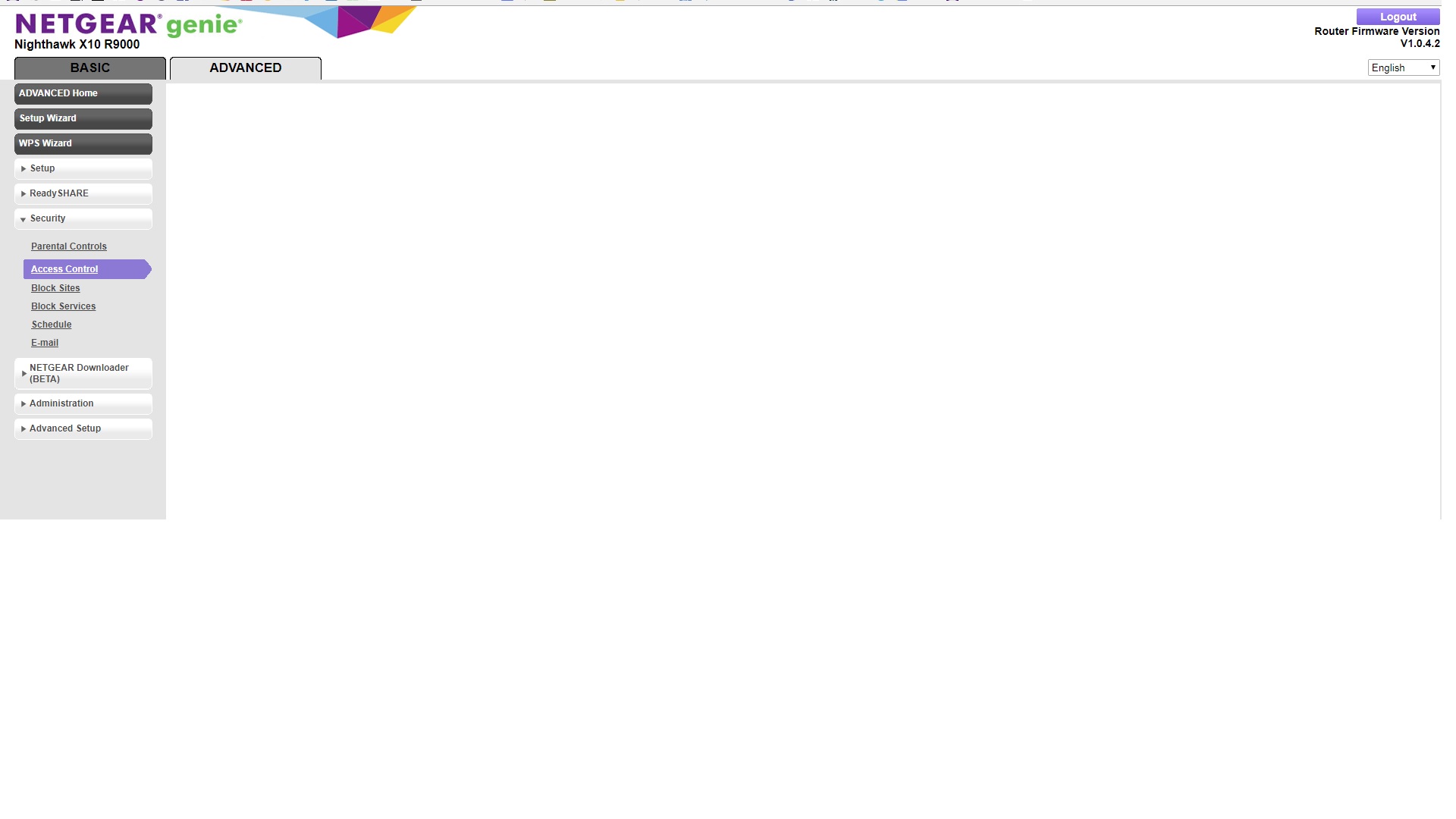
"Attached devices" and "Access Control" not working on Nighthawk X10
Hoping someone can help before I give up and send this router back. Router setup was routine. I do not protect my home network with a password; rather I use a MAC access list, which worked with my ...
 Aug 07, 2018
ChristineT DarrenM I was able to change names and status from allowed to block and remove (null) devices.
Some of the devices had proper description as long as they were offine, as soon as they were connected to router the name was replaced with "n/a". In some cases I was able to fix the name in Access Control. In couple cases the name change was not being saved. In those cases I've used Connected Devices and the name was accepted.
Also changing device type in Connected Devices works. The Genie App still doesn't recognize the proper types of some devices. For example my iPhone type is set to iPhone and in Genie App is shown as Arlo.
That's it basically, both Access Control and Connected Devices are accessible again and working as intendet. Thanks.
wireframeX
Aug 14, 2018Aspirant
bbaraniec This one : R9000-V1.0.4.5HF --> I have 30 entries in my own LAN with Control Access now without any pb. Far less buggy than the official one.
All the best
Phil
bbaraniec
Aug 14, 2018Luminary
I'm giving Voxel a try. Installed, first impression web gui is way faster, samba transfers are around 50% faster and I got ssh access :)
- wireframeXAug 15, 2018Aspirant
bbaraniec Well done :)
- BiggzAug 21, 2018Initiate
Can I get confirmation from someone who is employed through Netgear, stating that the above software is indeed the way to fix the problem of "Attached Devices" not showing up?
Thank you.