NETGEAR is aware of a growing number of phone and online scams. To learn how to stay safe click here.
Forum Discussion

JimmyW
Jan 21, 2021Luminary
Choosing a channel and band for streaming TV
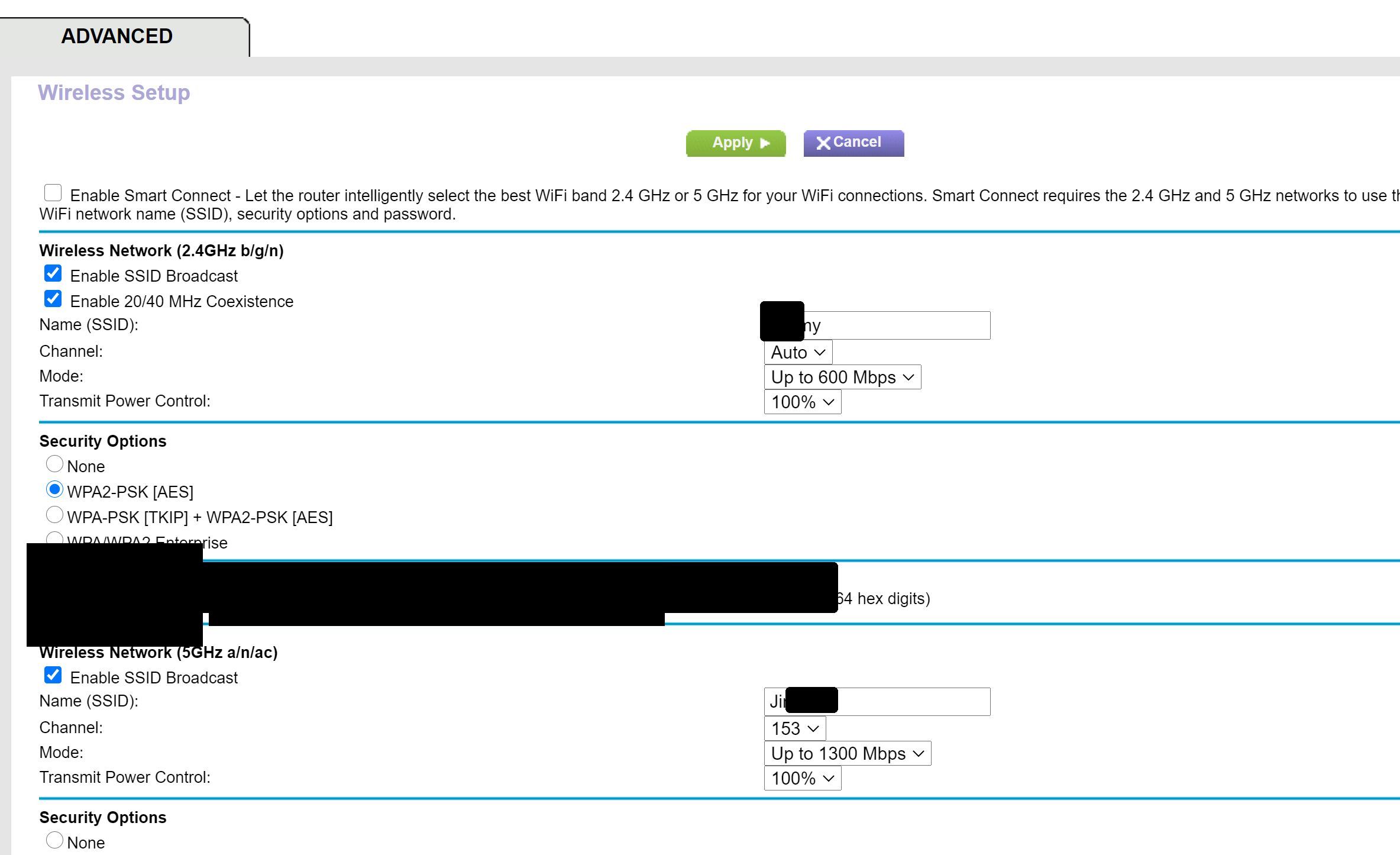
I'm using the R7000 router with Spectrum's streaming service on my Samsung smart TV. I connect to the router through a powerline adapter, and I use the 5GH band. The channel is set to 153, which I ...
- Jan 22, 2021
The reason they recommend it is because most tier 1 techs from spectrum/comcast/cox are just regular people with some basic training/troubleshooting. I know some pretty techologically smart people who don't know much about networking/wireless. the more you learn, the more you find out you don't know about networking. Half the time, I feel like a dumb*** compared to many of the members on here.
JimmyW
Jan 22, 2021Luminary
Yes, I've done some research to learn more about this topic. First, it seems that 5GHz is indeed better suited to my use. The reason that Spectrum suggests 2.4 with 1-6-11 is because they don't have a clue, AND because 1-6-11 are the channels without overlap in low band, so that's default for Spectrum's "techs."
I got WiFi Analyzer for my PC, and it reported that I would be much better off switching to Channel 36 from my current 153. I don't know how 153 became my channel, unless Netgear Support suggested it when I called a long time ago for some tech help. Also, I read that one should choose the lowest channel that gives the best performance.

plemans
Jan 22, 2021Guru - Experienced User
The reason they recommend it is because most tier 1 techs from spectrum/comcast/cox are just regular people with some basic training/troubleshooting. I know some pretty techologically smart people who don't know much about networking/wireless. the more you learn, the more you find out you don't know about networking. Half the time, I feel like a dumb*** compared to many of the members on here.