NETGEAR is aware of a growing number of phone and online scams. To learn how to stay safe click here.
Forum Discussion

Phishin4dmb
Feb 28, 2021Follower
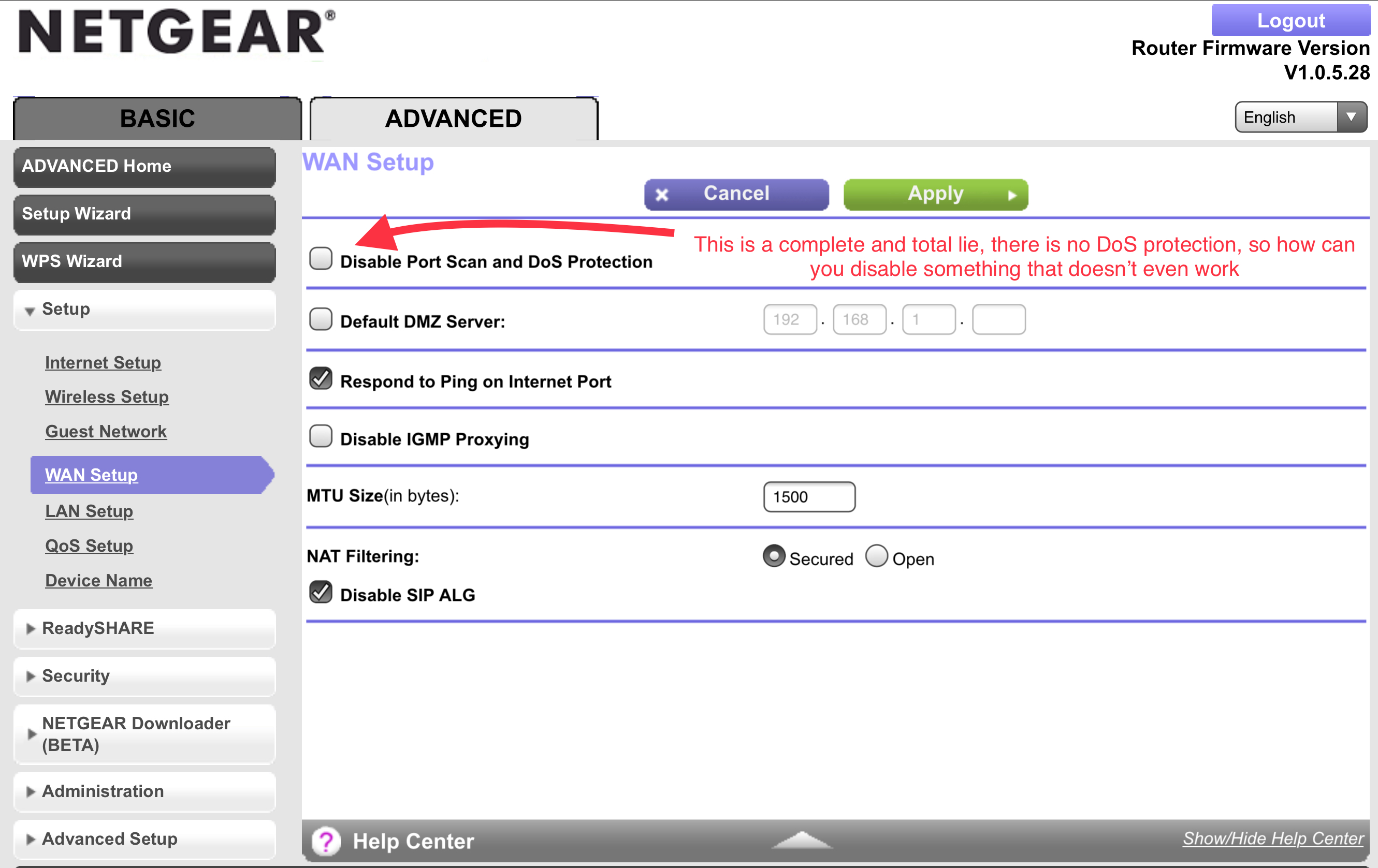
DOS(denial of service) = R9000 reboots!
This is unbelievable, that a router of this caliber literally reboots ANYTIME a denial of service attack happens. What's even more ADJECTIVE-UP is that I can't add A BASIC firewall rule, not a single...

michaelkenward
Mar 01, 2021Guru - Experienced User
Netgear's firmware is great at creating false reports of DoS attacks. Many of them are no such thing.
Search - NETGEAR Communities – DoS attacks
Use Whois.net to see who is behind some of them and you may find that they are from places like Facebook, Google, even your ISP.
Here is a useful tool for that task:
IPNetInfo: Retrieve IP Address Information from WHOIS servers
If these events are slowing down your router, or causing other problems, that may be because it is using up processor time as it writes the events to your logs. Anything that uses processor power – event logging, QoS management, traffic metering – may cause slowdowns. Disable logging of DoS attacks and see if that reduces the problem. This does not prevent the router from protecting you from the outside world.