NETGEAR is aware of a growing number of phone and online scams. To learn how to stay safe click here.
Forum Discussion

JimmyW
Feb 04, 2019Luminary
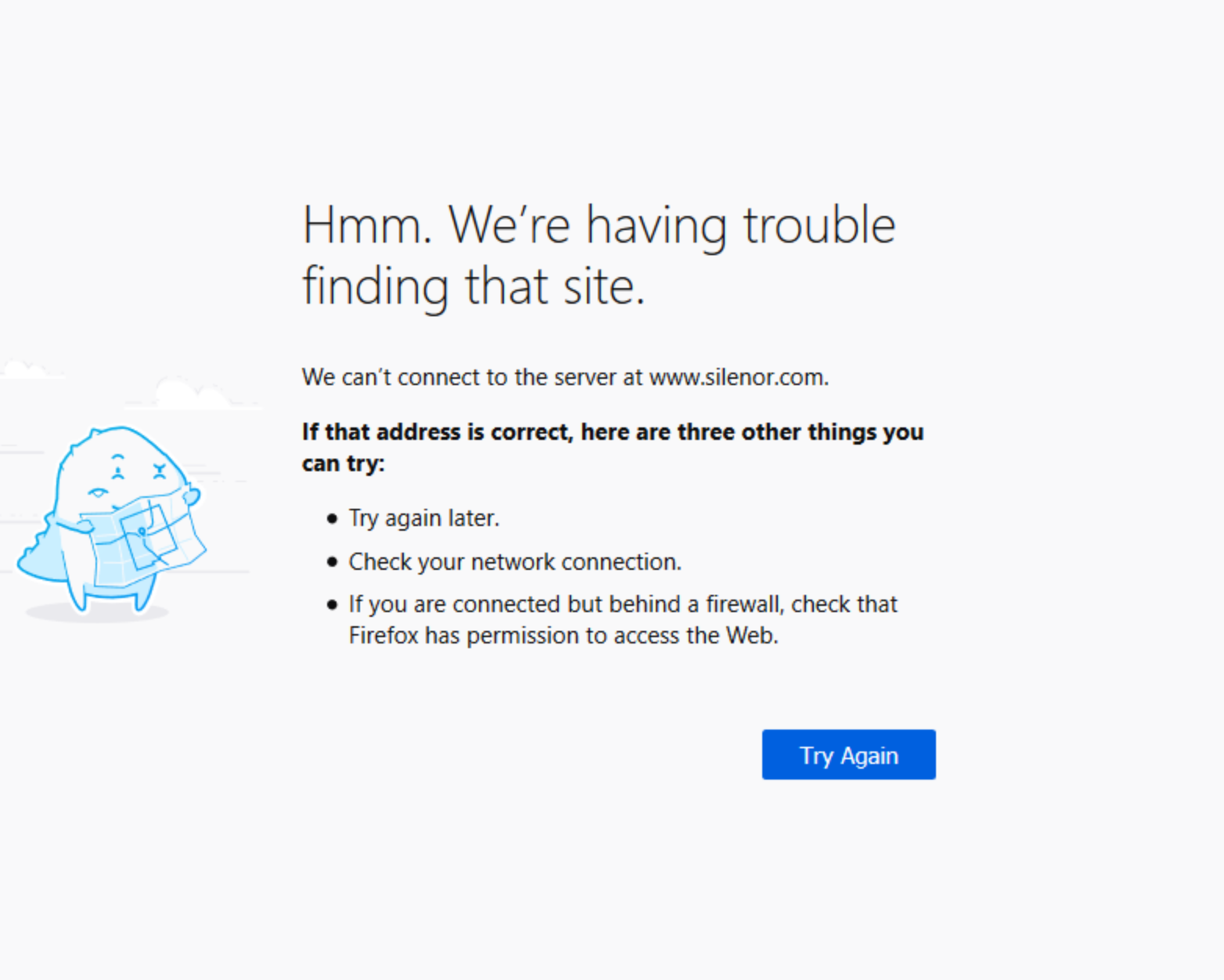
Error when navigating from a link
I've reported a simialr issue in the past and tried a few suggestions, such as switching my DNS from Spectrum to Google. All too often, I click a link and am presented with a Firefox (65.0) screen as...
 Feb 06, 2019
JimmyW wrote:
Sorry for my mixup. Just opened my settings. My firmware is V1.0.9.42_10.2.44. The router is an AC1900 R7000
OK, stay there an test. That is probably last f/w that was stable for most people.
Personally, I don't think it is the router? We'd have a flood of complaints if it did.
I'll tell you this, my wife was on my back 2 days ago. I've been moving USB Network Adapters between our PC's, her's is Pro and mine is Home. We've got 2 different USB AC speed NIC's. I can't always boot with one and it has no problem on her PC. However on her PC it sometimes is slow coming out of sleep, and sometimes she must manually connect.. all well and good.2 days ago she could NOT login to a web site. Similar to your problem. I ran troubleshooter's, looked at all possible TCP/IP settings. We both run Firefox, same level. She had a lot of 'purchasing/coupon ad-ons'. I ran her FF in Safe mode. Problem remained. Went to my PC and created an account. I had NO problems signing in? Went to her PC and I didn't either? Huh? So we created a NEW account for her, poof it worked? Discovered her OLD USERID was her first name. We use RoboForm and it filled that in and tried to login. FAILED with that. Noticed it NOW wanted the E-MAIL address. Used the old account e-mail address and it worked? That is until today... seems the web site is changing.
So don't blame everything on something new I guess is the moral here. Oh, web site owner's (a pop-up window gives and e-mail address to contact them) support, USELESS... they had NO clue... usual garbage, clear cache, reboot PC, try a different browser... none helped.
IrvSp
Feb 05, 2019Master
From the additional info you provided I still doubt it is the router?
Are you one the V1,0.9.60 or .64 R7000 release? Those are troublesome for many people. Although it seems you never had it working with the R7000? In any event, if you are using either of those 2 firmwares I'd suggest login to the router and taking and saving SCREEN CAPTURES of any changes you might have made and also save the configuration. Then make sure you have the V1.0.9.42 firmware before you do this. On the ADVANCED TAB, the ADMINSTRATION side tab, the the BACKUP Seeting, after you've saved away the settings, press the ERASE button on the bottom line. Install the .42 firmware, enter manually any setting you need and test. Still having a problem might as well put back the old firmware.
There are two other possibilities, as myersw pointed out it could be the browser, I'm on Firefox 65.0, and it was updated recently. That is why using other browsers might make it work.
Firefox has some help for this too, see https://support.mozilla.org/en-US/kb/websites-dont-load-troubleshoot-and-fix-errors.
Not saying it isn't the router, just make sure something else isn't the cause. It could be the router has a shorter timeout for a TCP/IP packet to come back?
Since this is 'random', it could be due to traffic on the web site or on the router even.
Oh, use the law of 1/2's. Basically if you have 8 add-on's, and disable them all and no problem, then only enable 4 of them and test. Have a problem, disable 2, still a problem, then 1 and test. OK, disable it and enable the other (to make sure it fails). Do the same for the other 4 if the first 4 works OK. Of course it could be a combination of two even?
JimmyW
Feb 05, 2019Luminary
My firmware is 10.2.44 on my R7000. I do see that 10.2.64 is available, but I haven't installed it yet. Do you advise against it? Other than the issue that I described in my first post, everything is good (with high band). I do have my current .cfg file and screenshots. I can't seem to find the .44 firmware on Netgear's site, only the .42.
- myerswFeb 06, 2019Master
JimmyW wrote:
My firmware is 10.2.44 on my R7000. I do see that 10.2.64 is available, but I haven't installed it yet. Do you advise against it? Other than the issue that I described in my first post, everything is good (with high band). I do have my current .cfg file and screenshots. I can't seem to find the .44 firmware on Netgear's site, only the .42.
Personally, from what I have seen, if you are not experiencing issues stay with the firmware you are running. If problems then go to the .42 firmware. Netgear is really putting out some crappy firmware and latest is not the greatest.
- IrvSpFeb 06, 2019Master
OK, I am confused...
"10.2.44 on my R7000"
That is NOT R7000 firmware. It starts with V1.9 followeb by x.xx.
" I do see that 10.2.64 is available" That is NOT as well?
Assumong you mean "V1.0.2.44", that version is for many different routers, R7800, R8000, R6400v2, and maybe others.
Actually, doing the test first with no add-ons in this case is probably the right thing to do. The find you router on the SUPPORT link and look for the latest D/L. If newer than what you have, install it and test.
Having NOT seen this complaint by others myself, I can't say if it is specific to your browser or even the router.
- IrvSpFeb 06, 2019Master
Assuming you are an R78000 at V1,0,2,44, you have REALLY old F/W. See https://www.netgear.com/support/product/R7800.aspx#download and the screen capture on right.
I'd upgrade immediately and test.
- JimmyWFeb 06, 2019Luminary
Sorry for my mixup. Just opened my settings. My firmware is V1.0.9.42_10.2.44. The router is an AC1900 R7000
- IrvSpFeb 06, 2019Master
JimmyW wrote:
Sorry for my mixup. Just opened my settings. My firmware is V1.0.9.42_10.2.44. The router is an AC1900 R7000
OK, stay there an test. That is probably last f/w that was stable for most people.
Personally, I don't think it is the router? We'd have a flood of complaints if it did.
I'll tell you this, my wife was on my back 2 days ago. I've been moving USB Network Adapters between our PC's, her's is Pro and mine is Home. We've got 2 different USB AC speed NIC's. I can't always boot with one and it has no problem on her PC. However on her PC it sometimes is slow coming out of sleep, and sometimes she must manually connect.. all well and good.2 days ago she could NOT login to a web site. Similar to your problem. I ran troubleshooter's, looked at all possible TCP/IP settings. We both run Firefox, same level. She had a lot of 'purchasing/coupon ad-ons'. I ran her FF in Safe mode. Problem remained. Went to my PC and created an account. I had NO problems signing in? Went to her PC and I didn't either? Huh? So we created a NEW account for her, poof it worked? Discovered her OLD USERID was her first name. We use RoboForm and it filled that in and tried to login. FAILED with that. Noticed it NOW wanted the E-MAIL address. Used the old account e-mail address and it worked? That is until today... seems the web site is changing.
So don't blame everything on something new I guess is the moral here. Oh, web site owner's (a pop-up window gives and e-mail address to contact them) support, USELESS... they had NO clue... usual garbage, clear cache, reboot PC, try a different browser... none helped.