NETGEAR is aware of a growing number of phone and online scams. To learn how to stay safe click here.
Forum Discussion

j3trooper
Dec 28, 2018Guide
Firmware update
I received an email today from Netgear informing me that a firmware update to firmware version: v1.0.1.44 was available for my router.
As the current version was v1.0.1.42 I followed the download ...
- Dec 29, 2018
Yes, that model isn't available in the selection here - not because it's not a Nightawk, much more because it is a DSL router (-> https://community.netgear.com/t5/DSL-Modems-Routers/bd-p/home-dsl-modems-routers )
Firmware, documentation, .... always head to http://www.netgear.com/support/ and ener the model number, like D7800 ...
Current firmware is here: https://www.netgear.com/support/product/D7800.aspx#download - looks like your D7800 is up2date.


IrvSp
Dec 28, 2018Master
V1.0.1.44 is for many routers, and not for the R7800. There is one for the D7800 though, and v1.0.1.42 is the prior version. Sure you don't have a D7800?
If you do, might be better off post HERE in the proper forum.
- antinodeDec 28, 2018Guru
> [...] downloading the zip file with the update. However this would not
> install as I received an error message that that update was not the
> correct update.
What, exactly, did you downoad? What, exactly, did you try to send
to the router? What, exactly, is your router?
> [...] v1.0.1.44 was available for my router.
> As the current version was v1.0.1.42 [...]
> Model: R7800|Nighthawk X4S AC2600 WiFi Router
Not consistent. - j3trooperDec 28, 2018Guide
As above is the model of Nighthawk router that I have. My model wasn't listed on the drop down menu so I chose the nearest one:)
I only tried to install a firmware update because I had an email from Netgear informing me that there was one available.
My current version of firmware is v1.0.1.42.
If this is not the latest version of firmware for my router can someone kindly advise me what it is.
Thanks
j3trooper
- antinodeDec 28, 2018Guru
> As above is the model of Nighthawk router that I have.
"As above" R7800? "As above" D7800? Something else?
How tough would it be for you to look at the label on your router,
and type the model number here which you find there? "As above" is not
a useful description.
> My current version of firmware is v1.0.1.42.
Determined how, exactly?
Visit http://netgear.com/support , put in your (actual) model number,
and look for Downloads. (For older versions, under Firmware and
Software Downloads, look for "View Previous Versions".) Find the
kit(s). Download the kit(s) you want. Read the "Release Notes" file
for instructions.
When I do that for "R7800", I don't see anything like "v1.0.1.42".
Hence:
> Not consistent.
Still true.
Please stop wasting everyone's time, and provide some basic
information in a clear, unambigouus way.
> My current version of firmware is v1.0.1.42.
>
> If this is not the latest version of firmware for my router can someone
> kindly advise me what it is.
The non-psychics in your audience can't see the model number on your
router, and you can't seem to bring yourself to reveal it. So, no, with
no help from you, I don't think that anyone _can_ advise you as to the
latest version of firmware for your unidentified "my router". - IrvSpDec 28, 2018Master
See my reply above to update.
You are in the wrong forum, that is why you can not see ther model as it is not a Nighthawk router but a D7800, a combo unit.
Again, see my post above.
- j3trooperDec 29, 2018Guide
My router model is, according to the back label is a Nighthawk X4S AC2600 Modem Router Model D7800.
My reference to 'as above' related to the Heading of my reply which stated my model is a 'Nighthawk X4S AC2600 Modem Router Model D7800' Unfortunately that Heading was not displayed in my reply as I would have expected. The current version of my firmware as stated when I log into my Netgear account is V1.0.1.42. The fact that I received the following email from Netgear stating a natural progression of firmware update from .42 to .44 led me to enquire on this forum why I could not update to the latest version.
We've Enhanced Your Product's Security.
Please Update to the Latest Firmware.Your products have the following updates available: 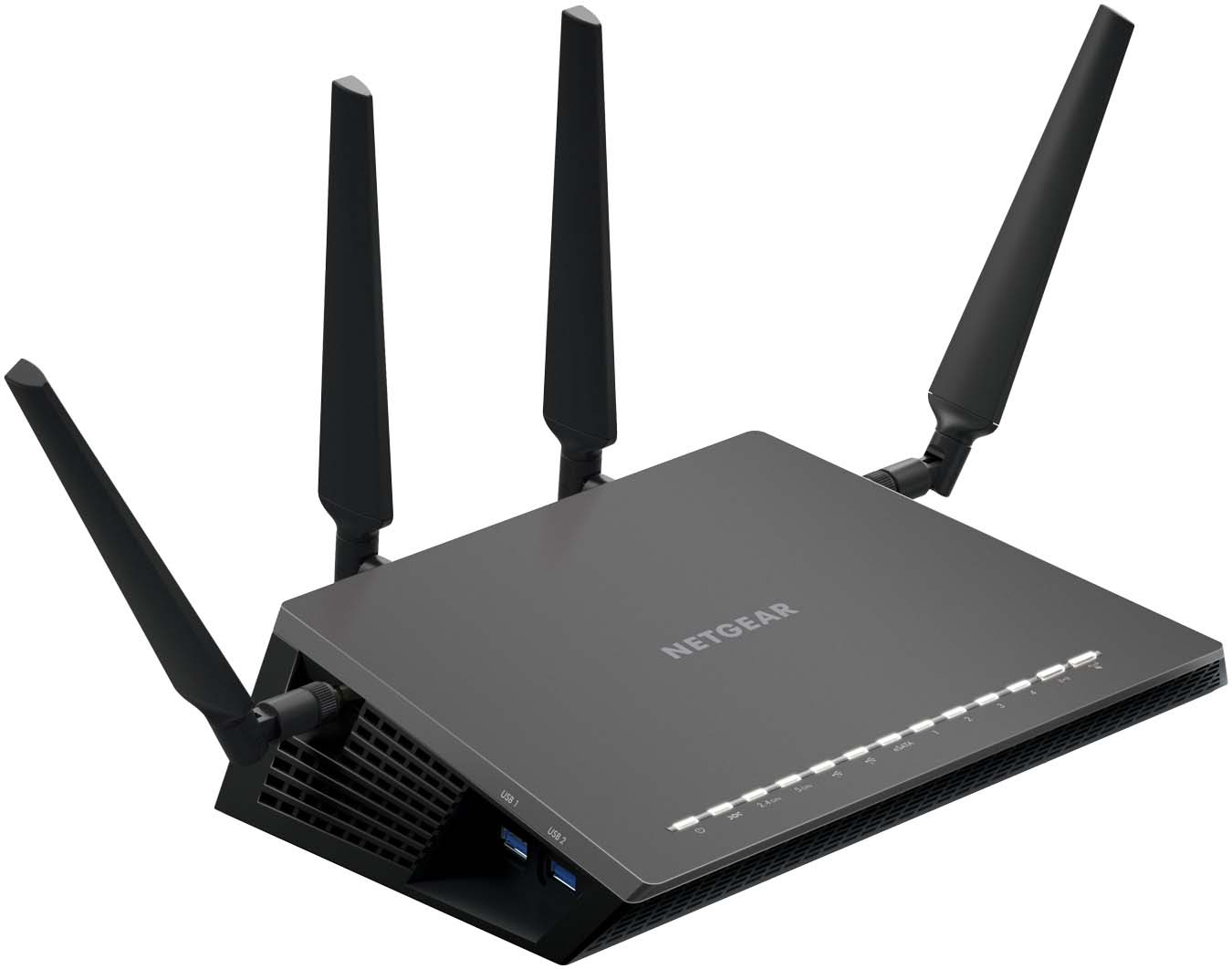
D7800 Download the latest firmware here Latest firmware version: v1.0.1.44 Following the instructions to update my firmware resulted in no firmware update found? Then downloading that update and then trying to install it from my hard drive also was not successful.
"You are in the wrong forum, that is why you can not see ther model as it is not a Nighthawk router but a D7800, a combo unit."
It says Nighthawk on the base of my router. Why is this not a Nighthawk router?
That aside, now Forum members can see what model of router I have and my current firmware version, can anyone now advise me if there is an update available?