NETGEAR is aware of a growing number of phone and online scams. To learn how to stay safe click here.
Forum Discussion

DalySio
Jun 22, 2023Aspirant
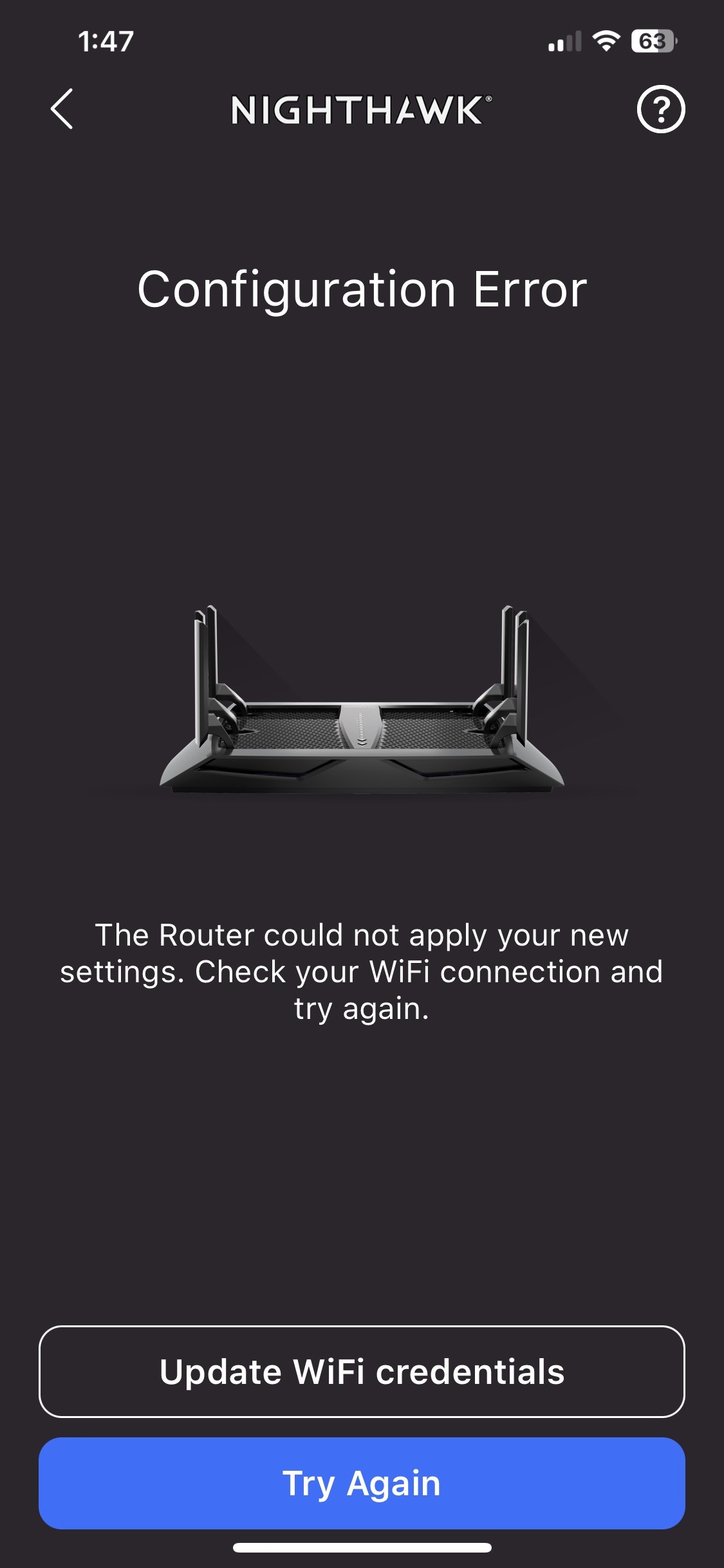
In APP Configuration Errors when setting up Guest Network/changing SSID of 2nd and 3rd bands
Background: Originally setup system in 2021 and have had no issues since. Power surges in neighborhood this week caused a factory reset (or something similar), all my customizations were lost. I...
DalySio
Jun 26, 2023Aspirant
Thank you for your detailed reply. When I set it up I was very careful to deactivate anything with the CL Modem that effectively was its router function, and unfortunately I didn't take any notes about what I did to effectively make it work great for almost 3 years.
I agree that there's a possibility of NAT errors and was hoping I wouldn't have to start from scratch but that may be what I need to do.
Again, I appreciate your comments.

michaelkenward
Jun 27, 2023Guru - Experienced User
DalySio wrote:
When I set it up I was very careful to deactivate anything with the CL Modem that effectively was its router function, and unfortunately I didn't take any notes about what I did to effectively make it work great for almost 3 years.
That is not normally how you "bridge" a modem router. It is impossible to disable everything associated with being a router. Hence the "NAT" hangover.
Deactivating things and adding a router may have done no more than prompting the new router to adapt its settings to work alongside the other router. Some Netgear routers can do this.
If you subsequently play around with the router, it may break those settings.
What you really need is a "mode" setting that disables all the router features. Not all modem routers have this option.
Your C2100T is a cable modem/router. It looks like it has a genuine bridge mode:
c2100t bridge mode - Google Search
Rather than trying to track down your long forgotten settings, the best strategy would be to do what Netgear, and most experienced users here, advise and to bridge the modem/router and then to set up the R8000P from scratch.
When you have done that create a backup of the router's settings so that the next time you have problems you have a fall back to restore.