NETGEAR is aware of a growing number of phone and online scams. To learn how to stay safe click here.
Forum Discussion

Adilost
Jul 20, 2018Aspirant
Need Some Help Please..
Dear NetGear Community,
Last week I bought the NightHawk X6 AC3200 Router as an addition to boost my Home Network's WiFi performance .
Installation was pretty easy, just downloaded the Ni...
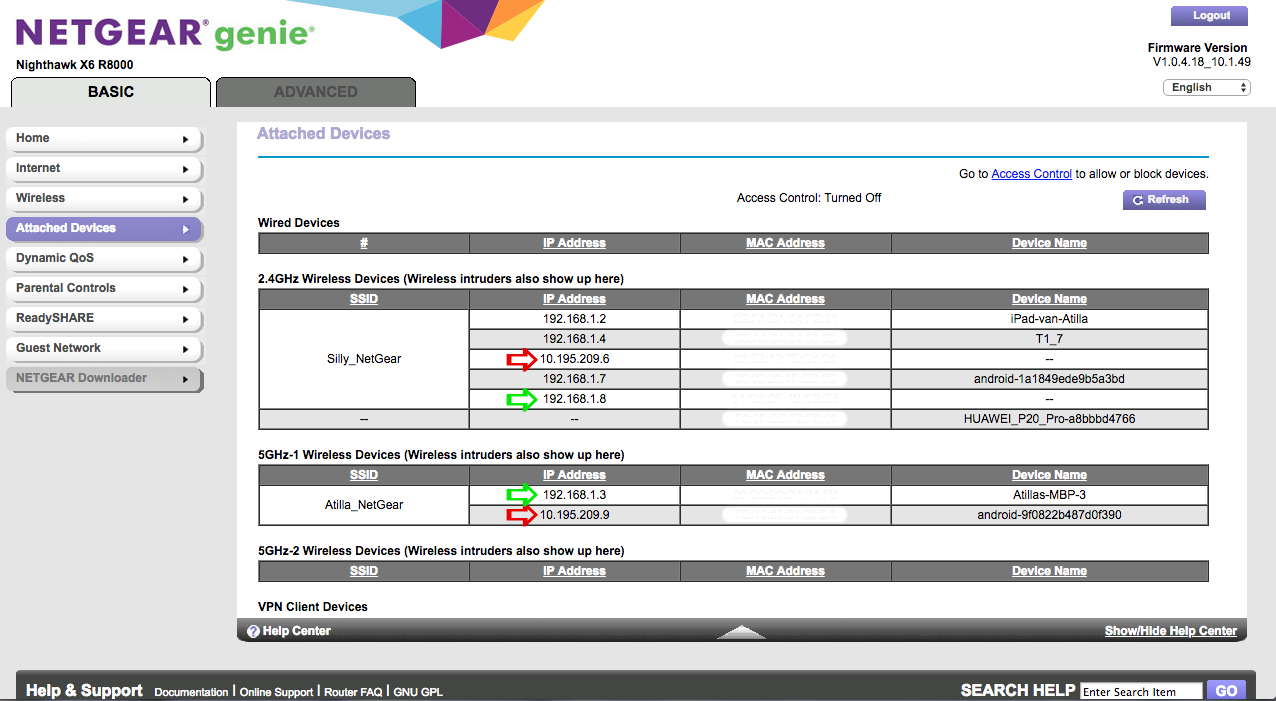
- Jul 21, 2018The Netgear router must be able to pickup a public IP address on the Internet/WAN port - commonu on cable TV by DCHP. Cold reboot the Ziggo-Bix, let it reconfigure from the ISP network, then bring the Netgear router up. There must be more disabled than just the DHCP server on the Ziggo btw.
Adilost
Jul 21, 2018Aspirant
Oke, so after the customer service has turned on the bridge mode on the connect box (Basicly they turned of the DHCPv4 option), I powered off the NetGear router, unplugged it from the power cable. After that did the same with the connect box.
After 5 minutes or so I plugged back the cable in the connect box, powered it back on. After that did the same with the NighHawk X6 (plugged the ethernet cable in port 1 of the connect box).
I should have internet via the NightHawk router right?
My devices connect to it via WiFi, but no internet..
The "Internet" LED on top of the NightHawk is orange instead of white now.
Also when i log in to the NetGear router, i see this:
https://pictr.com/image/21p7Q
https://pictr.com/image/21l8V
Also, Information that was before on the Internet IP Address page is also gone..
https://pictr.com/image/21Sav
Am i missing something?
After 5 minutes or so I plugged back the cable in the connect box, powered it back on. After that did the same with the NighHawk X6 (plugged the ethernet cable in port 1 of the connect box).
I should have internet via the NightHawk router right?
My devices connect to it via WiFi, but no internet..
The "Internet" LED on top of the NightHawk is orange instead of white now.
Also when i log in to the NetGear router, i see this:
https://pictr.com/image/21p7Q
https://pictr.com/image/21l8V
Also, Information that was before on the Internet IP Address page is also gone..
https://pictr.com/image/21Sav
Am i missing something?

schumaku
Jul 21, 2018Guru - Experienced User
The Netgear router must be able to pickup a public IP address on the Internet/WAN port - commonu on cable TV by DCHP. Cold reboot the Ziggo-Bix, let it reconfigure from the ISP network, then bring the Netgear router up. There must be more disabled than just the DHCP server on the Ziggo btw.
- AdilostJul 21, 2018Aspirant
Succes! :smileyhappy:
After i did what this, the orange LED on the NetGear router turned white again. Also when i log in to the NetGear router i see now it had connection with the internet via the Connect Box.
Thank you very much sir, God bless.