NETGEAR is aware of a growing number of phone and online scams. To learn how to stay safe click here.
Forum Discussion

fmiranda
May 29, 2019Aspirant
Netgear 7500v2 WAN port LED blinking AMBER but everything seems fine
Hello,
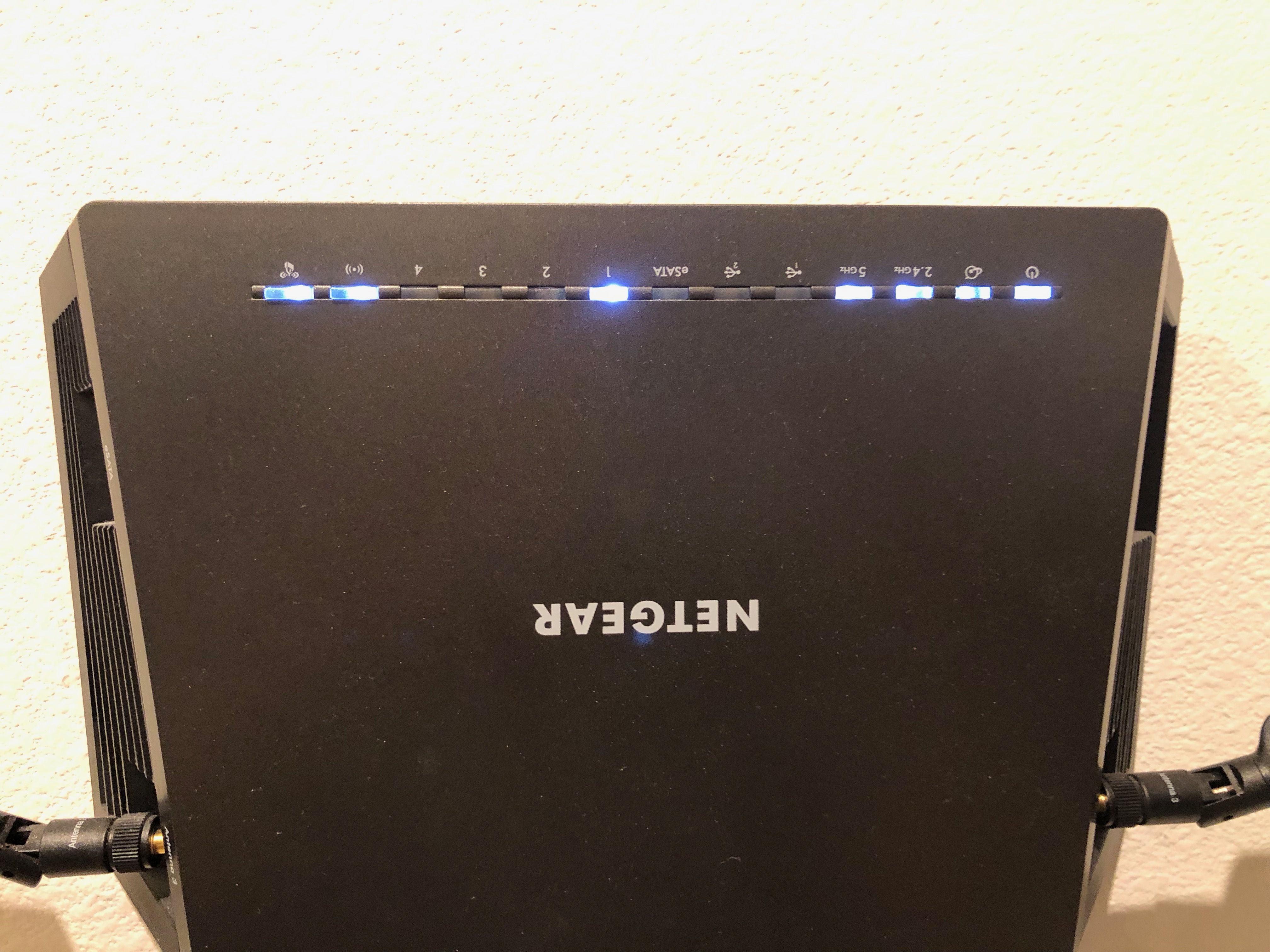
I have a Netgear 7500V2 router, it always worked normally but lately the WAN port ( the Internet port) is blinking Amber.
I can test Internet speeds and I get 920Mpbs down and 900Mbps up - so there is no 100Mbps limitation as most posts say.
Not sure why it decided to show the Amber color - it was always a while LED just like the other ones.
I'm using firmware V1.0.3.40 (latest)
Any suggestions?
I just did a Hardware reset - used the backup file and everything seems to be working fine.
The WAN(Internet) LED is blinking white (as all other LEDs on the router) - All my network is Gigabit including the Internet access.
I basically connect the Gigabit Modem/Router from AT&T to may Netgear WAN port - then connect my Network Switch to one of the Ports in my Netgear router.
The 7500v2 had a much better coverage then the 7800 and the Asus RT-88U - I love this router! I wish we could have that same level of WIFI coverage + Port Aggregation + Port Mirroring in a recent version of this router and none of that other bunch of BS that they are usually coming with.
Anyway, thanks :-)
2 Replies
 DarrenMSr. NETGEAR Moderator
Here is what the user manual has listed
Solid white. The Internet connection is ready.
• Solid amber. The router detected an Ethernet cable connection to the modem.
• Off. No Ethernet cable is connected between the router and the modem.
I'm guessing its just a small bug if you are seeing no performance issues.
DarrenM
- fmirandaAspirant
I just did a Hardware reset - used the backup file and everything seems to be working fine.
The WAN(Internet) LED is blinking white (as all other LEDs on the router) - All my network is Gigabit including the Internet access.
I basically connect the Gigabit Modem/Router from AT&T to may Netgear WAN port - then connect my Network Switch to one of the Ports in my Netgear router.
The 7500v2 had a much better coverage then the 7800 and the Asus RT-88U - I love this router! I wish we could have that same level of WIFI coverage + Port Aggregation + Port Mirroring in a recent version of this router and none of that other bunch of BS that they are usually coming with.
Anyway, thanks :-)