NETGEAR is aware of a growing number of phone and online scams. To learn how to stay safe click here.
Forum Discussion

drew_s
Jul 24, 2018Aspirant
Nighthawk R6700v2 - No internet from modem - Gets IP for a few seconds then WAN link goes down
Hello everyone, I've read every(!) post about the R6700 and no internet connection. I've tried all the suggestions with no avail. So hopefully someone can help me with my specific setup.
TL;DR...
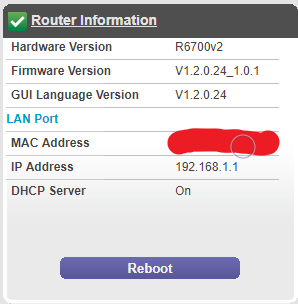
- Jul 25, 2018
If your older router works fine, Probably your R6700 is bad. I would go to a local store with NG routers and a good refund policy and check out out for a few days.
Also need to check your network adapter card as well. Make sure it's able to connect to a router, modem and a switch at 1000mb and not 100Mb.


myersw
Jul 24, 2018Master
My oops. Was thinking of a reply and changed my mind and did not do cancel.
- drew_sJul 24, 2018Aspirant
So I've tried a few things
- Install firmware R6700v2-V1.2.0.16_1.0.1
- Factory reset button
- Power cycle modem + router
- Same problem of WAN going off/on
- Install firmware R6700v2-V1.1.0.42_1.0.1
- Factory reset button
- Power cycle modem + router
- Same problem of WAN going off/on
- Used new router WNR2000v2 with same modem and same PC
- It works
So I'm pretty sure this means it's the R6700 that is messed up right?
- Install firmware R6700v2-V1.2.0.16_1.0.1