NETGEAR is aware of a growing number of phone and online scams. To learn how to stay safe click here.
Forum Discussion

ThatGuysName
Feb 14, 2023Tutor
NightHawk R7000 Dual-Band | WiFi "Off"
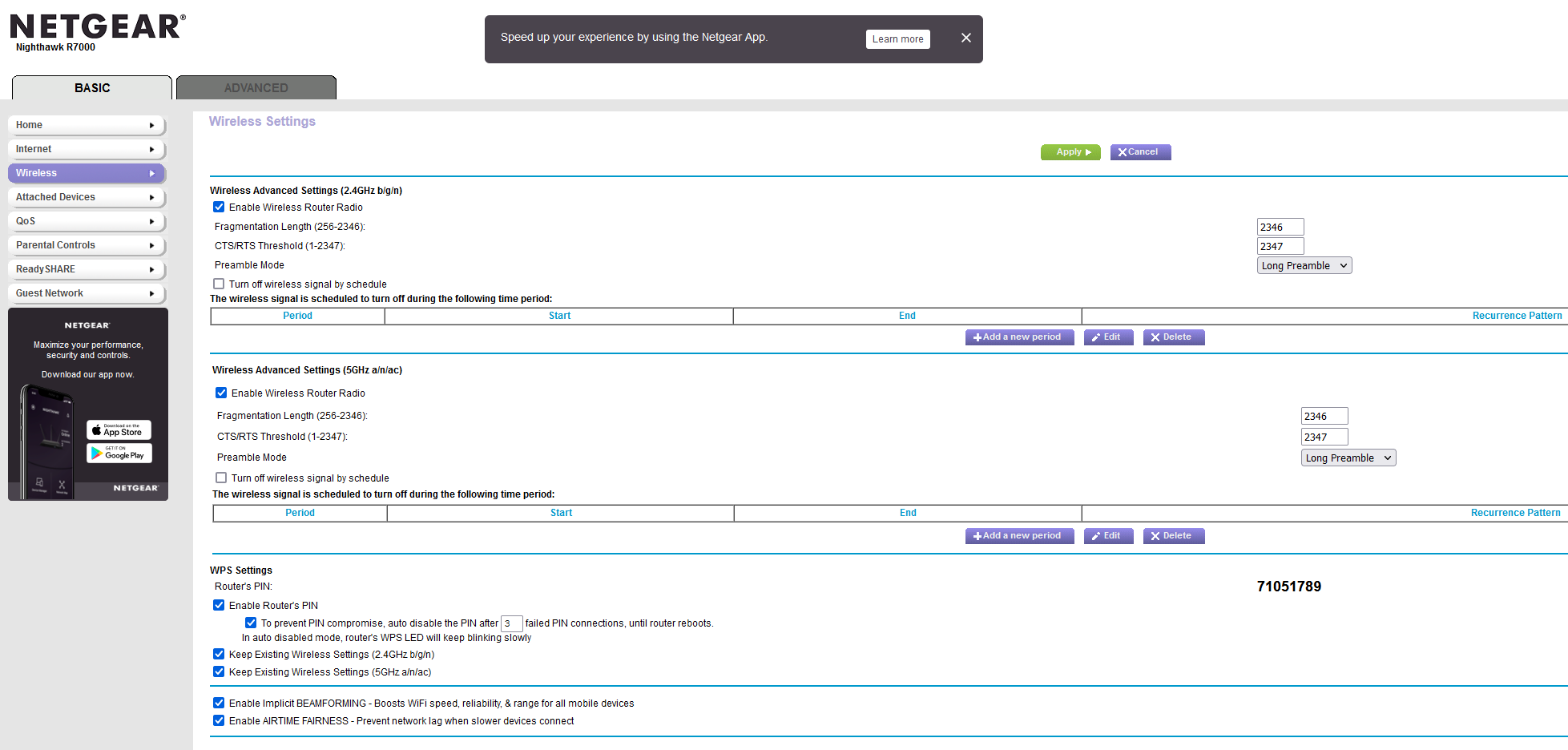
My R7000 randomly has Wireless turned off and I cannot get it to turn back on. NetGears support is terrible just for a start, I don't know who thought it was a good idea to put Tier 1 support behind...
ThatGuysName
Feb 22, 2023Tutor
Thanks, it's about a $1,200 labbing system and home network with more incoming. 😉
This is my primary wireless router, when in Routing LAN works (Different ranges than OPNsense), when in AP routing works (OPNSense DHCP) on a custom range separate from the rest.
I messed with this thing for 5 hours Changing, turning things On/Off, Resetting, just could not get it working; I had to export and reconfigure my alt Router to provide wireless to my home. (This is a $40 Wireless Router lol)
Yes, I have seen the pages and pages on different forums suggesting different things and none were working.
Appears it goes across device models too, probably some sort of Base Code recycling and an auto update broke it or they do some wonky stuff because this company is constantly trying to get me to spend massive amounts of money on their support Blah Blah.
-
Okay later note, I manually updated the Firmware with a newer version, reset, and still stuck in off, turned Wireless On/Off/Renamed, still not working.
We have Netgear Switches at my work and damn.. They are really really bad, they would literally send traffic across VLANs and randomly corrupt configurations all the time, constantly having to reset and re-upload configs..
It's kinda insane to me they want me to drop another $100+ to get my $250 router working again, I can buy a Ubiquiti for $99 lol
#WiFiOff
ThatGuysName
Mar 10, 2023Tutor
I have absolutely no idea what changed but I left the router unplugged for a couple of weeks, plugged it back in to try to get it working again, and the Wireless is randomly working now with Default settings..
V1.0.11.136_10.2.120
Extremely minor Firmware change, none of my networking equipment has been restarted or updated either..
Whatever you did Netgear you fixed it, now keep it fixed!
😉
- ThatGuysNameMar 10, 2023Tutor
The mode selection screen is slightly different now and has some mis-spellings but now works in both Router and AP Mode.