NETGEAR is aware of a growing number of phone and online scams. To learn how to stay safe click here.
Forum Discussion

DWWood
Mar 07, 2019Aspirant
Nighthawk X4S VoIP issues
Hi,
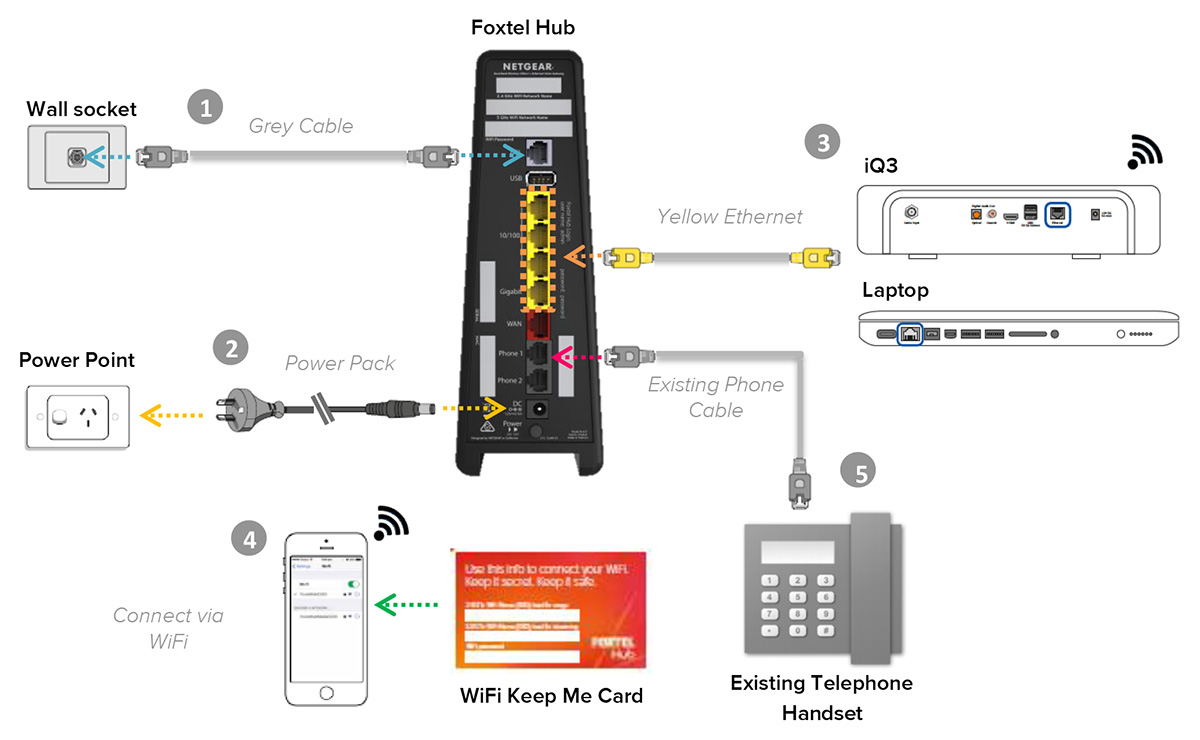
I bought the X4S AC2600 in the hope of better WiFi over my Foxtel branded Netgear modem. The older modem had 2 inputs for VoIP phones but I can't seem to get my VoIP phone working with the Nighthawk. Any help would be greatly appreciated.
I bought the X4S AC2600 in the hope of better WiFi over my Foxtel branded Netgear modem. The older modem had 2 inputs for VoIP phones but I can't seem to get my VoIP phone working with the Nighthawk. Any help would be greatly appreciated.
that's not a supported feature on the R7800
5 Replies
 microchip8Master
that's not a supported feature on the R7800
- DWWoodAspirantThx for the quick reply microchip8
Being a absolute amateur with this stuff, is there something I can plug into the phone wall socket to get the VoIP phone working while also running the DSL connection to my modem?> I bought the X4S AC2600 in the hope of better WiFi over my Foxtel
> branded Netgear modem.Actual model numbers for both devices might have been interesting.
> Model: R7800|Nighthawk X4S AC2600 WiFi Router
Is that accurate? Firmware version?
> [...] The older modem [...]
Judging by the picture, it's a modem+router.
If your goal is better wireless-network coverage, then you might
leave your "my Foxtel branded Netgear modem[+router]" where it was, and
configure the R7800 as a wireless access point.Visit http://netgear.com/support , put in your (actual) model number,
and look for Documentation. Get the User Manual. Look for "Use the
Router as a WiFi Access Point".