NETGEAR is aware of a growing number of phone and online scams. To learn how to stay safe click here.
Forum Discussion

HH1736
Dec 11, 2016Tutor
R7000 and USB settings
Hello, I was not able to change the USB storage settings - it always goes back to Basic. I noticed this after the migration of the RCloud account to MyNetGear account. Also, I can't backup my iphon...
 Dec 31, 2016
The factory reset fixed the problem!
HH1736
Dec 14, 2016Tutor
Yes, I'm able to select any of the radio butons. When I select ReadyCloud button this page pops out:
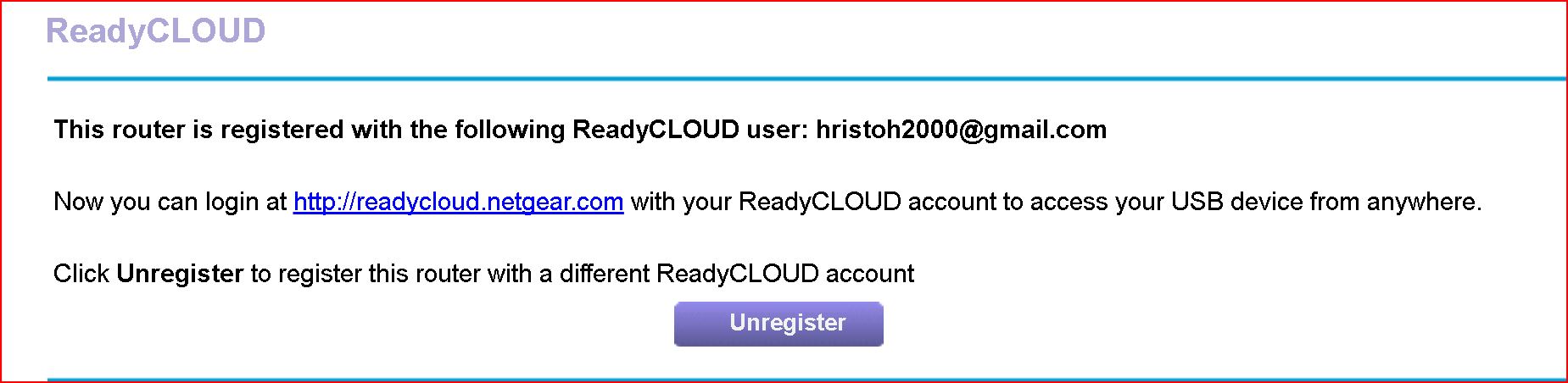
When I go back to check the setting I get this:
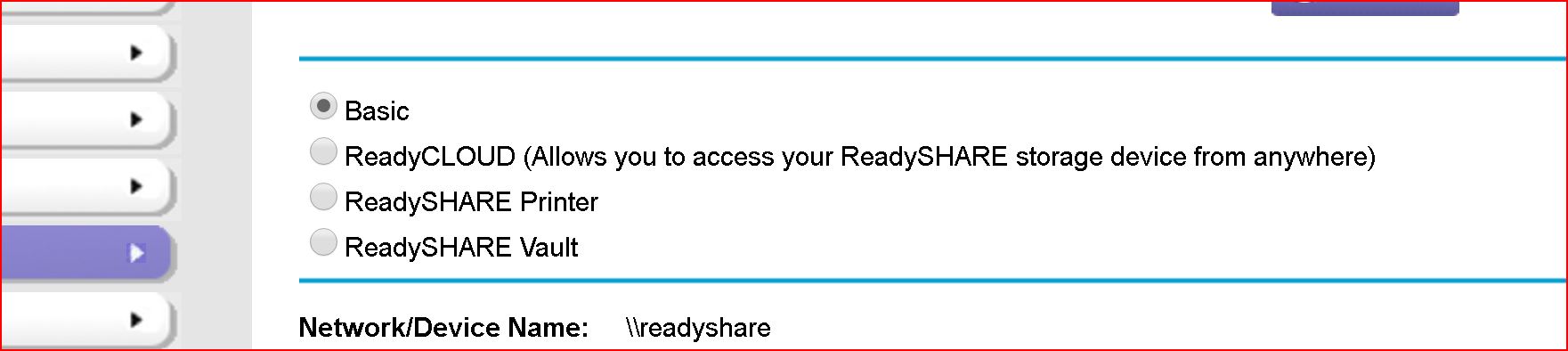
Why the setting defaults back to Basic? Is this normal?
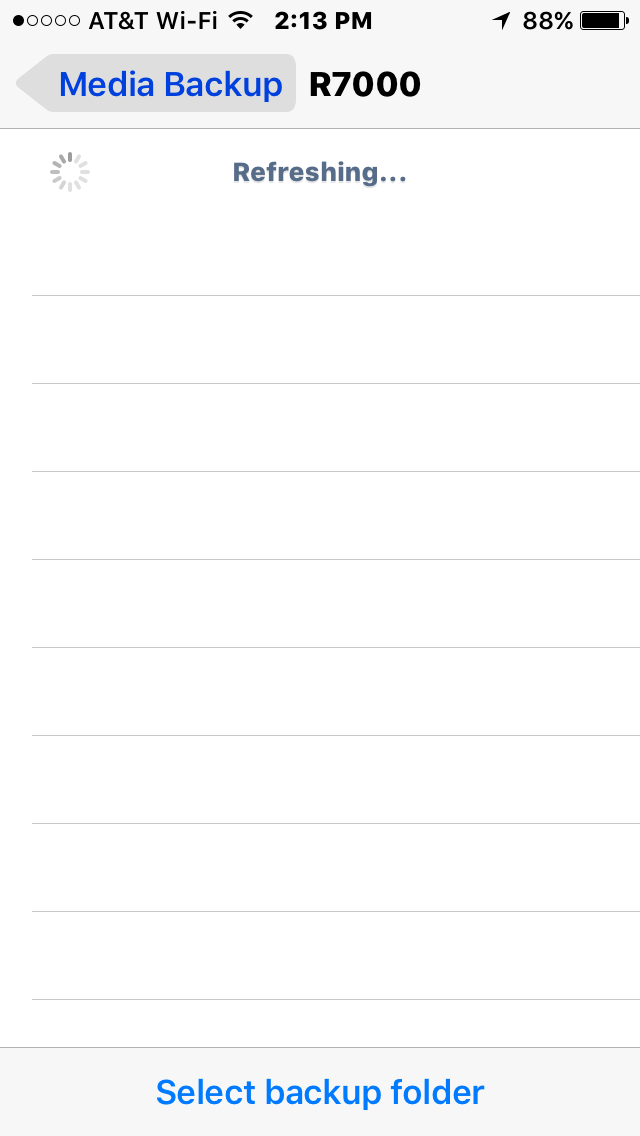
Also, before the migration of the ReadyCloud account to MyNetgear account I was using ReadyCloud app to back up four iphones to the 5TB external drive, connected to the router. And then, using Kwilt app, the whole familly was able to see all the pictures on the drive 31,000+
Unfortunately, this is not posible anymore. The ReadyCloud app detects the router(R7000), but doesn't see the drive.

ElaineM
Dec 15, 2016NETGEAR Employee Retired
It is normal for the radio button to default back to Basic.
Did you try to unregister your account from the router settings and re-register?
Did you also try to factory reset the router?
- HH1736Dec 15, 2016Tutor
Yes, I did unregister/register and factory reset - no luck...
How about the ReadyCloud app not detecting the drive???? I've never had this problem before.
I did install the app on my company phone Samsung Galaxy S7 - the same thing: It detects the router, but doesn't see the drive connected to it. Even I tried different external drive - the same result. So, that eliminates the phones and the drives - what left is: the Ready Cloud app OR the migration from ReadyCloud acc to MyNetgear acc?!