NETGEAR is aware of a growing number of phone and online scams. To learn how to stay safe click here.
Forum Discussion

FOX355
Feb 14, 2021Aspirant
R8000 upgrade from sky q
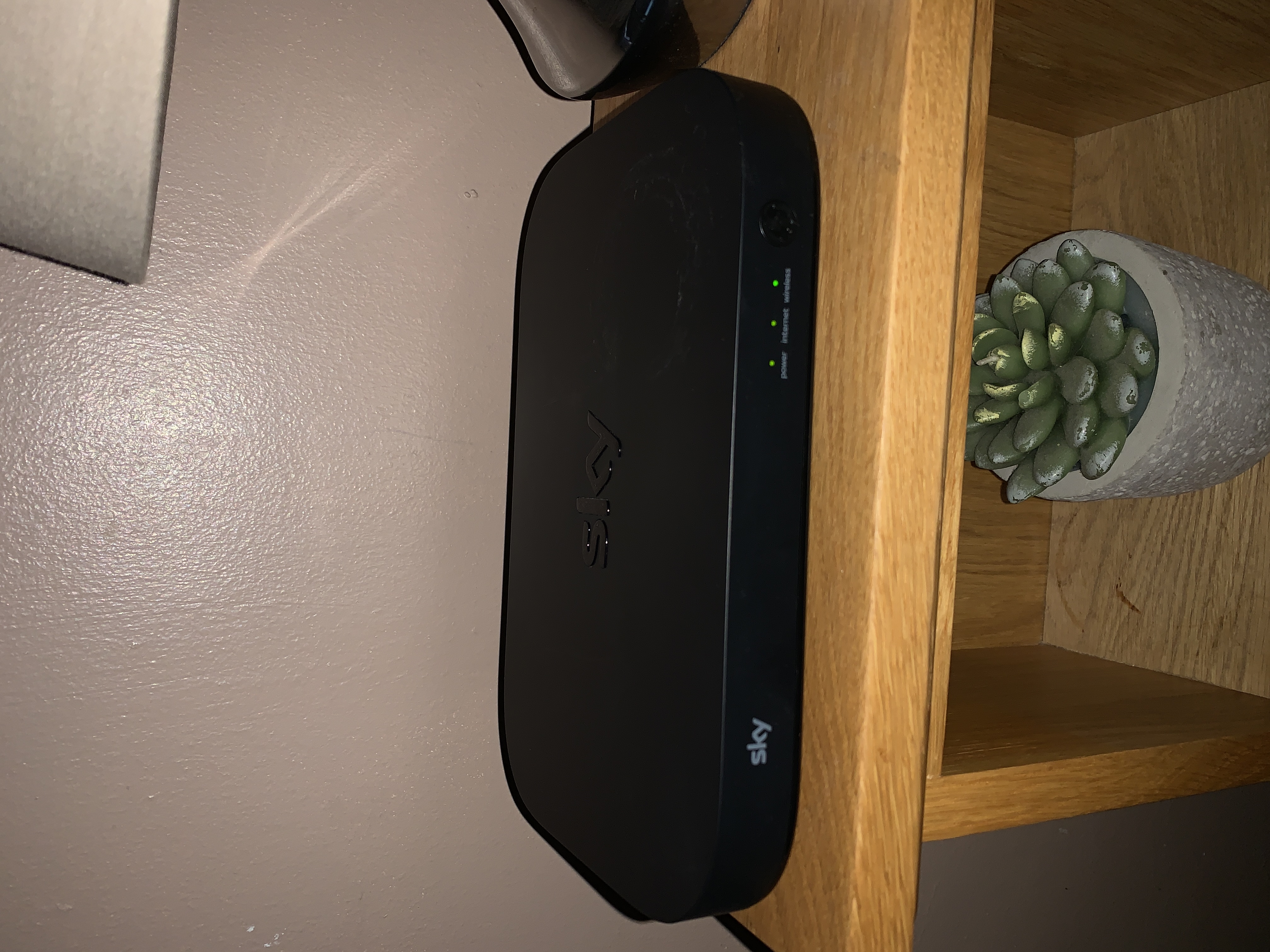
Hello I was wondering if anyone could help me out with an issue I’m having with my Sky broadband. Currently have Sky Q fibre and it’s cuts in and out all the time. I’ve read up that this router (...
Chadm10
Feb 22, 2021Tutor
This weekend I have just installed the R8000 X6 AC3200 router on my Sky Ultrafast (FTTP) connection and it works a treat. Waaaay better than the Sky oem equipment, once it connected. I have an Openreach ONT in my property, to which the router connects via ethernet, so modem wasn't an issue. Took a while for it to pick up a public IP, but once it did it was fine. IPv4 & IPv6 settings set to DHCP. No login info required.
Chadm10
Mar 01, 2021Tutor
Chadm10 wrote:This weekend I have just installed the R8000 X6 AC3200 router on my Sky Ultrafast (FTTP) connection and it works a treat. Waaaay better than the Sky oem equipment, once it connected. I have an Openreach ONT in my property, to which the router connects via ethernet, so modem wasn't an issue. Took a while for it to pick up a public IP, but once it did it was fine. IPv4 & IPv6 settings set to DHCP. No login info required.
In case it helps anyone else who is reading this... Unfortunately I have to back-track on my previous post slightly. It was working a treat, but only for 24 hours at a time. Literally every 24 hours, the router would lose it's connection to the internet. Only tweaking the settings to something different would get it back online. But then 24 hours later it would drop again. I went through a full week of doing that, trying different settings every time to see if I could figure it out, but ultimately none of them would keep it online past the 24 hour mark. I even left it overnight to see if it would reconnect on it's own, but alas it would not. So I have now reluctantly abandoned efforts to get it working standalone.
Instead, I have had a second (this time successful) attempt at using it in AP mode, alongside the original Sky router. I have all radio's disabled on the Sky router. Also all Q boxes using Powerline adapters with wifi fully disabled via the engineer menus. And Smart Connect disabled on the Nighthawk. And it's working perfectly now (at last). So at least it saves me having to return it. And at some point in the future I'll likely switch to an ISP that will allow me to use it properly.