NETGEAR is aware of a growing number of phone and online scams. To learn how to stay safe click here.
Forum Discussion

TJ_Dartss
Nov 28, 2018Initiate
R8000-V1.0.4.28_10.1.54 update problems
Model: R8000, firmware V1.0.4.28_10.1.54 update, Win10 OS
I have a 2Tb SSD external HD connected to the USB3 port on the R8000 router using ReadyShare to allow access from my network. I had it setu...
- Nov 28, 2018
I downgraded my R8000 to R8000-V1.0.4.12_10.1.46 tonight and it is stable and running well again. Next upgrade will wait until the code is fixed.

michaelkenward
Nov 28, 2018Guru - Experienced User
IrvSp wrote:
Wondering if you have a faulty upgrade, especially if it was done via wireless? Might want to re-try and see it if works.
KiwiSpud wrote:
Next upgrade will wait until the code is fixed.
Indeed.
And ignoring the "reset" suggestion guarantees that Netgear will not take any reports seriously. That is the first suggestion when new firmware seems to cause problems.
KiwiSpud
Nov 28, 2018Tutor
The code installed without error, it simply has serious bugs, I have reverted back to R8000-V1.0.4.12_10.1.46 and all the problems I was happening have gone away. Yes I tried factory reset and yes I did via ethernet cable, it's not the first time I have done code changes on computer equipment and I know a clean base is best to upgrade upon. SOP for me :)
 IrvSpNov 28, 2018Master
Don't know what to tell you...
Works fine for me:
===============
C:\>net view
Server Name Remark
------------------------------------------
\\IRV8700 Irv's 8700
\\READYSHARE readyshare
The command completed successfully.==================
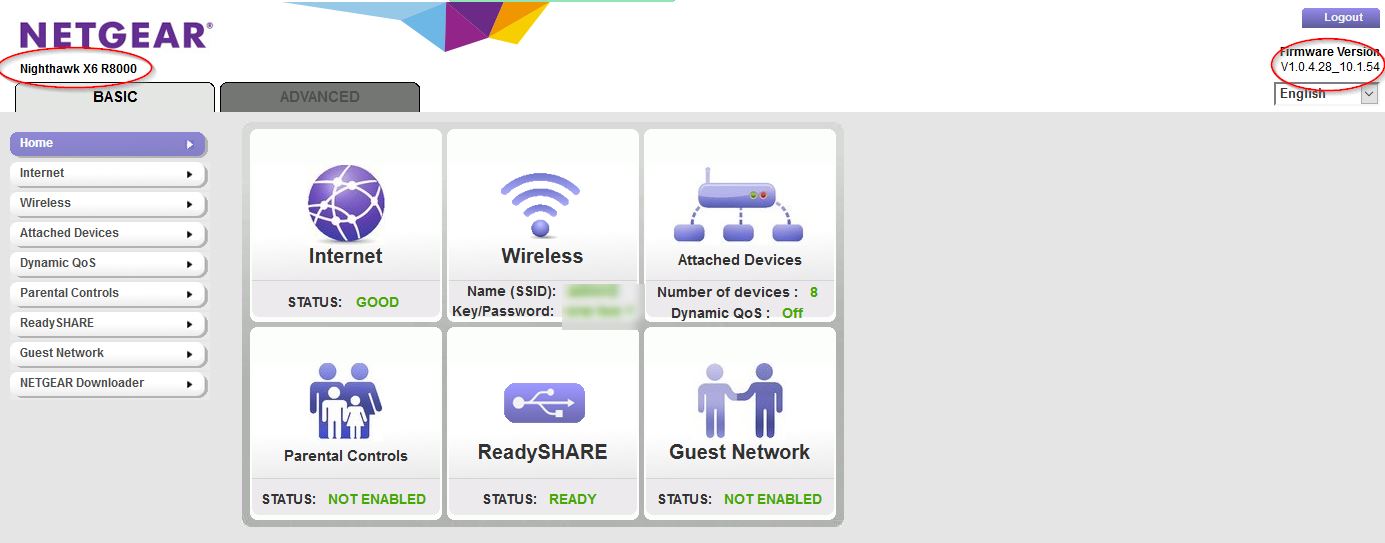
R8000 on same f/w... see screen capture on right.
Quite possibly not a f/w problem per se? Could be a f/w filesystem change though. Have you taken the drive to a PC and run CHKDSK on it?
It is quite possible that the filesystem was updated of course, and again, quite possible a change had a negative effect on your ability to read/write to the drive? Some drives are problematic. You are using SSD's, and they probably are not on the approved list (which I admit is quite old and useless) and I doubt NG tests with this and I've not seen anyone report here that they work?
If you are STILL in warranty, I'd report this to NG.