NETGEAR is aware of a growing number of phone and online scams. To learn how to stay safe click here.
Forum Discussion

AudiTuner
Oct 12, 2015Star
R8500 slow upload speeds (v1.0.0.50_1.0.25)
Have tried the R8500 v1.0.0.50_1.0.25 firmware multiple times but end up downgrading back to v1.0.0.42_1.0.23 each time since uploads are incredibly slow on v1.0.0.50_1.0.25 (~.2mbps instead of ~12mb...


CraigAJohnson
Oct 19, 2015Guide
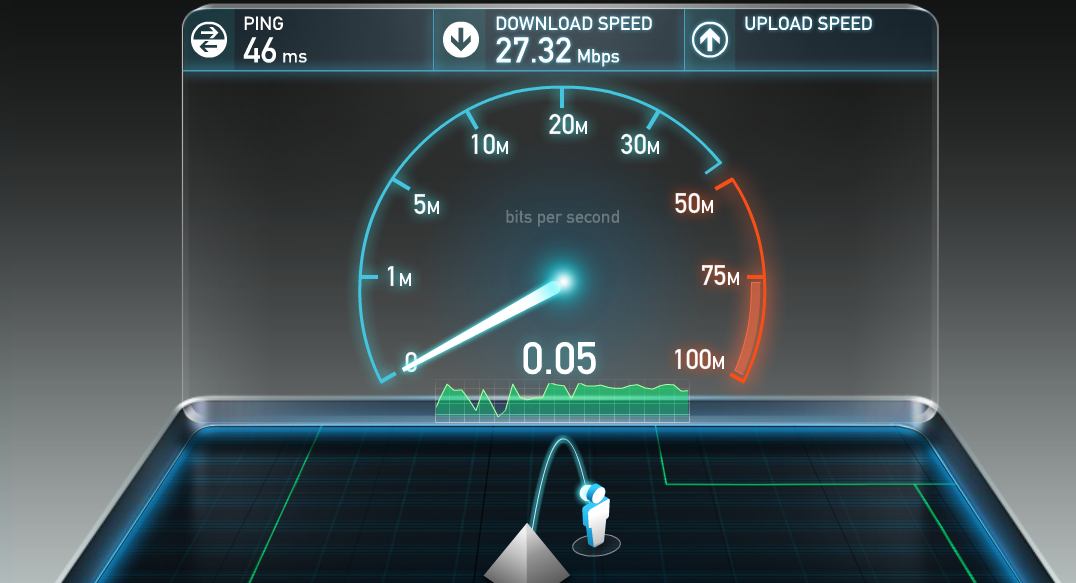
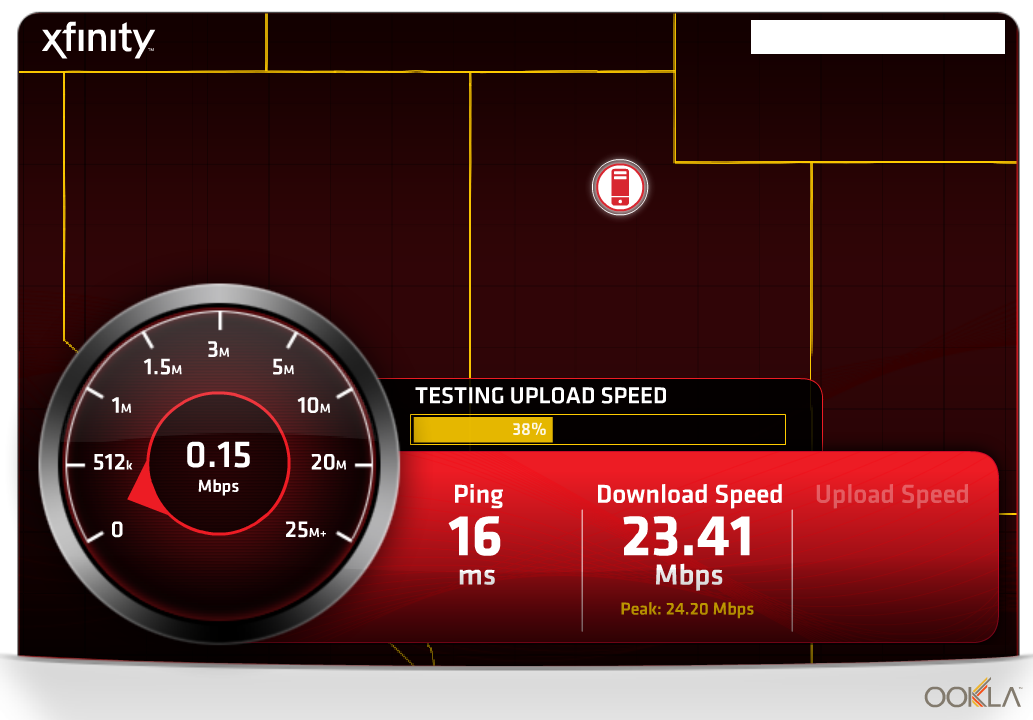
This is what I get after testing both v1.0.0.42 and v1.0.0.50:
- QoS either enabled or disabled.
- Upload/Download speeds either manually or automatically set.
- Traffic Meter either enabled or disabled.
- ReadySHARE Network Neighborhood/MacShare enabled or disabled (no USB devices present).
A friend of mine just purchased this router as well. I'm hoping he doesn't encounter the same problems because this is embarrassing. We picked this over the new ASUS AC5300.
heralo
Oct 19, 2015Tutor
I spent about 2 hours on the phone with support and they saw the problems and took my config and debug logs. They also had me revert to the previous firmware which seems to have rersolved the issue for me. I'll wait until the next firmware release to see if they've fixed this.
- CraigAJohnsonOct 19, 2015Guide
Glad the previous firmware (v1.0.0.42?) is working for you. I will also await the next firmware update. If something this basic isn't fixed by then, I will have no choice but to return the router (which I don't want to do).
 AudiTunerOct 21, 2015Star
Just an update - I reverted back to v1.0.0.42_1.0.23 as it seems more stable. Hopefully this will be resolved soon.
 Lexist2112Oct 21, 2015Luminary
AudiTuner,
So you have QoS and Traffic meter enabled and no degradation of broadband speed on either wired or wireless???
Also, can you check to see if your able to do a speedtest on a wired desktop, using Firefox browser???
TIA
Lex
- Darksyne1Oct 22, 2015Aspirant
CraigAJohnson From what I see from your is that your connection is messed up no matter what settings you use on the router, I had the same issue that you are having except that my download was like 0.2 when my connection with my other router (dlink ac3200) was 124/24 connection. no matter what i did firmware wise it would not fix it, so I got my replaced at bestbuy and the new one works perfectly. If I where you I would get it swapped for a brand new one and not wait for a firmware update because if the hardware is faulty a firmware update will not help.
- CraigAJohnsonOct 29, 2015Guide
I have an update, unfortunate as it may be...
First, I was contacted by a Netgear escalations tech about the issue. He connected remotely and diagnosed the exact issue. He advised me to try a replacement router and see if the problem would go away. I paid the $29 for expedited next-day shipping with return calltag, received the device the next day as promised, and sent the old one back.
In further testing the new device, the problem appears to be a compatibility issue between the device and the MARVELL AC chipset. Turns out, there are well-documented problems with Netgear routers and MARVELL. It's showing up for me with my Surface Pro 3 and Surface Pro 4 devices.
SCENARIO 1 - SURFACE PRO 3/4 ON-BOARD MARVELL ADAPTER WITH NIGHTHAWK X8 - MAJOR UPSTREAM FAILURES
SCENARIO 2 - SURFACE PRO 3/4 WITH LINKSYS WUSB6300 AC WIRELESS - SUCCESS
SCENARIO 3 - SURFACE PRO 3/4 ON-BOARD MARVELL ADAPTER WITH ASUS 66U ROUTER - SUCCESS
The other problem I've seen is that Netflix on the XBOX loses its login information periodically with the Nighthawk X8 while this never happens with the ASUS 66U.
I don't know what to do about this. I may just wait for the ASUS AC5300 router and sell this one on eBay.