NETGEAR is aware of a growing number of phone and online scams. To learn how to stay safe click here.
Forum Discussion

forrestjf
Mar 20, 2021Aspirant
ReadyShare 3.1 installation doesn't work on MacOS 11.2 (Big Sur)
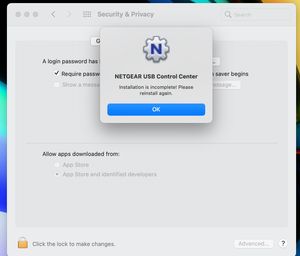
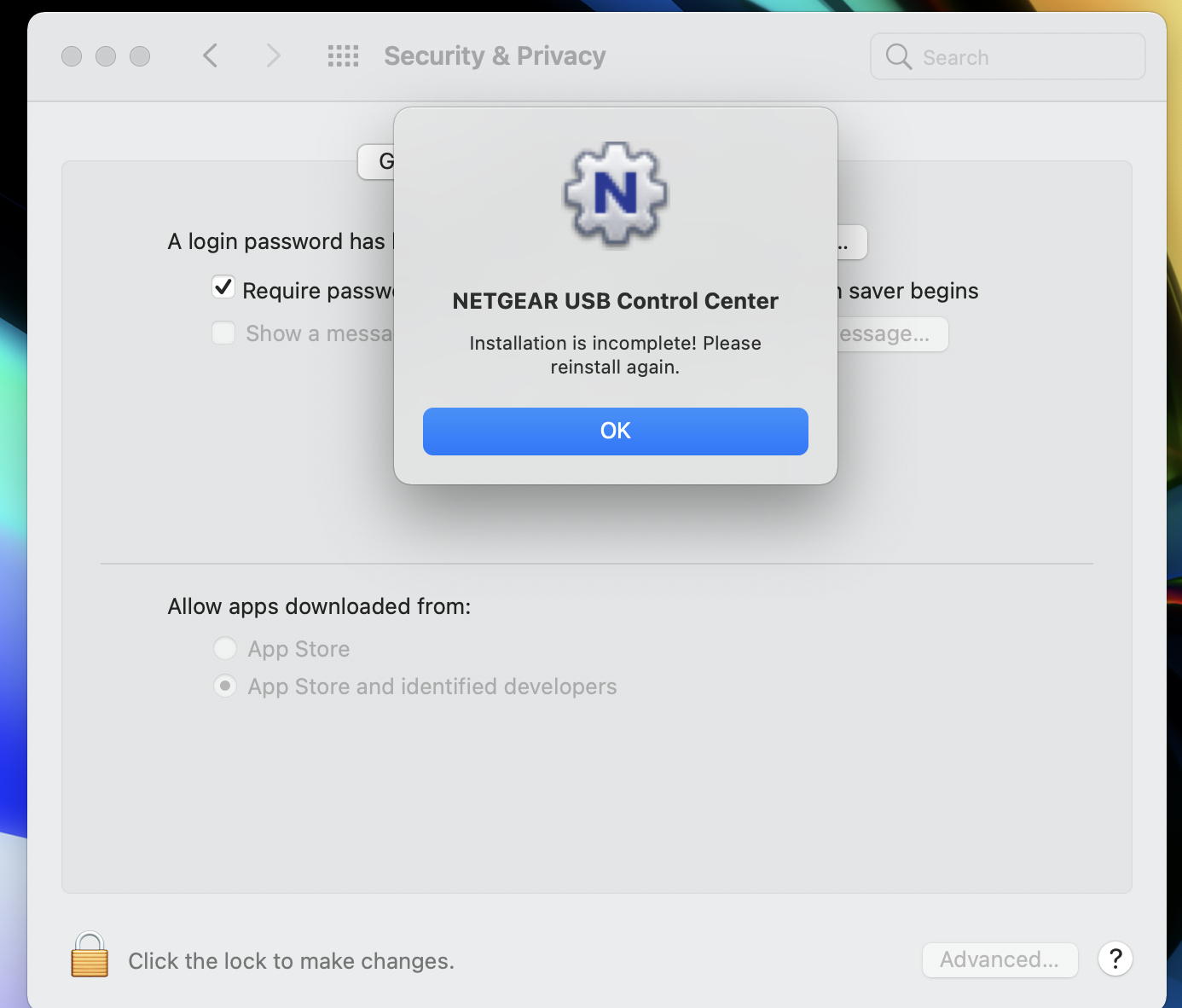
I just purchased a new Mac and the only thing that doesn't work on BigSur is the Netgear ReadyShare Printer software. It won't install correctly. I've tried turning off Firewalls, Malwarebytes, and...
antinode
Mar 20, 2021Guru
> [...] Is Netgear going to fix this? [...]
I wouldn't hold my breath:
https://community.netgear.com/t5/x/x/m-p/1492455
As you can tell from the date and the different-style pop-up box, the
problem pre-dates Big Sur.
Does your (unspecified) printer lack its own network capabilty?

schumaku
Apr 06, 2021Guru - Experienced User
antinode wrote:As you can tell from the date and the different-style pop-up box, the
problem pre-dates Big Sur.
Apple changed a lot of things under the hood of MacOS X over the years - and the Industry had to run and fix.
The last big change was the introduction of a new CPU architecture - so well possible they have no M1 (ARM silicon) build yet at all. -> USB Control Center for Big Sur - Apple Silicon (ARM)
antinode wrote:> [...] but that only works with some apps, not all. [...]
I wouldn't expect a printer connection to depend on which app is
trying to use the printer. The app should deal with the OS, and the OS
should deal with the printer.
There are (older) printer [especially so called MFCs] offering very limited features over the network, eg. just printing, but no scan, Fax, remote control, ...
The next fun for the OP will be the discovery that there are - or are no more - printer drivers available for the M1 platform (or any newer MacOS in fact...). Good luck forrestjf
But hey, we already know Netgear is always bad, isn't it?