NETGEAR is aware of a growing number of phone and online scams. To learn how to stay safe click here.
Forum Discussion

jedensuscg
Nov 30, 2016Tutor
READYSHARE options keeps giving blank pages, can't change add folders.
So i decided to plug in my WD My Password Ultra (1TB version) into my router to use it as a media drive. All went well at first. I loaded up the drive in the USB settings, restarted the router and w...
 May 14, 2017
Hi jedensuscg,
What is the file format of the drive? Can you try to reformat it and use NTFS.
jedensuscg
Nov 30, 2016Tutor
EDIT
I went back to USB port 1, hoping that maybe since USB port 2 worked until I tred to create a specific folder, USB port 1 might have cleared it self. NOPE. it's still FUBAR, as is USB port 2. it's like I just bricked my router. Can't even create one single folder outside of the default entire drive folder, which means either everything is locked(and can't use it as a media server on xbox or away from home without unlocking it every time) or I have to leaveit wide open.
jedensuscg
Nov 30, 2016Tutor
Sorry for the additional posts, the timer to edit posts here is pretty short.
Here are some images to help explain it.
And note that this happens in Microsft EDGE and Internet Explorer 11 EXACTLY the same way. And yes popup blockers are disabled.
EDIT**** SO i plugged in a small 3GB thumb drive....BAM same thing. Router go haywire as soon as it recongnizes a USB drive is plugged in. Gonna have to factory reset router cause im all out of ideas.
EDIT 2****** Factory reset modem. It fixed the problem initially, but I tried to create a new folder again, this time a far smaller one, but still inside the original folder I was trying to create before. If got all the way to the screen where I click Create Folder again, this time the popup loaded to a blank screen, the Advanced Settings screen refreshed but does not show the new folder, and now I am stuck in the same loop again. I give up.
This is what happens 60% of the time I open Advanced Settings. I can relod the frame over and over to get the settings to load.
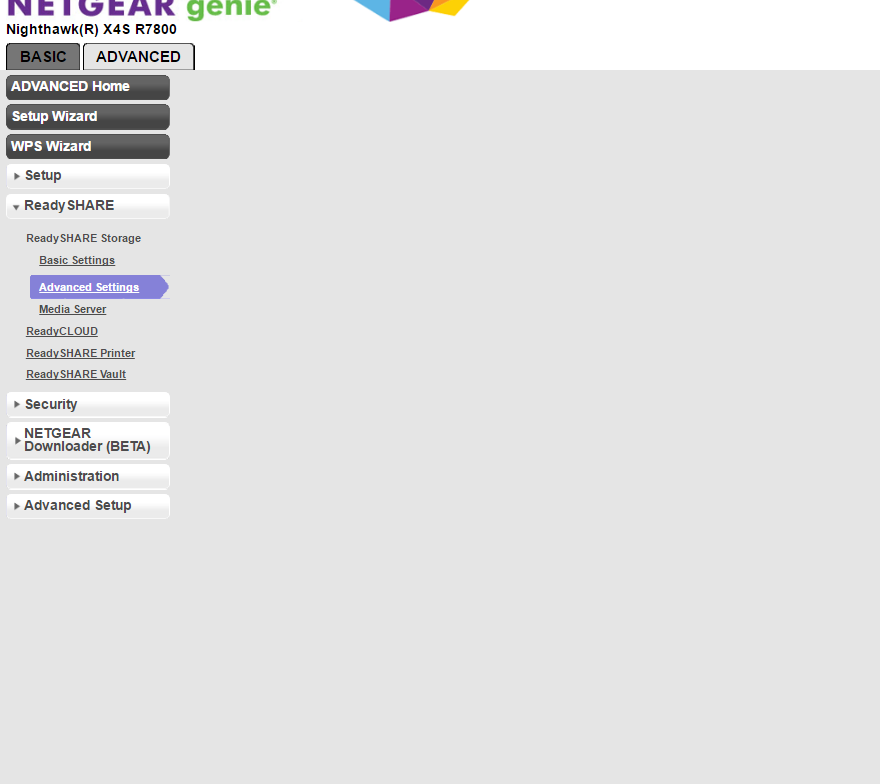
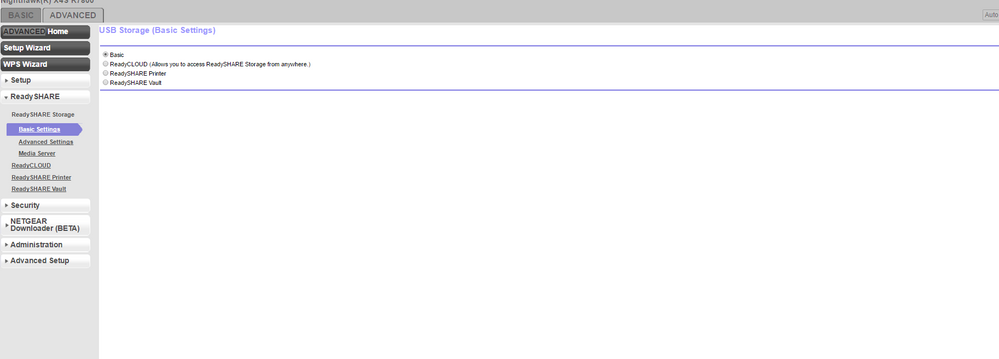
90% of the time this is what basic settings loads to. Notice it's missing ALL of the actual information (like what drives i have etc, and the EDIT button) I can keep hitting Basic Settings on the left over and over to get the actual settings to load.
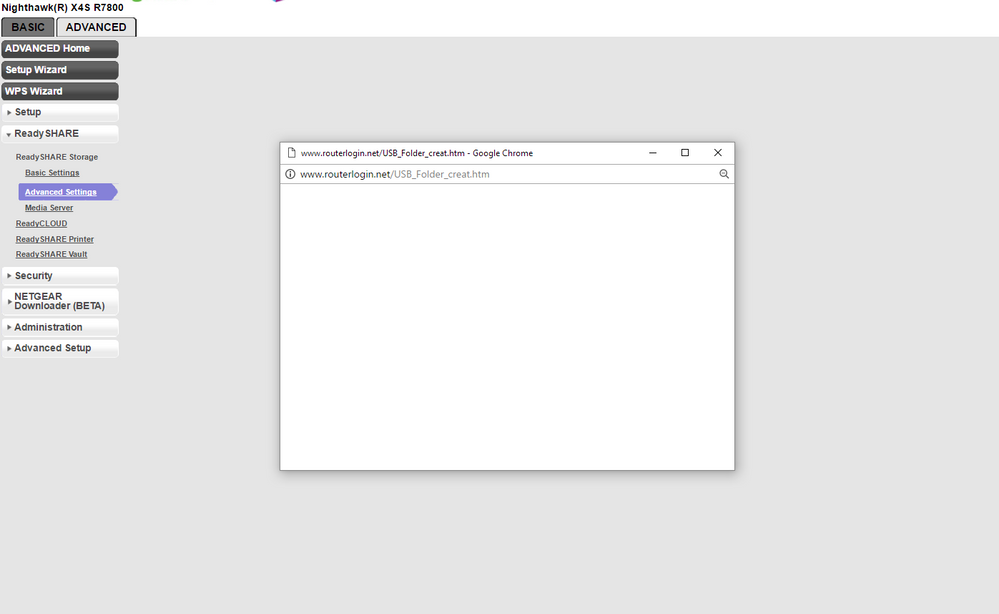
And the follow images are what it looks like when I try to create a folder after finally getting the advanced settings screen to show. Notice that everytime I open a new window, the parent window loads to nothing. When I finally get to the end (if im lucky at the popup windows load as well) clicking the create button after I select the folder and name it, does nothing.
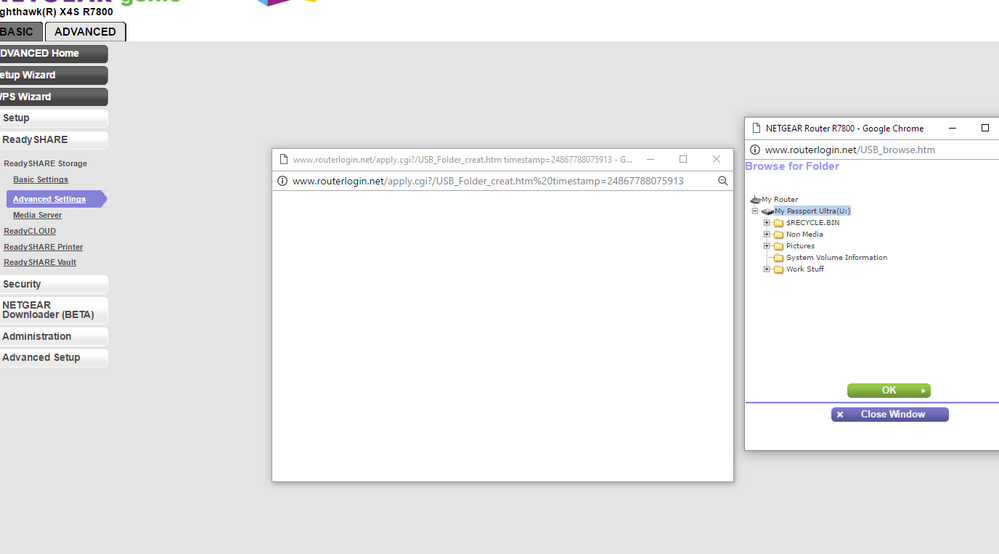
- JamesGLDec 01, 2016NETGEAR Employee Retired
Hi jedensuscg,
1. Try using a different web browser.
2. Use a different USB drive if you have one.
3. Reload a different firmware and check if the same problem.
JamesGL
Community Team