Forum Discussion

VinceCz
Nov 01, 2020Aspirant
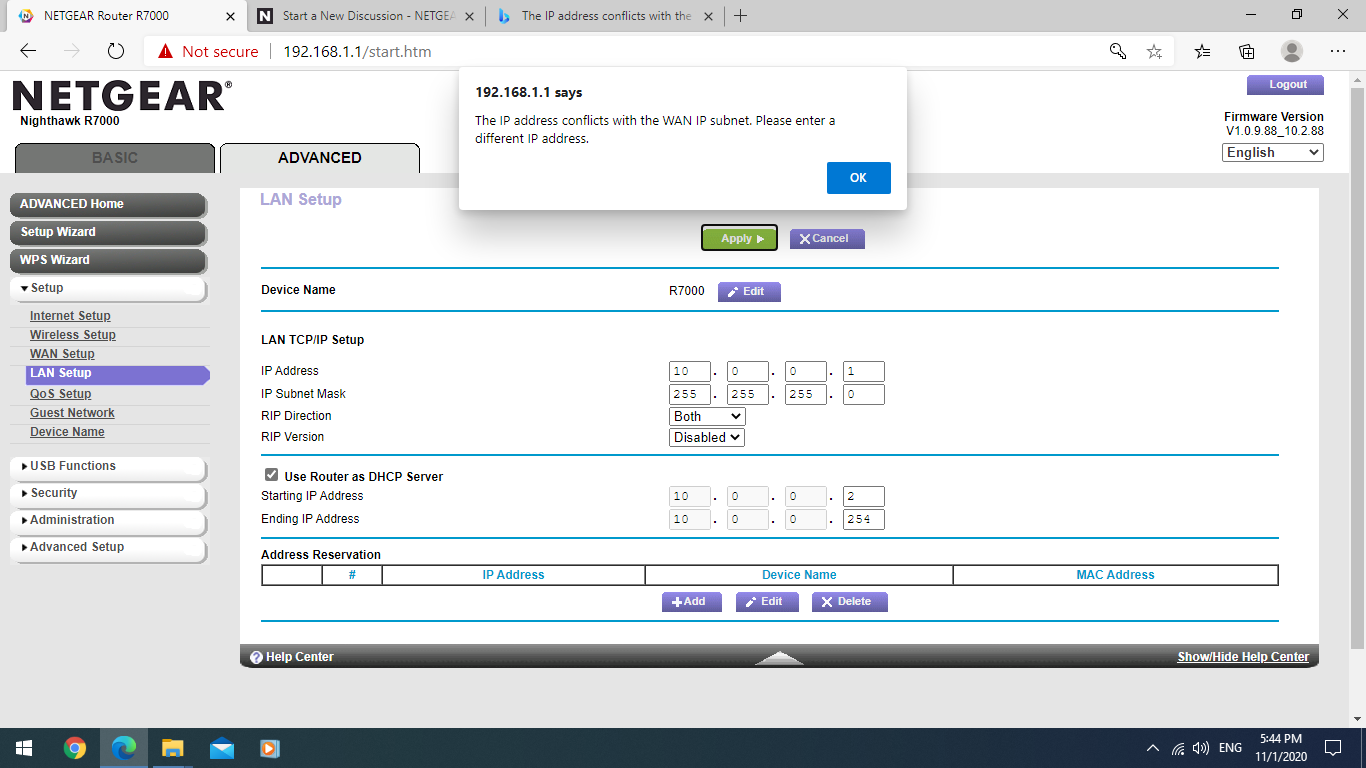
The IP address conflicts with the WAN IP subnet. Please enter a different IP address.
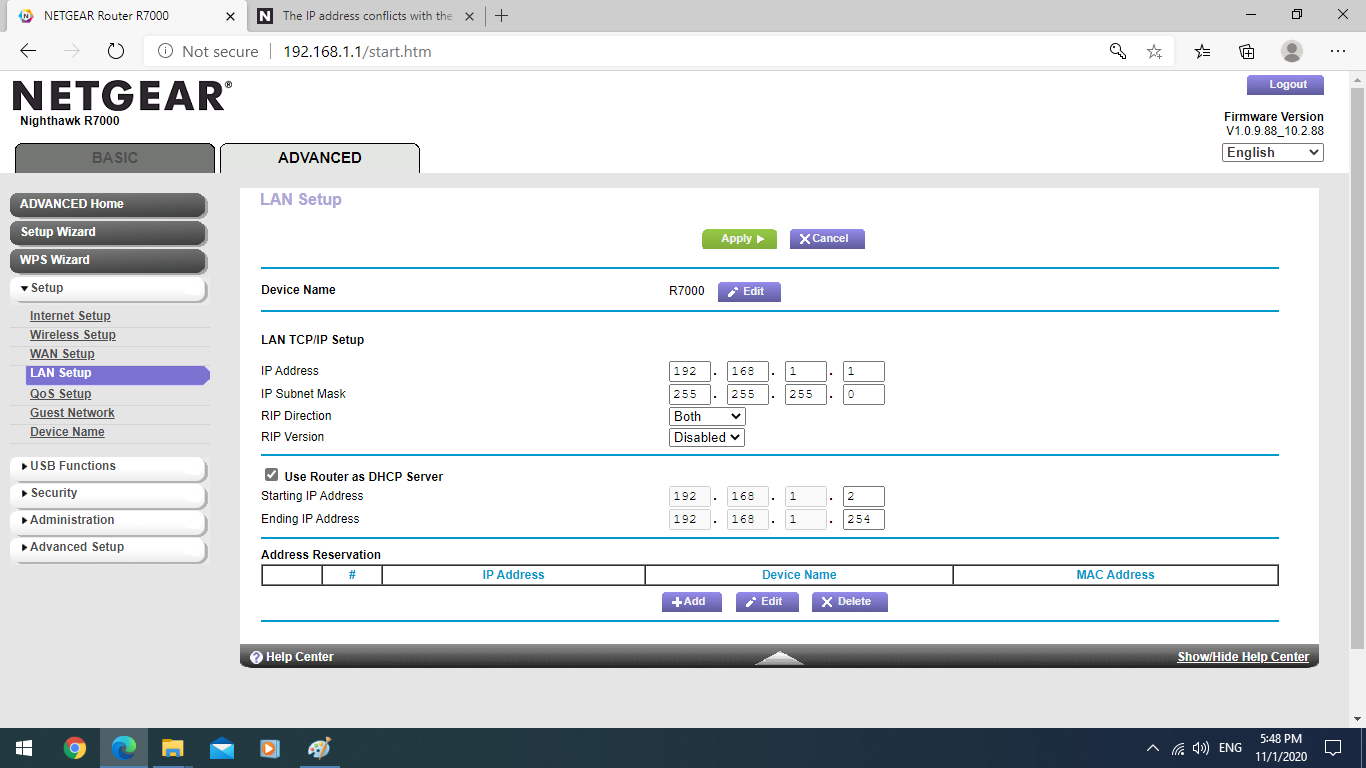
Hi experts Im facing this error message in the title of the post My expectactions: I want same IP mask before and after the router (Nighthawk R7000). In fact I have a ZTE modem which is conne...
- Nov 01, 2020
VinceCz wrote:In fact I have a ZTE modem which is connected to a hub, this hub goes to wired network in each room, ... all devices which are connected directly (wired) to the ZTE is in 10.0.0.xxx
As this all works, the ZTE is a router/modem.
VinceCz wrote:I want same IP mask before and after the router (Nighthawk R7000).
The R7000 in router mode is isolating, NATing, and firewalling - just like a NAT router is supposed to do. A router is to be used between the Internet/WAN port and the LAN. You can't.
VinceCz wrote:..., including the R7000 + some others devices, printer, mycloud, tv, DNLA. I am facing lot of device sharing issues (one laptop does not see the printer, DLNA does not find mycloud, the tv cannot work with Internet) ... , and all which is in WIFI is in 192.168.1.xxx. Hence trying to have all in 10.0.0.xxx even wifi devices, but not able to do the change. Also so far I didn't do any tricky change
Issues predictable - you have two networks, to LANs. Even if you manage to configure the same IP subnet on both sides (the router Web UI is prohibiting for good reasons): The router is still a router and can't work because it does not know which network you want to reach with the same addresses on both sides.
Correct config is always WAN/Internet [e.g. true Modem] <-> Router WAN/Internet Port <-> all the LAN
What is the plan, for what purpose have you bought the R7000 exactly? If the idea is just offering wireless, you might re-configure the R7000 as a plain wireless access point - check the documentation. Be aware that only one Ethernet port (typically the WAN/Internet port) might be workable for connecting the local network, all others don't work or might be ridiculously slow. Be aware agin that consumer routers make poor wireless access points.