NETGEAR is aware of a growing number of phone and online scams. To learn how to stay safe click here.
Forum Discussion

IrvSp
May 28, 2016Master
V1.0.5.64 Official F/W 2.4Ghz can't connect to, rejects P/W.
Just noticed this. Has been working fine since I installed it over the last Beta (.62) and reset and re-entered ALL settings. Last night a friend was over and tried to connect to the 2.4Ghz SSID,...
 May 28, 2016
OK, it appears to be working FINE right now? Now that I think back about it last night I verbally gave the passphrase and was told it was wrong. I took the iPhone and entered it myself with the same result? I then connect to the 5Ghz band. I wonder why the log did NOT show 2 fails, only one?
Any way I just moved my iPad from the 5Ghz to 2.4 Ghz band and connected with the stored passphrase. So I 'fogot' that network and it automatically switched to the 5Ghz band (correctly). I then MANUAL chose the 2.4Ghz SSID and enter the passphrase and it connected? I don't know what happened last night.
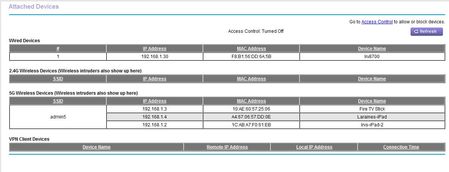
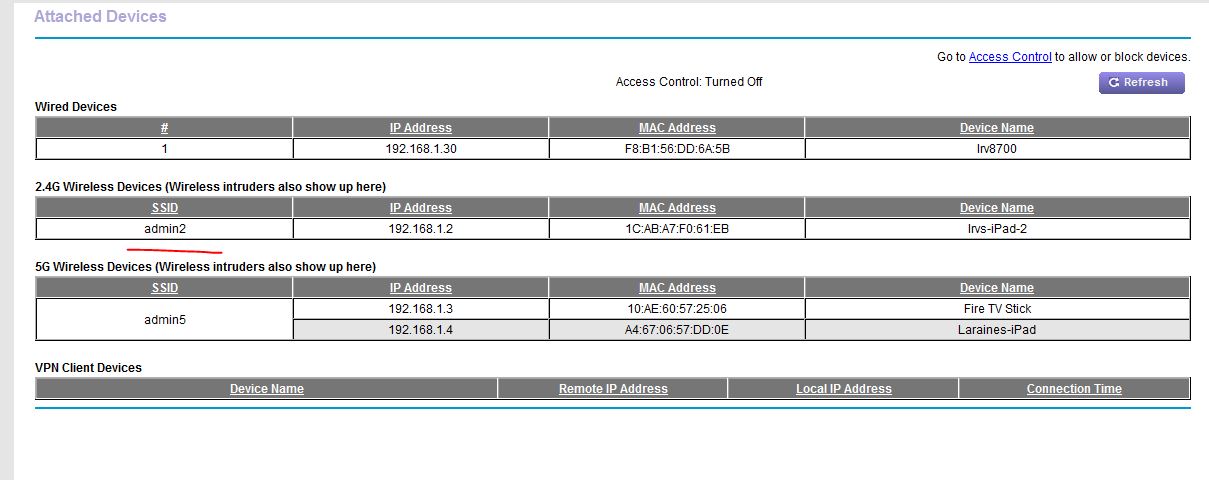
The Attached devices now (compare to before above) is correct:
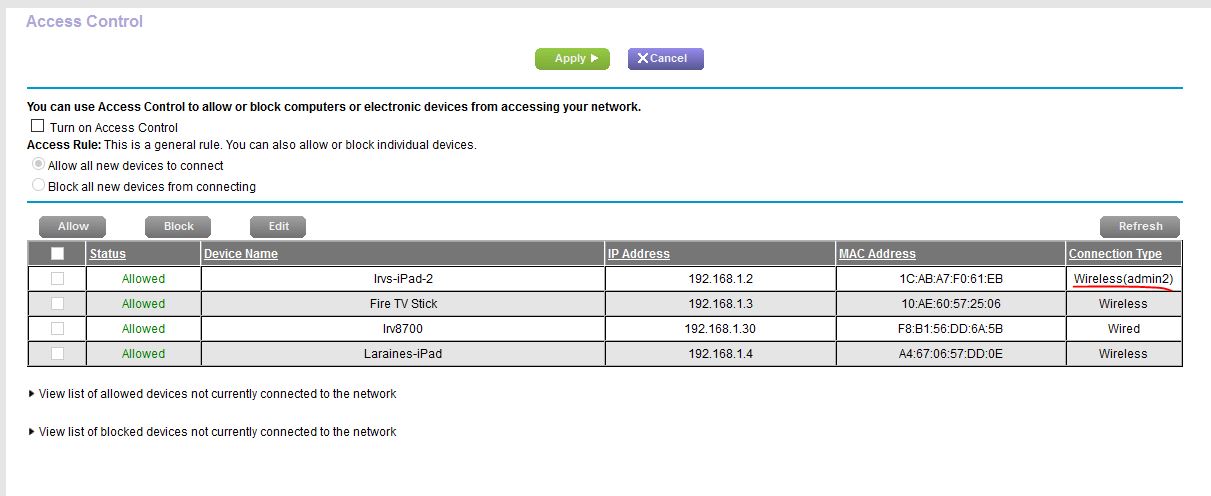
The ACCESS CONTROL list (it is NOT enabled) however still shows the SSID on Wireless for the first device, not all wireless devices? Should it?
Just wondering, but for now, it seems to be working fine? I did NOTHING to the router, left it as it was last night. Only connected from this PC and the iPad to the router using the Genie via a browser on each. iPad Genie of course stays open and when I went back to the PC it correctly said only one could connect, did I want to connect and drop the other user which I did.
IrvSp
May 28, 2016Master
OK, it appears to be working FINE right now? Now that I think back about it last night I verbally gave the passphrase and was told it was wrong. I took the iPhone and entered it myself with the same result? I then connect to the 5Ghz band. I wonder why the log did NOT show 2 fails, only one?
Any way I just moved my iPad from the 5Ghz to 2.4 Ghz band and connected with the stored passphrase. So I 'fogot' that network and it automatically switched to the 5Ghz band (correctly). I then MANUAL chose the 2.4Ghz SSID and enter the passphrase and it connected? I don't know what happened last night.
The Attached devices now (compare to before above) is correct:
The ACCESS CONTROL list (it is NOT enabled) however still shows the SSID on Wireless for the first device, not all wireless devices? Should it?
Just wondering, but for now, it seems to be working fine? I did NOTHING to the router, left it as it was last night. Only connected from this PC and the iPad to the router using the Genie via a browser on each. iPad Genie of course stays open and when I went back to the PC it correctly said only one could connect, did I want to connect and drop the other user which I did.